Discovering Interests, Igniting Passions, and Amplifying Student Voice

IMG_6482

I’ve been doing a lot of work with teachers and students over the past couple of weeks focused on the IPICK strategy.  One of the big pieces of this strategy is “interest”.  The idea is that if we read things we are interested in then we are more likely to enjoy the books we read.  But…what if you don’t know your interests?

In each class I’ve taught, there has been a handful of students that no matter what you ask, what you suggest, or what stories you try to pull out they cannot name a single thing that they like.  This is frustrating, but rather than throw my hands up, it has made me very curious.  Why are these kids just shrugging their shoulders when you ask them what they like?  What can I do (we do as a school) to support all students in exploring their interests?

Ms. Spurgeon, a 4th/5th grade teacher, came to me with this exact same noticing. She had asked students to do an “All About Me” assignment, but when it came to interests, several students came up empty handed.  She wants us to do a project together this year using student interests, but we can’t start because we don’t know their interests.  We decided to try another route.

We were trying to decide what kind of text would immerse students in a variety of topics while still being very accessible to a range of reading levels.  I’m not really sure how we decided it, but we decided to try magazines.  I don’t really subscribe to magazines any more in the library, but we have all of the Ranger Rick, Zoobooks, Sports Illustrated, etc that we’ve subscribed to through the years.  I pulled out the boxes and put them all over the tables.  We did a very quick overview of how we really want to think about our interests and one way we do that is by trying as many things as we can.  Ms. Spurgeon talked about some foods she had tried like zebra and how she would never have known how much she liked the taste if she hadn’t tried it.  We modeled what “trying” a magazine looked like.  We were very specific to not read every page and were honest how we as adults often just flip through a magazine and pick out the pieces we want to read.  I loved this because I saw students perk up.  Knowing that they didn’t have to read the entire magazine was an invitation.  They dove in and started exploring.  They oohed and ahhed over so many pictures they saw, and Ms. Spurgeon and I had casual conversation with them about what they saw.

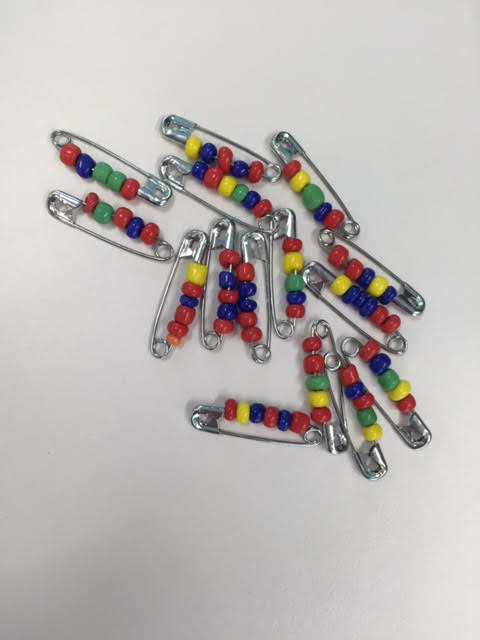
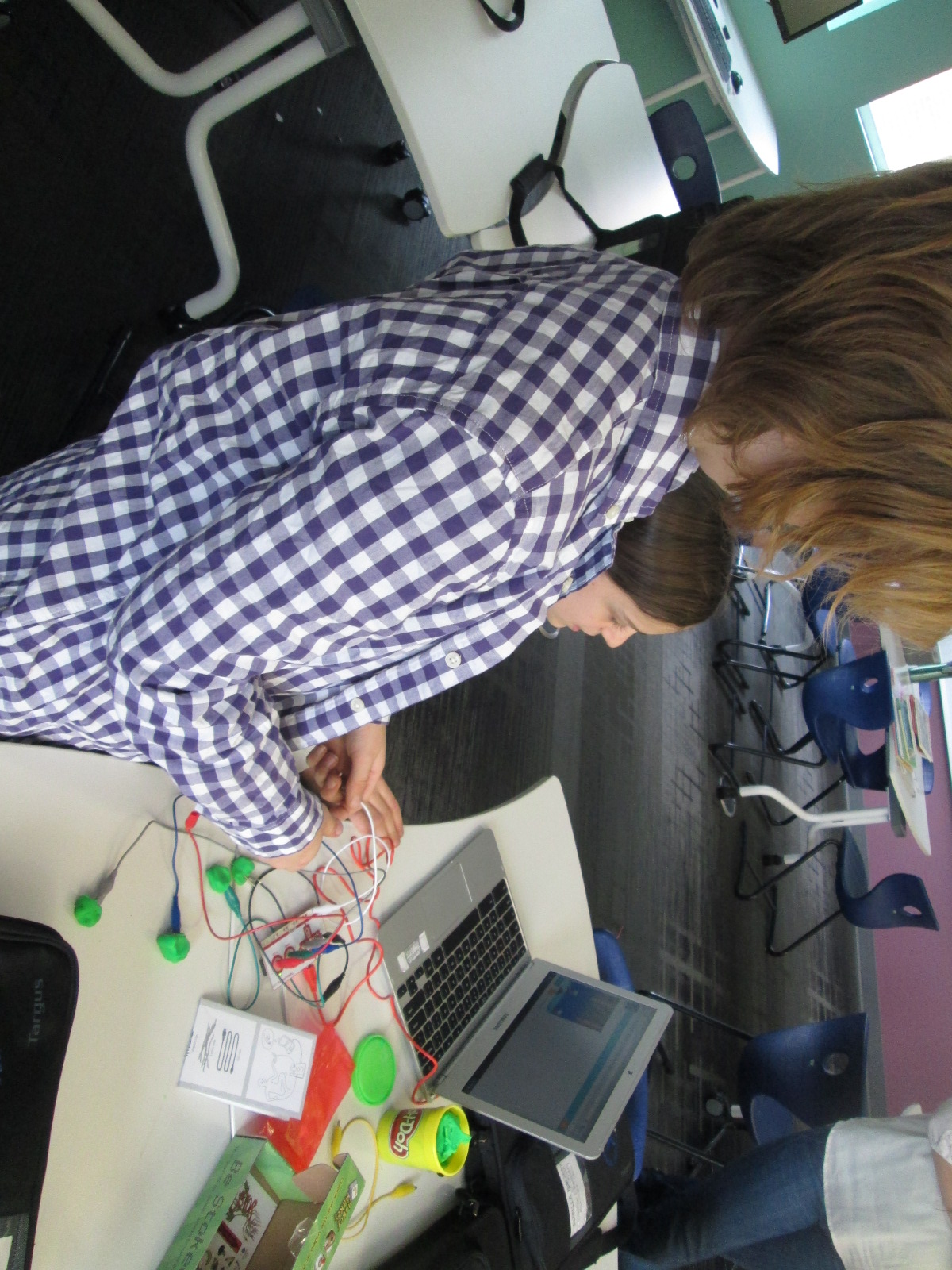
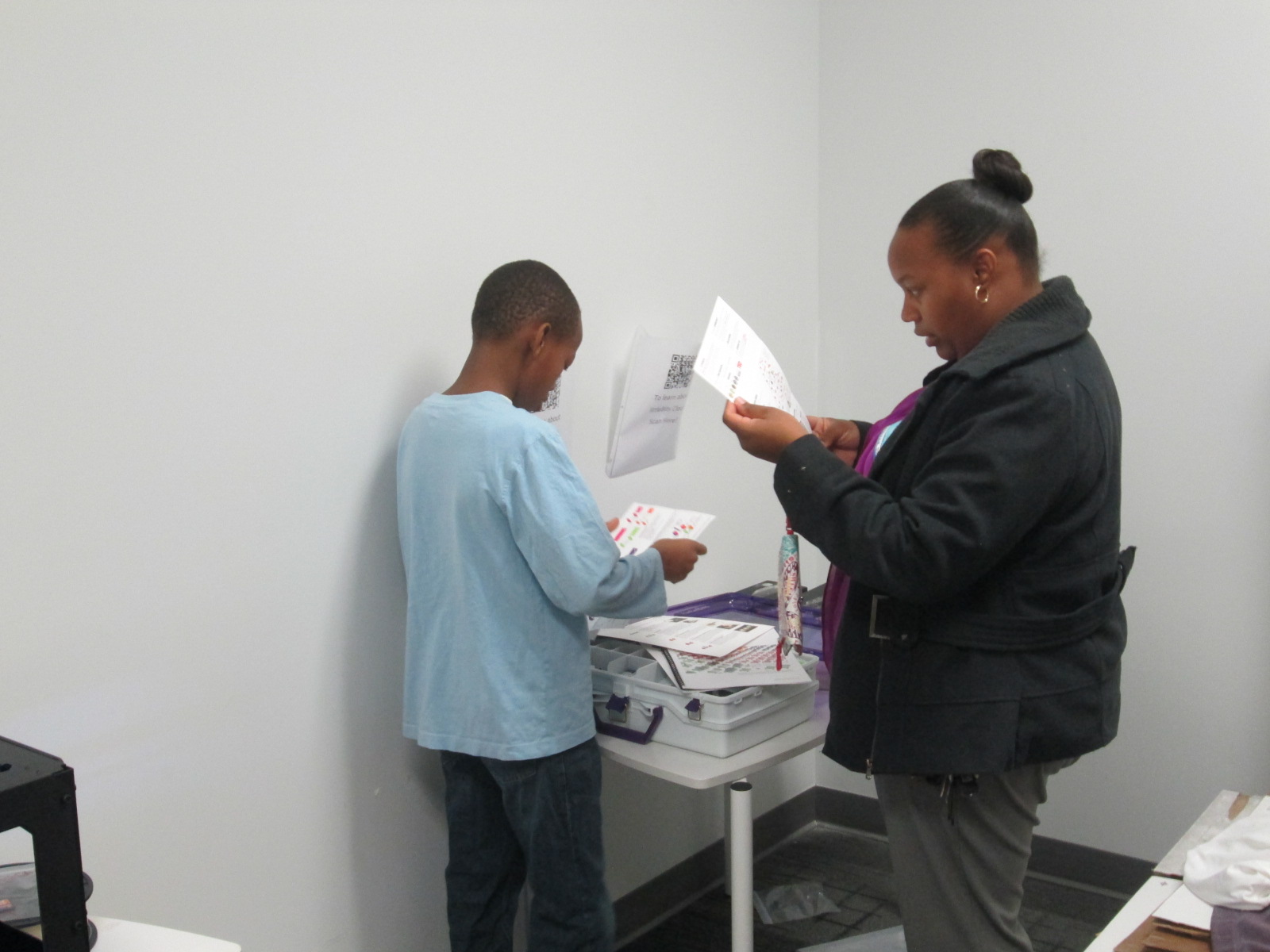
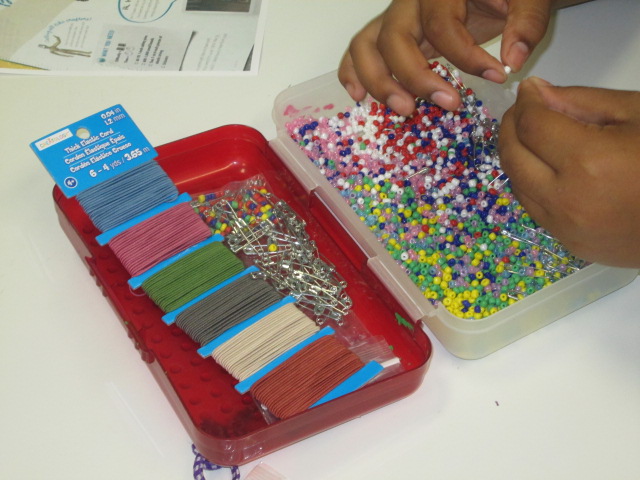
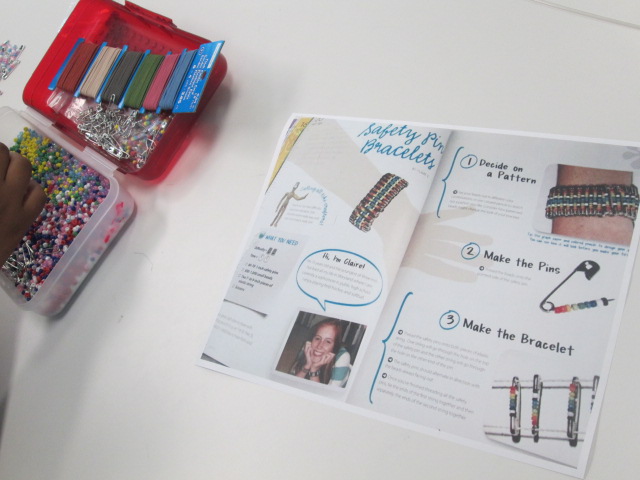
One moment stood out to me. Carlos and Carlena were looking at Kiki magazine together.  This magazine features a lot of fashion and crafts.  They discovered a page with a great 80’s style craft involving beads and safety pins.  The safety pins were put together on elastic string to create a bracelet.  They were glowing with excitement, so I told them I would take a picture of the page and send it to Gretchen Thomas at UGA to see if we could incorporate it into makerspace.

They looked a little shocked at first like, “You mean we could actually make this?”  Then, right after school I got an email from Carlos asking if I could email him the picture of the instructions.

It was that moment that told me I couldn’t let this momentum go.  This was a chance to empower individual students to explore a genuine interest.  Who cares if it was “just a craft”?  It was something they were suddenly passionate about when they had moments before been shrugging their shoulders.  That weekend, I went out and bought supplies, and I emailed them both first thing Monday morning.

I wasn’t surprised at all when I saw both of them walk in during their recess to get started on their project.

They came in for 3 days in a row during recess and didn’t even want to stop for lunch.
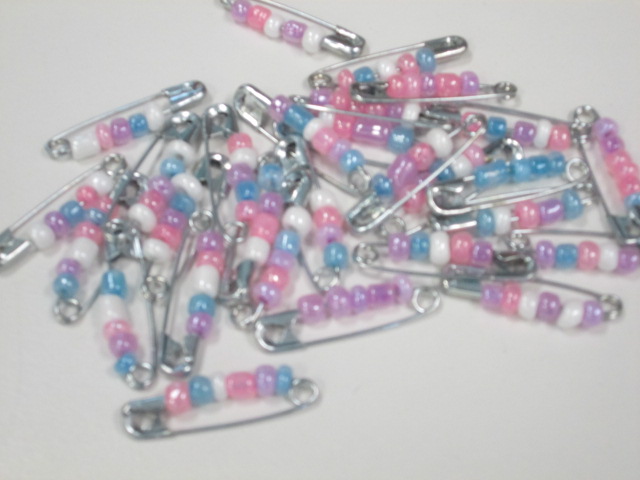
IMG_6481 carlos

As they’ve worked, I ‘ve shared their process via Twitter.  They have watched me documenting the process along the way, and I’ve told them that they are trying something out that they might teach to others or inspire other makerspace projects.

One day while we were working, Gretchen Thomas at UGA tweeted a picture of pins that her students had made.  When I showed it to Carlos and Carlena, they both smiled and said, “They’re doing that because of us?”

Another opportunity started to emerge because I saw how seeing the impact that they could have outside of our school walls was a motivator for them.  Next week for Dot Day, we are connecting with Sherry Gick and her 2nd grade class.  I asked Carlena and Carlos if they would share with this class how they are making their mark by being the first to try a craft in our makerspace and how they hope to pass on what they’ve learned along the way.  Without even blinking, they said yes.
IMG_6483

I have no idea where this is going to go, but I feel like I’ve tapped into something that I can’t let go.  I have to keep asking myself, my students, and our teachers how we can continue to explore interests, seek out individual passions, and amplify student voices beyond the walls of our school.  All of our students deserve to explore so many things to figure out what they are truly interested in.

 

Finch Robots are Coming to Our Library Makerspace in Fall 2015

It is officially summer in the Barrow Media Center, so things will be a bit more quiet here on the blog for a few weeks.  Summer is a time for recharging, reflecting, and dreaming up ideas for the upcoming school year.  I’m excited to announce one of a few summer announcements that will be coming your way.  Our library makerspace will feature 12 Finch Robots by BirdBrain Technologies during the 2015-2016 school year.  The robots are on loan to us for the entire school year, and this loan comes with the possibility of these robots being a permanent donation to our space.

A few months ago BirdBrain Technologies announced an expansion of their Finch Robot loan program to include libraries.  I immediately contacted them to see if school libraries were included in this opportunity or only public libraries.  They encouraged me to apply, so it didn’t take me long to put together a proposal for these robots to become a part of our makerspace for use within the curriculum as well as our exploration time.  I’m also dreaming up some fun events for hour of code in December that will involve students, teachers, and families.  These robots will of course be a part of that as well.

We are excited to start exploring suggestions for using the Finch on their site.

What exactly is a Finch?  This video explains it best in three minutes.

I can’t wait to see what students are able to accomplish with this new addition to our makerspace.  For now, here’s the official press release from BirdBrain Technologies.  I’ll share what we do when the robots arrive in August.

Finches Land at David C. Barrow Elementary

David C. Barrow Elementary has been selected to participate in the 2015­2016 Finch robot loan program. The program will provide the school free access to 12 Finch robots for the 2015-­2016 school year, allowing over 600 students, teachers, and families exposure to an engrossing and interactive tool for learning computational thinking. BirdBrain Technologies, creator of the Finch, offers the loans to inspire young coders across the country, especially those who might not ordinarily have the opportunity to program a robot. The Finch robot is a product of Carnegie Mellon University’s CREATE lab. The Finch is designed to support an engaging approach to the art of computer science from preschool to college, with support for more than a dozen age­appropriate programming languages and environments. During 2014 Birdbrain Technologies loaned out hundreds of Finch robots to school districts across the country, and reached over 15,000 students.

1936 Fifth Ave, Pittsburgh, PA 15219

P: 888­371­6161 | F: 412­283­9134

info@birdbraintechnologies.com

Can a Foodini 3D Printer Go to Space?: Empowering Student Voice in the Makerspace

Ms. Kelly’s Kindergarten class is continuing to explore how humans might one day travel to Mars and live.  You may recall that they spent a day in our makerspace exploring several tools that might help them in their research and inventing.

Students are now in the design phase of their project.  They have each thought about a topic that they want to focus on in relation to surviving on Mars.  Some have chosen topics like water, oxygen, food, shelter, robot exploration, and clothing.  They are continuing to research online and in books, but they are also taking time to think about their own dreams of what might be possible in 20 years when we might live on Mars.

A small group of students came to me in the library.  After a quick check in on topics, each student started sketching some designs on blank paper.  I walked around and listened to students describe their designs and asked follow-up questions or shared resources that I knew about.

One girl was focusing on food.  She wanted to create a machine that would dispense food as needed.  Since I knew the kids were familiar with our makerspace, I asked her what she knew about 3D printing.  It turns out that her brother is the very student who designed our Barrow Peace Prize medal, so she knew a whole lot!

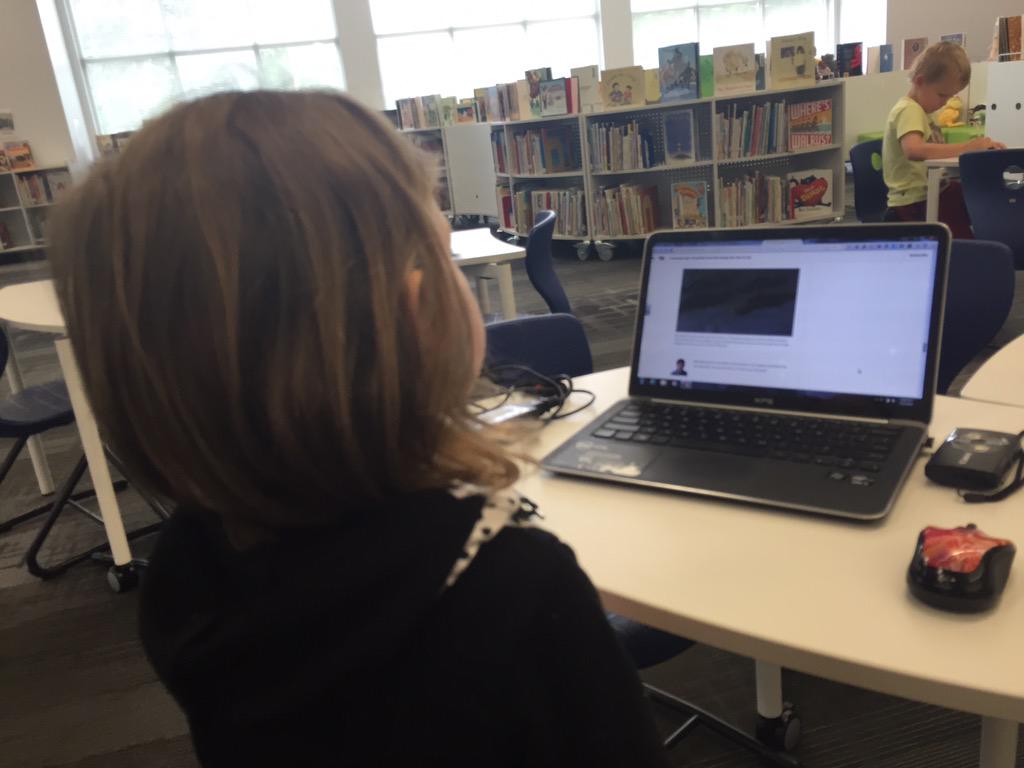
I followed this discussion by telling her that there are many kinds of 3D printers including ones that print food.  She looked at me in disbelief, so we went to the computer to look for some information.  We came across the Foodini.  We read some information and then we watched a video about how it worked.

After watching the video, the student went back to her design and started drawing her own version of the Foodini.  She thought it would be great if we could take the storage containers of food into space, put them into the printer, and then print food as we needed it.

She was also very curious about whether a Foodini would work in space, so I said “why don’t we ask them?”  I pulled out my phone, opened twitter, and composed a tweet to Natural Machines (@NaturalMachines).  The student helped me write what to ask.

Later that day, we heard back from Foodini.

I thanked them for answering us back.

It was nice to know that there was a company out there willing to answer a question from a Kindergarten student, and it makes me wonder how many other opportunities are out there for our students if we just step up as the connector between the student and the company.  A Kindergarten student shouldn’t have a Twitter account, but the teacher or teacher librarian can harness the power of Twitter to make that connection for her.

I can’t wait to see what this student comes up with in the end, and I look forward to connecting even more students with the resources they need through my access to social media.

Kindergarten Mission to Mars: A Makerspace Tinkering Lesson

hocking makerspace exploration (15)

Ms. Kelly’s Kindergarten class has turned a curiosity into a year-long project.  They became interested in space, and it has turned into a research project about planets, creating planet ebooks, writing original songs about the planets using ukuleles, and having a Fat Tuesday parade dressed as the planets.

Now, these students are on a mission to figure out how to support human travel to Mars.  They don’t actually want to go to Mars themselves, but they want to think about what might need to be invented in order to support human travel to Mars in the future.  Wow!  Some might look at a Kindergarten class and think this is silly.  How could students as young as Kindergarten come up with ideas for traveling to Mars?  I think Ms. Kelly’s class proves that even our youngest voices should not only be listened to but empowered as well.

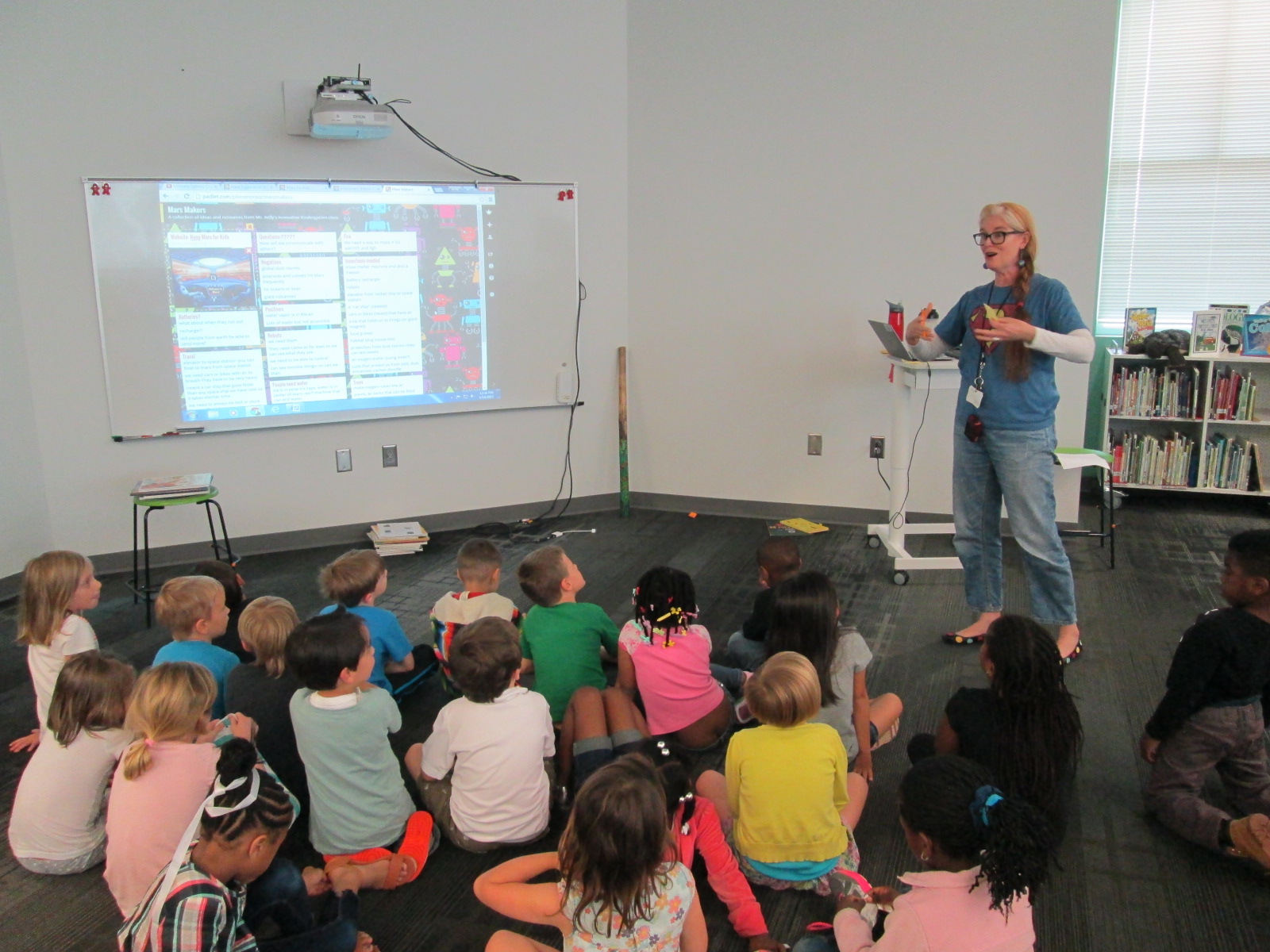
Mars Makers

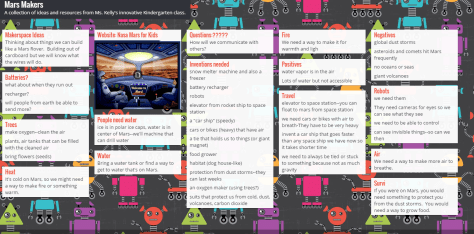
These students have spent extensive time researching Mars.  They know about the land, the weather, the atmosphere, and ways that Mars has already been explored.  They have brainstormed things that they might need to think about when traveling to Mars such as water, food, oxygen, and how to survive the dust storms.

They recently came to the library to read the book  You Are the First Kid on Mars by Patrick O’Brien.

She and I brainstorm a lot over email.  When working with her, nothing is impossible and our biggest limit is time.  She wanted a way to capture all of her students’ brainstorming, so I suggested a Padlet since they could post ideas, websites, pictures, and files.  I set one up for her and they got to work adding to it.

Within their brainstorming, they talked about creating robots that could help them explore Mars as well as several other technology-heavy ideas.  This brainstorm naturally brought us to our library makerspace.  We wanted students to have a time to explore some facts about robots, technology, electricity, circuitry, energy, and space exploration.  Ms. Kelly books an hour of time for student to explore, and I created some experiences for them to move through.

Experience 1:

I pulled as many books as I could find on all of our major maker concepts from 3d printing to robotics to circuitry.  I also pulled books about space.  This experience was a time for them to look at lots of pictures, read captions, and skim text with one another and an adult to get ideas that they hadn’t even thought of in their brainstorm.

Experience 2:

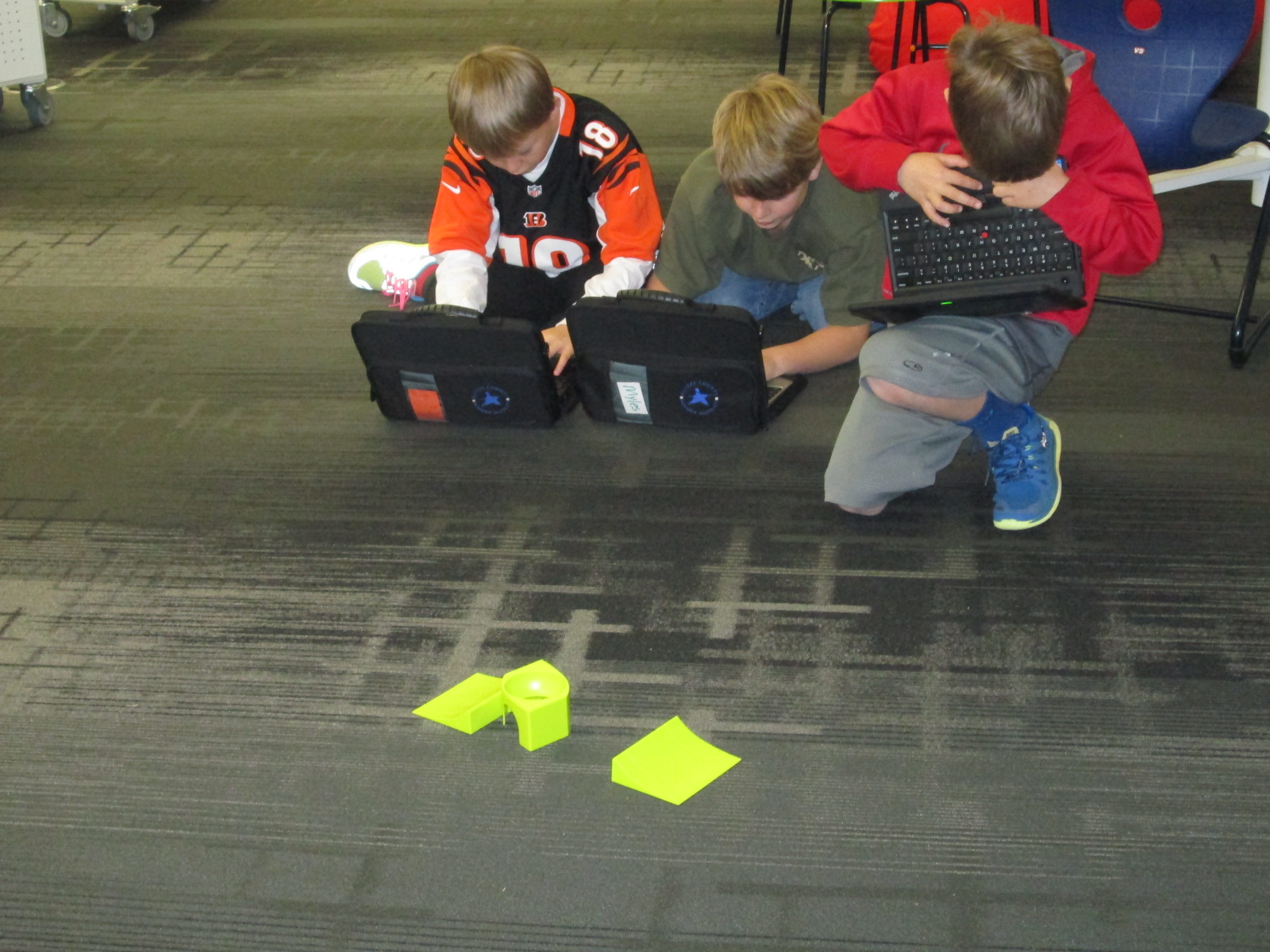
We have several robotics options in our makerspace.  Since robotics was part of their brainstorm, I wanted them to tinker with a robot that was manageable by a Kindergarten student.  I chose Sphero.  Since Sphero alone couldn’t do some of the things they were thinking of robots doing, I showed them a Youtube video of how Sphero can be combined with other things like a chariot to pull a camera or add an attachment.

Then, students used the Drive app to practice driving Sphero and brainstorming how this might help them explore Mars.

Experience 3:

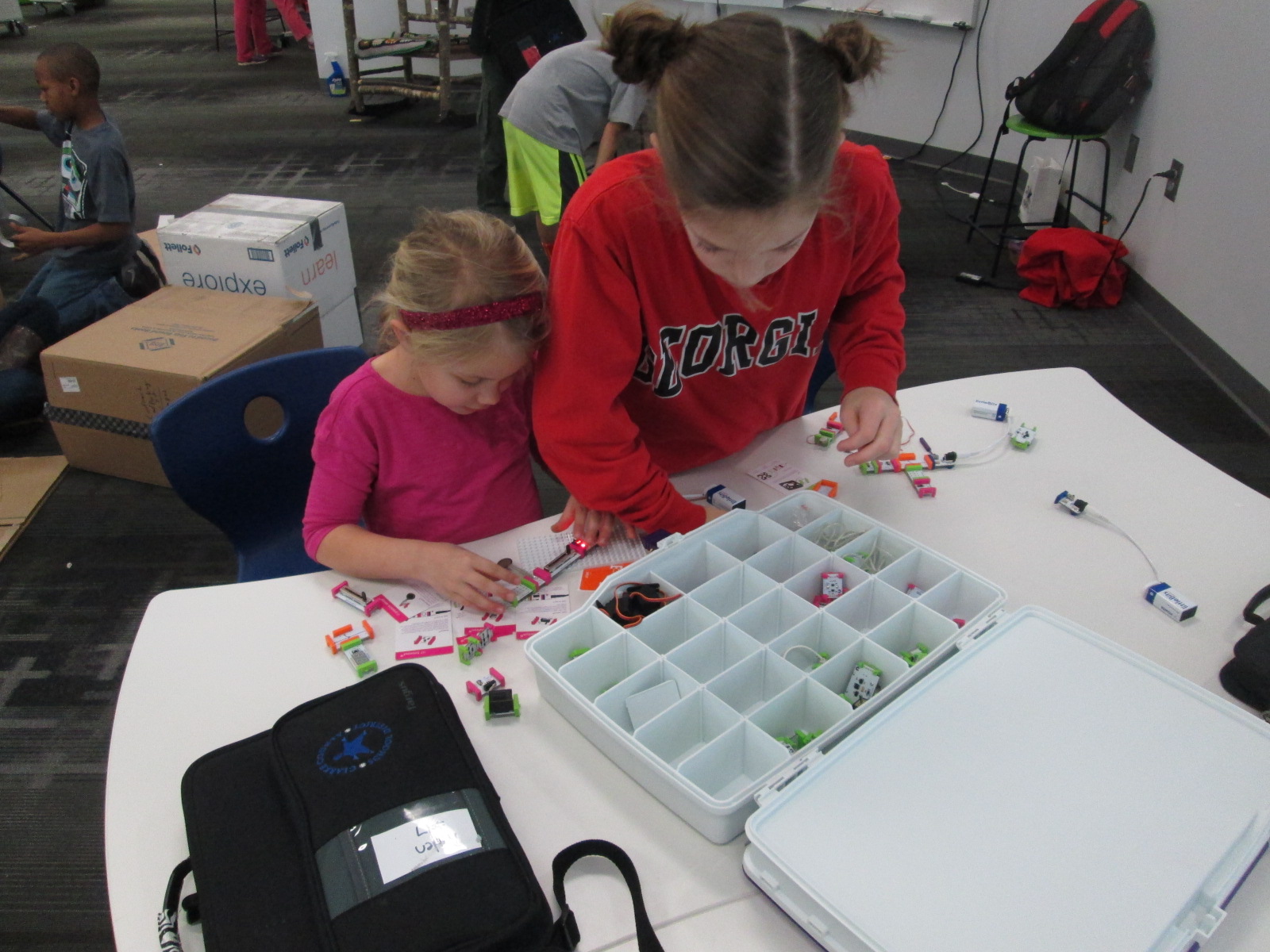
Students have talked a lot about wiring and circuits during their brainstorming.  They really want to wire something that could actually work. I have 2 littleBits space kits which have instructions for creating things like Mars Rovers, Grapplers, and Data Collection Tools.  The age range is high for these kits, but age range never stops us from trying something.  We just look at what barriers are in place and then figure out how to build a bridge.  For this experience, I started students with the instruction booklets.  They got into 2 smaller groups and looked at the diagrams, instructions, and functions.  They started to think about their brainstorm and how these littleBits inventions might work with their ideas.  Then, they moved to a table of littleBits.  In pairs, they used a battery, power cord, and blue power switch to connect to one input (pink) and one output (green).  The idea was just to start tinkering a bit with littleBits to see how they work.  They weren’t necessarily making a space invention yet.

Here’s a quick look at what it all looked and sounded like:

Next, our students will go back into their classroom and continue working on their padlet using the ideas from the makerspace exploration and the books.  They also checked out some of the books to take back.  Then, students will begin constructing prototypes of tools that they might actually invent for space.


Wrapping Up Enrichment Clusters: The Maker Faire Fanatics and The Power of Code

IMG_4467

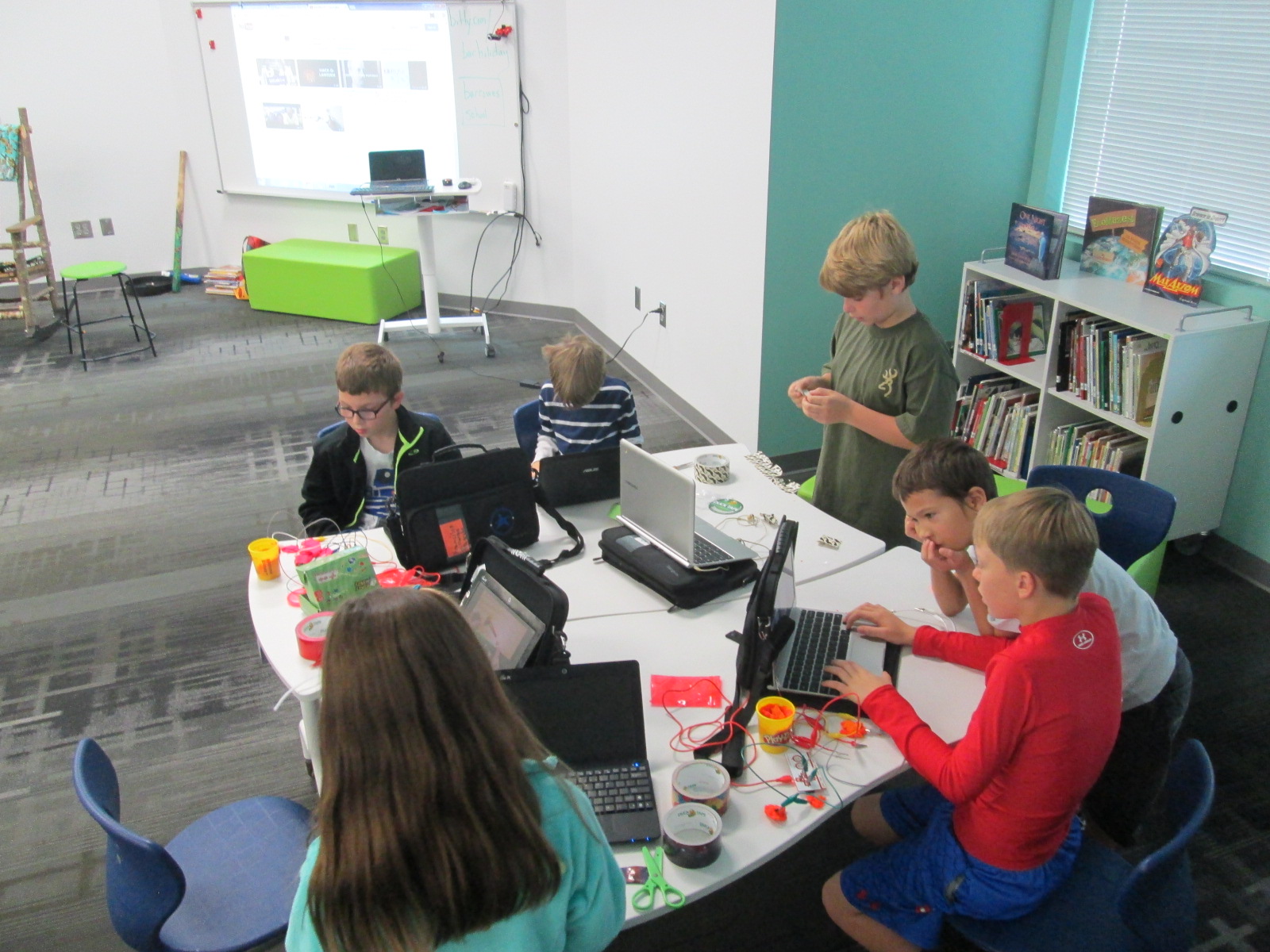
For 14 weeks, I’ve worked with a group of students in 2nd-5th grade to explore the world of making.  We met every Wednesday for one hour.  They used littleBits, MaKey MaKey, 3d printing, duct tape, cardboard, and robotics to dream up all sorts of things.  Ultimately, they were supposed to offer a service to an authentic audience or create a product to show.

IMG_4766 IMG_4459

A few weeks into our clusters, Ms. Freeman, 5th grade teacher, asked if she could combine with our cluster.  Her cluster was The Power of Code and focused on the many tutorials available on Code.org.  What we both found was that each of our clusters had something that the other needed in order to create something truly miraculous.  The coding students knew some things about programming and the maker kids knew some things about putting things together.

IMG_4897 IMG_4770

One example of a project that took off after our combination was a video game.  A few students banded together to design their own video game.  The plan was to create the program in Scratch, build an arcade game out of cardboard, and control the game using MaKey MaKey.  The kids made great progress on their work, but they didn’t quite get finished.  I hope that they sign up for open makerspace time to continue their work.

IMG_4458

Our cluster time ended with 2 big culminating activities. The biggest was our field trip to UGA to host a popup makerspace and pass on our knowledge to others.

The last was to create a short video of our clusters to share at our school assembly.

This was an bright group of students to work with and I look forward to continuing to make and code with them the rest of this year and beyond.  They have taught me many things.

Popup Makerspace at UGA with the Maker Dawgs and Flipgrid

fixed maker dawg

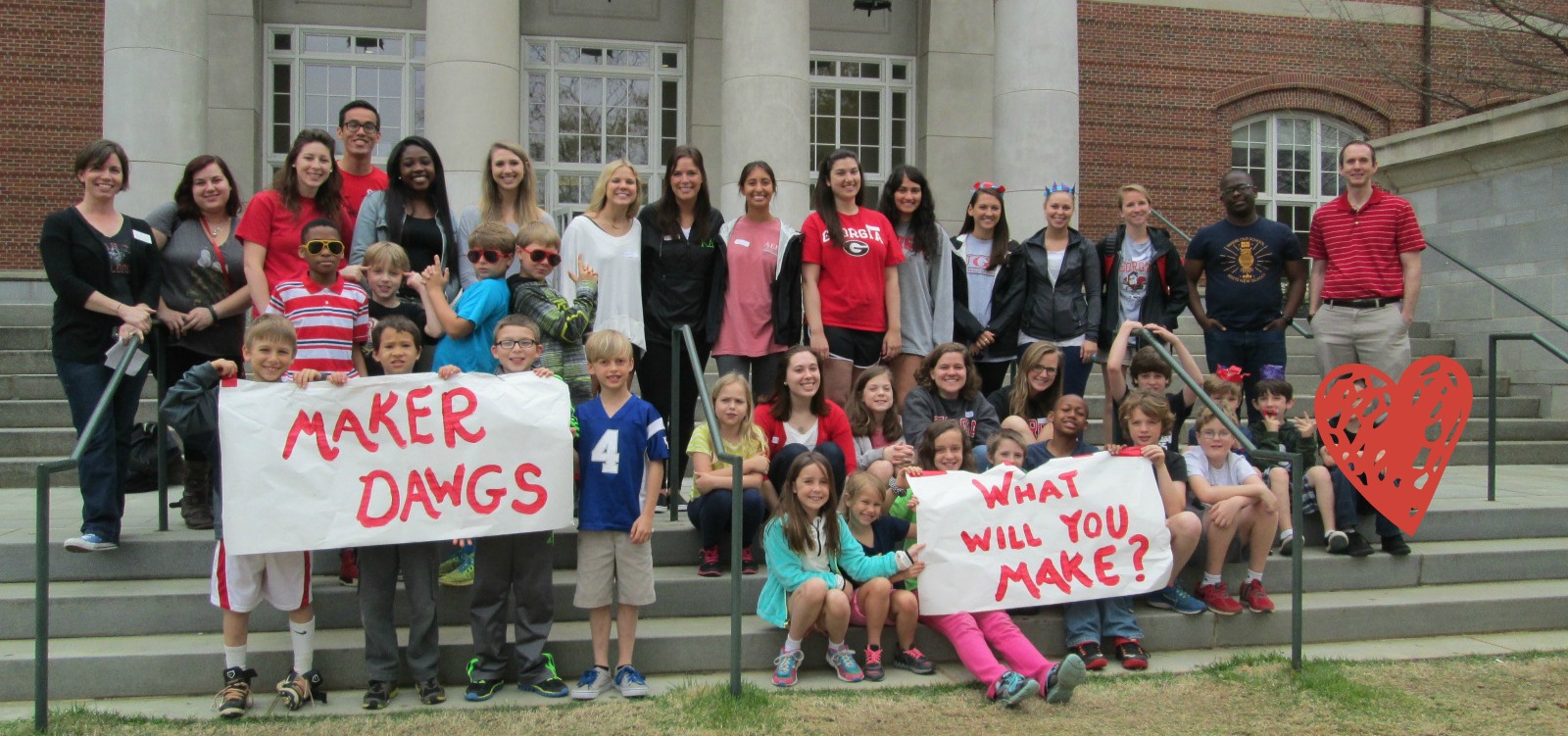
A few weeks ago, Gretchen Thomas, UGA instructional technology teacher, emailed me about a possible collaboration on the UGA campus. She wanted to bring her Maker Dawgs class to the UGA Tate Center Plaza to host a popup makerspace.  The idea would be to have a variety of maker tools available for UGA students to try on the spot.  She wondered if I had students who might join them.  Without hesitation, I said yes and  we started the logistics.  The more we planned, the bigger the trip got.  The biggest news was that 2 members of the Flipgrid and Vidku team from Minneapolis flew down to do a video in our library.  They wanted to go with us on our trip to see how students were getting their voice into the world and also how we planned to use Flipgrid to reflect on the day.

Our school is about a mile from the UGA Tate Center Plaza and our students have walking field trip forms on file so it was easy for me to create a field trip.  The hard part was working out the logistics for bad weather.  In true fashion, we had plan A, plan B, plan C, and maybe even a plan D.  It was right up to the wire deciding about going to UGA, but the rain held off and we made our trek down to Tate.

Students had a little bit of time to explore the maker tools that Gretchen brought before we prepped all of our supplies for UGA students to explore.

Students connected Spheros to iPads through bluetooth, setup a wireless network with Justin & Greg from Flipgrid, and made a playable piano with Playdoh and MaKey MaKey.

Then, we waited.  Traffic on the UGA campus quickly picked up at around 10:30 when classes changed, but most UGA students had their earbuds in and walked at a fast pace to get to the next class.  The kids were a bit timid at first, but with some encouragement, they began to develop techniques to get UGA students to stop and try out our makerspace stuff.

Several students started driving the Spheros right into the paths of walking college students.  At first, they dodged them, but eventually they started asking questions.  Other students started experimenting with phrases to get the UGA students interested.

IMG_5417

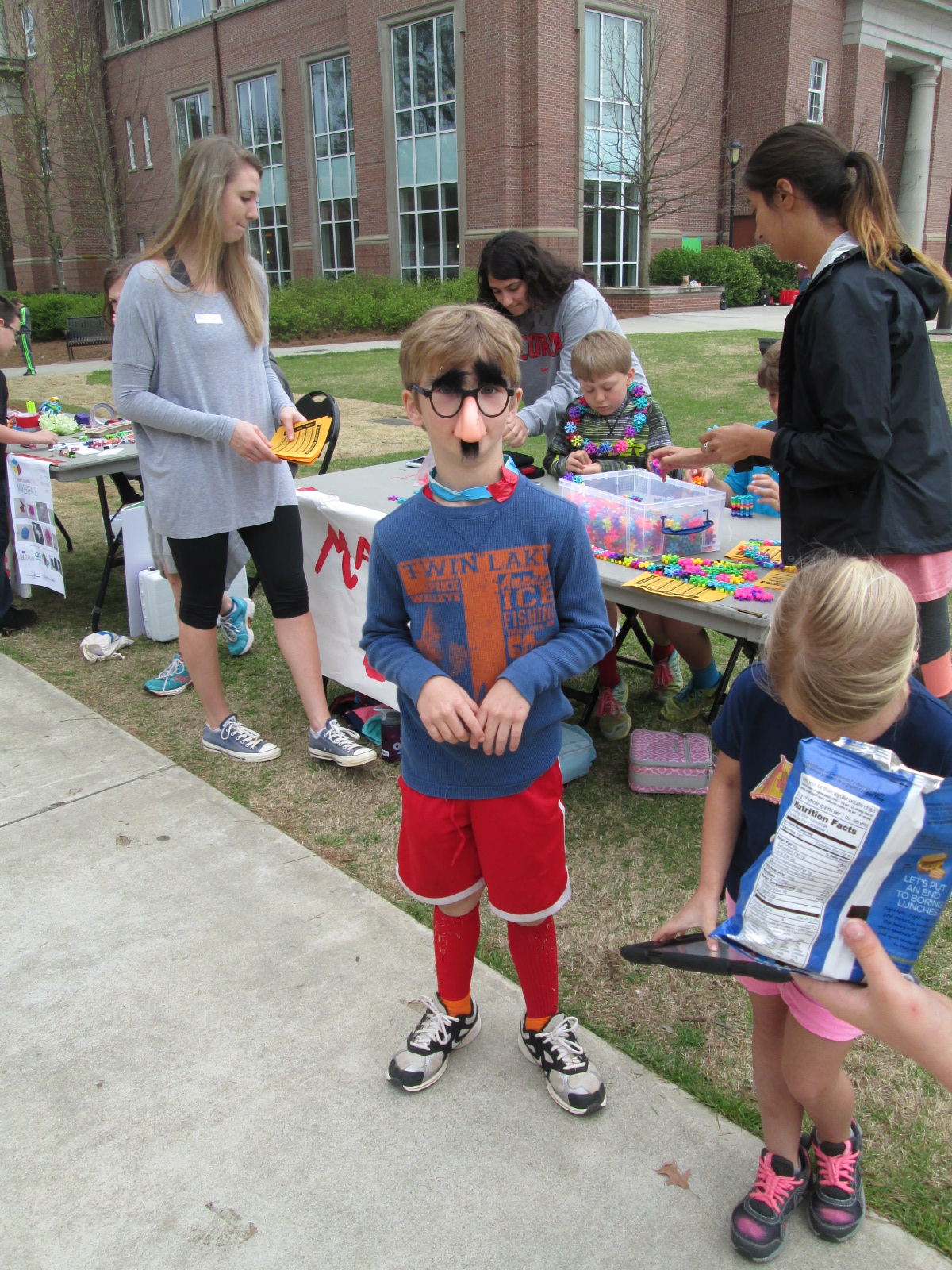
One student even put on silly costumes and made up dances to attract attention to our cause, and so many people loved his techniques!

It was really interesting to see the college students when they stopped.  Most of them wanted the students to demonstrate for them how each piece of technology worked.  They had to be nudged and encouraged to try them.  It made me wonder if there is less of a culture of risk-taking in this age bracket than with our elementary students.

Halfway though our makerspace time, Gretchen’s Maker Dawgs class joined us and helped talk with UGA students, demonstrate tools, and document the day through pictures and Flipgrid.

We used Flipgrid part of the time just to capture some video of what was going on.

Ludwig and Kearn spent a lot of time showing people how MaKey MaKey could control a computer.  They setup a piano and bongos that could be played with Playdoh, and they got several people to stop and try it out.  It was fun to listen them explain the science behind how it works.  When you touch the Playdoh and a piano plays, it seems like magic, but they did an incredible job of talking about circuits as they demonstrated the tool.

Many of our students worked hard to drive the Spheros around and demo them.  I wish that our Sphero students had been able to get some UGA students to try programming the Sphero, but most were just in too big of a hurry.  They mostly showed how you can use the Drive app to control the ball.  Maybe next time, we can be prepared to demo alternate apps.  However, they still had a good many students stop by and actually try out the ball after seeing how it worked.  The kids loved talking about how it worked and being able to teach students who were much older than them.

Another group of our students spent time making some things from duct tape and then teaching UGA students how to make them too.

IMG_5441 IMG_5442

Others had a great time exploring littlebits, connecting blocks, and making friendship bracelets.

As our popup makerspace came to a close, we used Flipgrid to reflect on what we had learned.

Here are links to a few of those responses.

It was truly an amazing day of getting our students out into the world to share their knowledge and pass on their passion for makerspaces.  Gretchen was able to promote her UGA class.  We were able to show what’s happening in K-12 education right now with makerspaces.  Our students were empowered by the chance to be the experts in the room.  Gretchen and I are already brainstorming what this might look like next time.

Many thanks to Greg and Justin from Vidku and Flipgrid for tagging along and helping to document our day.

IMG_5438

Student Voice Extended Through 3D Printing

cooper 3d print (5)

At the very beginning of the year, a student raced into the library to tell me about his goal to design and 3D print his own Skylanders figures.  He knew what he wanted to do, but I worried about how his enthusiasm might be lost in the demands of the curriculum standards. His story led me to my goal this year of “empowering student voice”.

cooper 3d print (6)

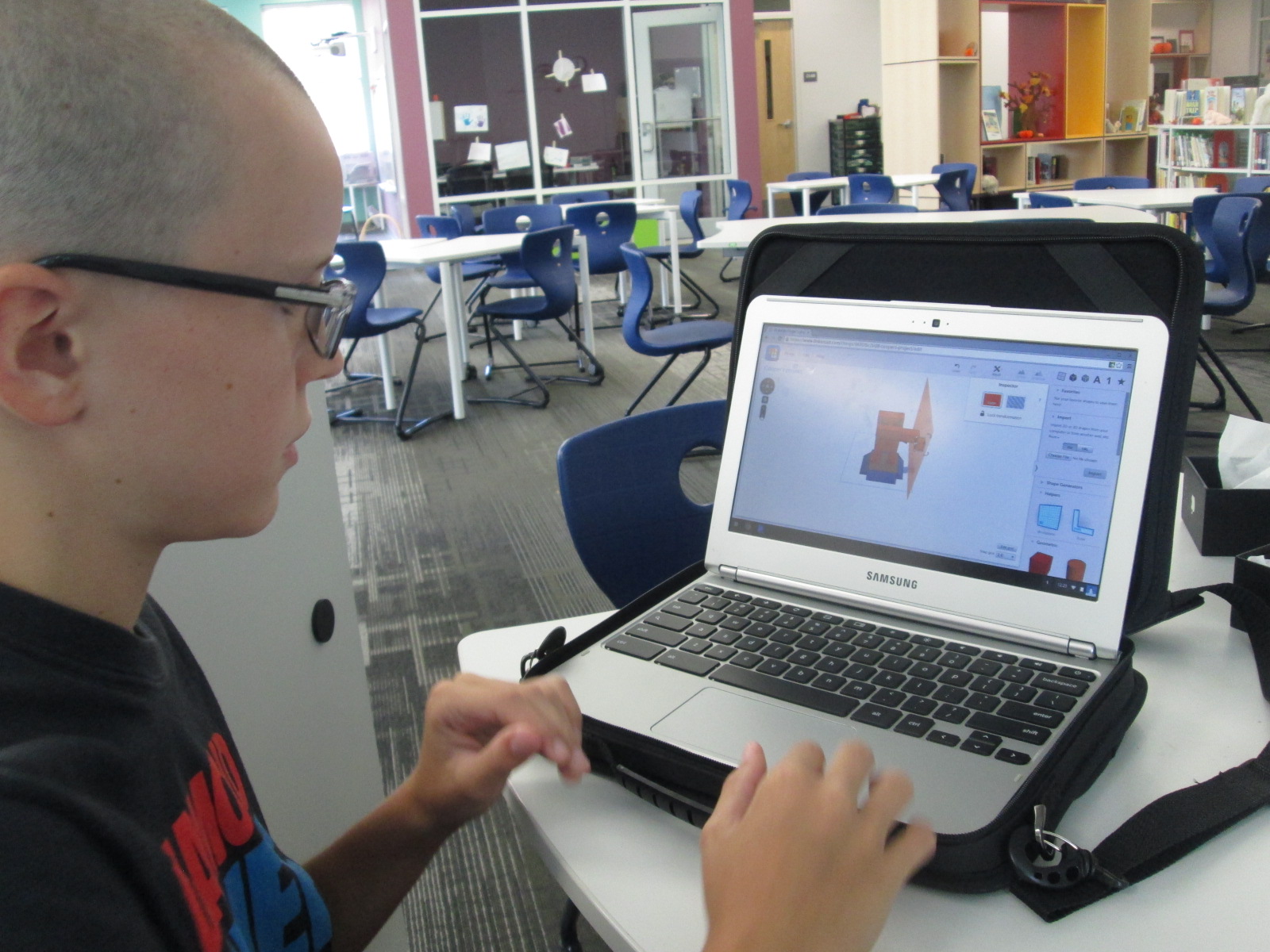
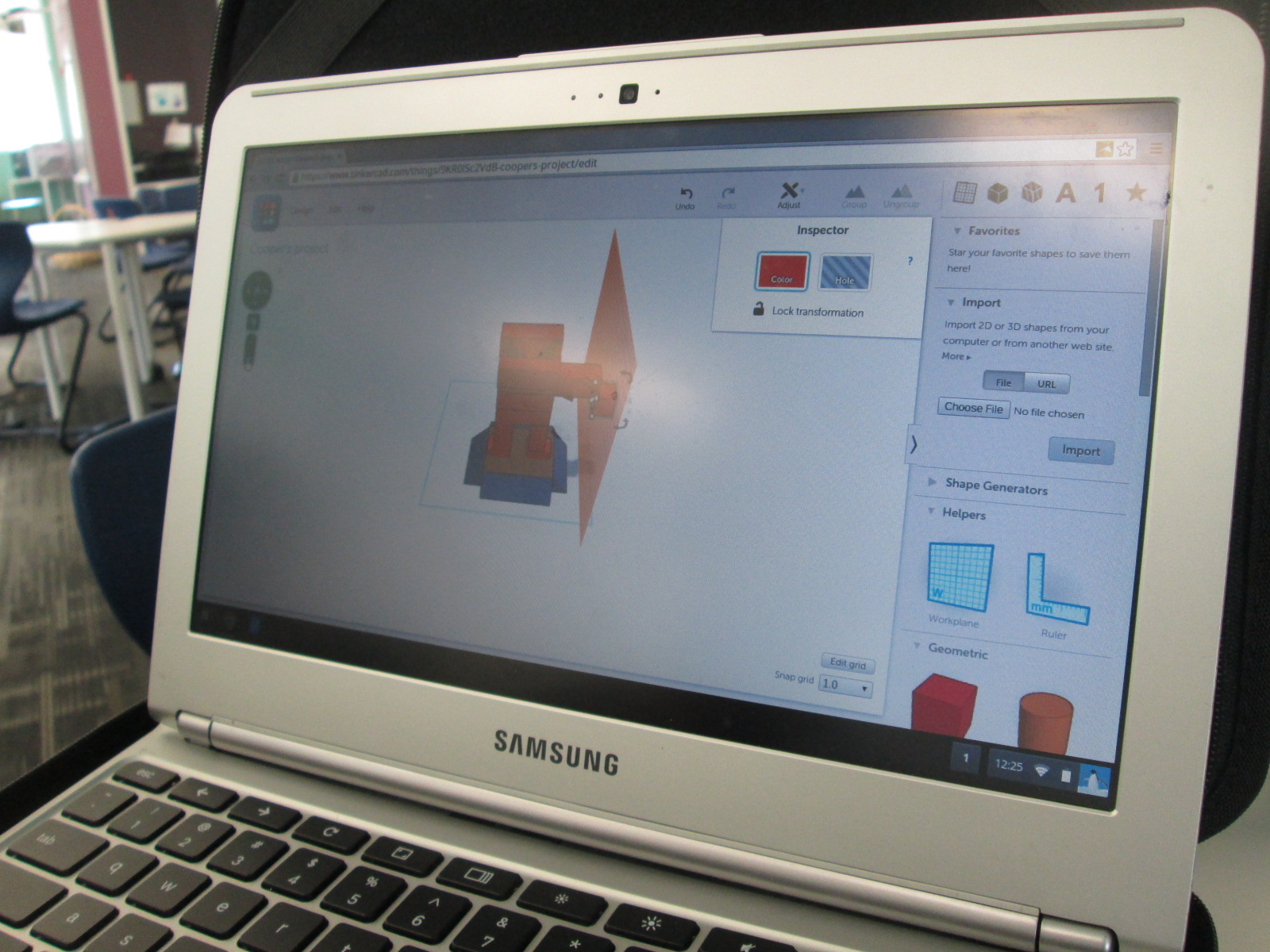
I spent time showing him Tinkercad and he did design his own figure and 3D print it.

When you take time to honor an individual student voice like this, you sometimes wonder if the time with one student in a school of 600 is worth it, but it is!  Recently, this same student decided that he wanted 3D printing to be part of a book project he was working on. His class just finished reading The Westing Game and each group of students is working on a book float to highlight things that they learned about the book.  His group immediately emailed me to see if they could use the 3D printer to design a chess piece for the float.

They worked independently of me and the knowledge of using Tinkercad was passed on to all 4 members of the group.  They even branched off and made their own designs and chose their favorite from the group designs.  They were bubbling with excitement to get their design printed.  Since it had lots of hanging edges, it required supports.  Supports take a long time to remove, but the group took turns coming in and working on removing the supports with my help.

Now this one student voice has empowered 3 more, and my hope is that those 4 voices will continue to empower even more.

Open Makerspace: Take Two

shrinky dinks (10)

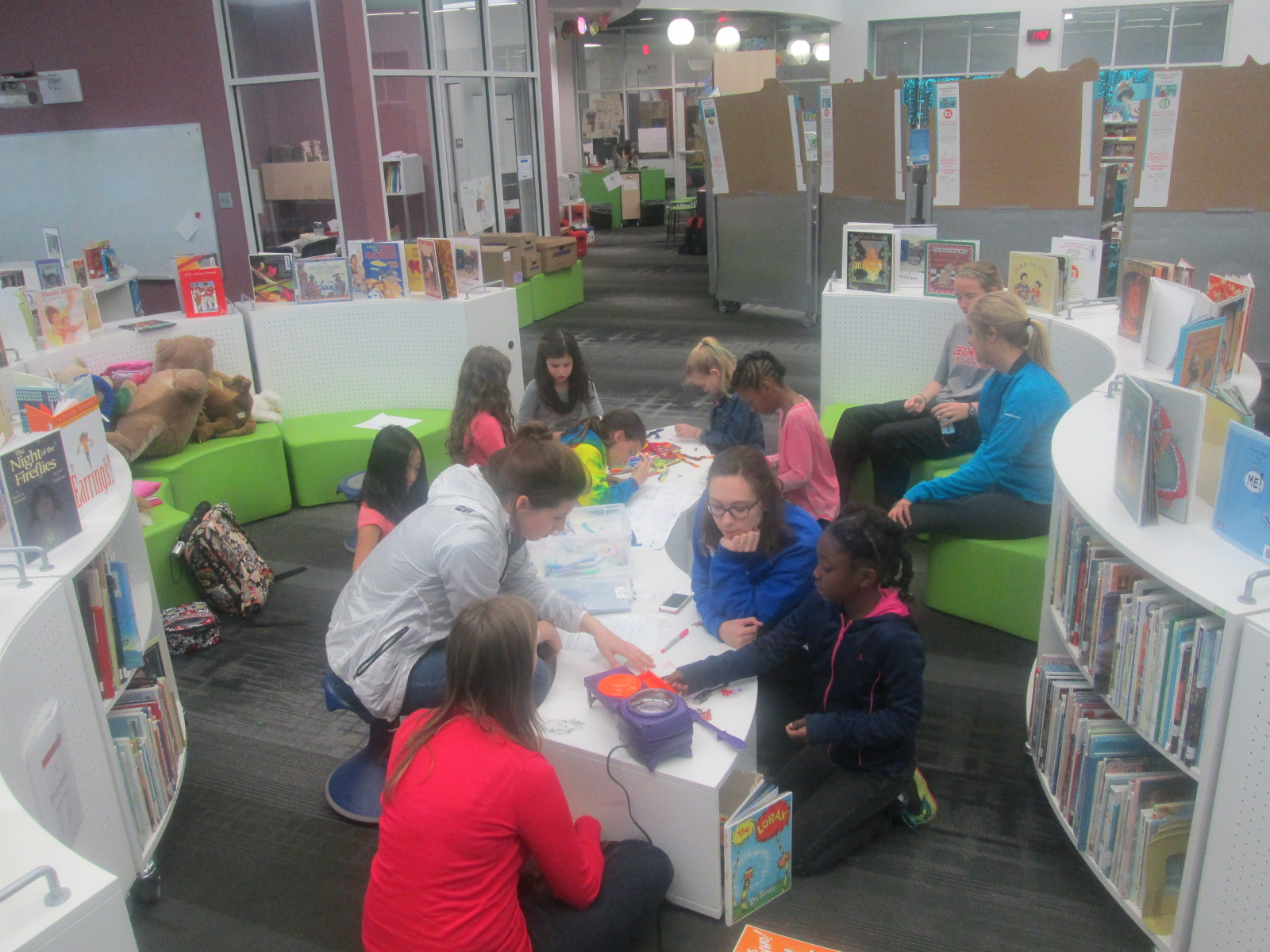
Since our library makerspace has been available, I’ve tried as much as possible to have it open for students to use for their own tinkering and making as well as for classes to use in collaboration with me in the library.  This has not been an easy process, but I’ve tried several things and learned a lot.

A couple of months ago, Gretchen Thomas from UGA helped me get an open makerspace time started each day.  It was from 11-12:15 and an independent study student from UGA helped me facilitate students.  The problem with this time was the unpredictable nature.  We didn’t have students sign up ahead of time, so some days there would be an overwhelming number and some days there was just a few.  Also, all the students wanted to do different things which was very hard to manage.  During one of the weeks, we went through $75 worth of duct tape and students weren’t really making anything that they were happy enough to take with them.

shrinky dinks (8)

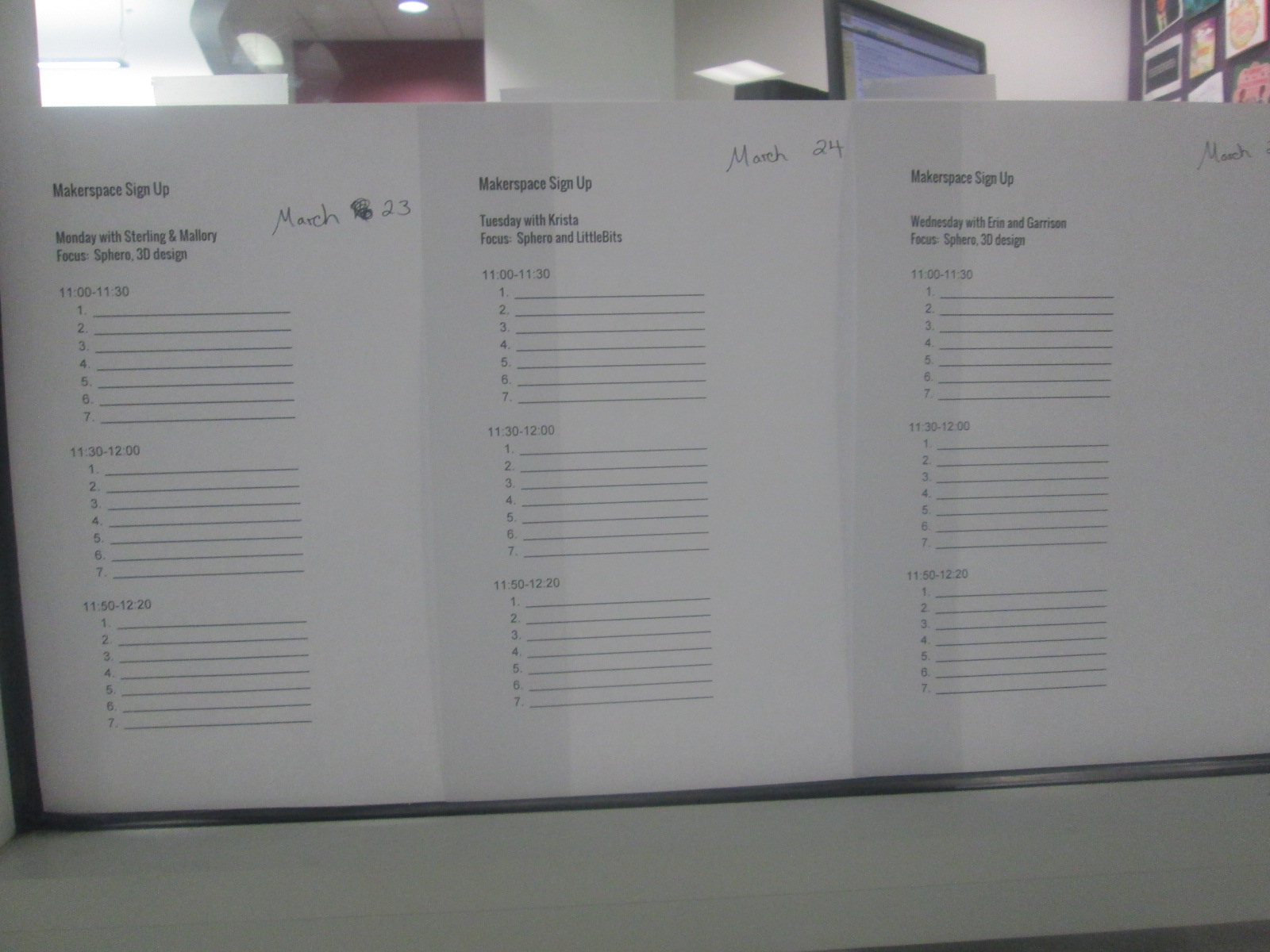
I’m not one to give up, so Gretchen and I did some talking over email and decided to try something new.  We would pull back the makerspace to Monday-Thursday.  Rather than have every day be a free for all, we decided to create a signup sheet.  We also decided that each day would have a focus so that the UGA helpers could begin to develop some expertise in specific areas and students could be more productive by focusing on one or two resources.  Again, this was all an experiment to see how it played out.

shrinky dinks (1) shrinky dinks (2)

So far, it has been working really well.  On Friday of each week, students sign up for the upcoming week.  They can only sign up for one day at the moment because we have only allowed 7-10 people per 30-minute time slot.  This number may increase as we see how manageable larger numbers of students might be.

Our schedule consists of:

  • Monday 3D design and Sphero
  • Tuesday littleBits and Sphero
  • Wednesday 3D design and Sphero
  • Thursday crafts and Sphero
  • There are also some independent projects woven in such as MaKey MaKey and Lego Robotics

We decided to put Sphero on the schedule daily because of the student demand and the fact that we  now have 13 Spheros.  It is easy to setup and cleanup quickly, and students can do it independently while the other pairings such as 3D design take a little more support.

shrinky dinks (9) shrinky dinks (6)

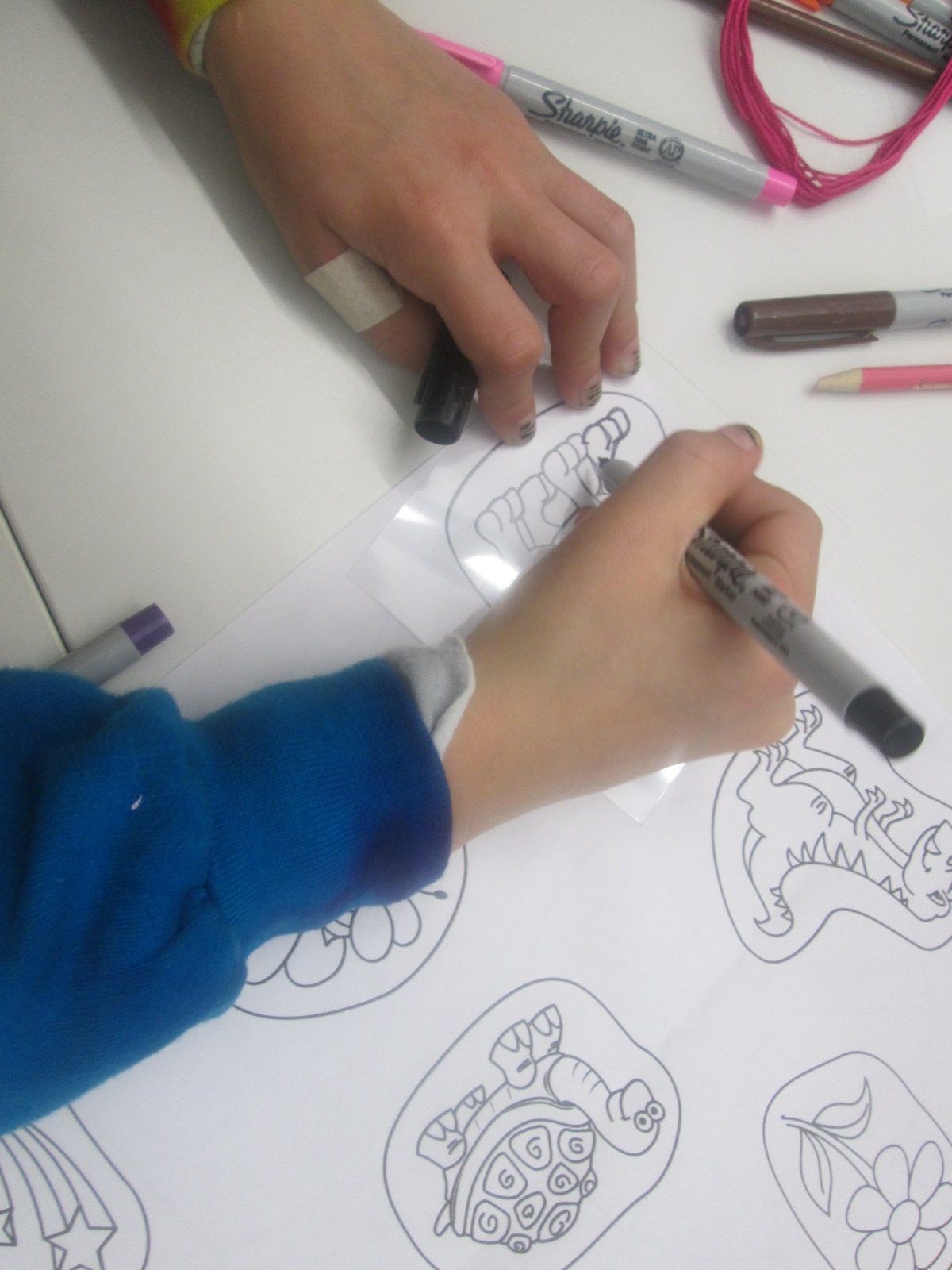
On Thursdays, Gretchen’s Maker Dawgs class sends a few students with a planned craft.  Duct tape was a huge hit, but as I’ve said, we found that students were using lots of duct tape without really getting anywhere.  We decided we would try different kinds of crafts with more of a focus on producing something to take away.  This focus might help students see the kinds of things they might create, which we hope leads to new ideas from students.  One week students created Origami.  This past week, the focus was Shrinky Dinks.  Many students had never experience Shrinky Dinks.  The Maker Dawgs brought in a Shrinky Dink maker, which basically looks like an Easy Bake Oven.

shrinky dinks (7)

Also, Gretchen made Shrinky Dink name tags for all of us.

The Maker Dawgs paired the Shrinky Dinks with friendship bracelet making, so some students combined Shrinky Dinks onto their frindship bracelet.  It was a very popular and productive makerspace time.

shrinky dinks (4) shrinky dinks (9)

Our newest problem is how to print all of the 3D creations that students are making.  That’s the next thing on my list to figure out.  Students want to print right away, and it’s hard for them to understand that designing can take a few minutes but printing can take a few hours.

shrinky dinks (5) shrinky dinks (3)

We take each challenge as it comes.  We expect the miraculous, and we don’t give up.

Using the 3D Printer to Empower Student Voice: A New Piece of Our Barrow Peace Prize Flipgrid Project

IMG_4943

Any time I implement a collaborative project, there are way more ideas swirling around in my head than we can actually pull off.  This year, our Flipgrid Black History Project has gone through so many changes.  Several of these changes were ideas that we had last year.  One of those ideas was the concept of moving this project to something more authentic than designing the next postage stamp.  We wanted something that was more within our control that students could actually have a voice in deciding.  We came up with the Barrow Peace Prize.  I’ve written a few posts about this project already this year.

One day an idea just popped into my head that we really need an actual “Barrow Peace Prize” to present when we announce which person from Black History will receive this honor this year.  Since we have a makerspace in our library with a 3D printer, I knew it was certainly possible for us to make a professional award.  I considered how this might happen.  Should I ask an older student who had experience with 3D printing but no real connection to the project?  Was there a 2nd grader who might work with an older student to design our award?

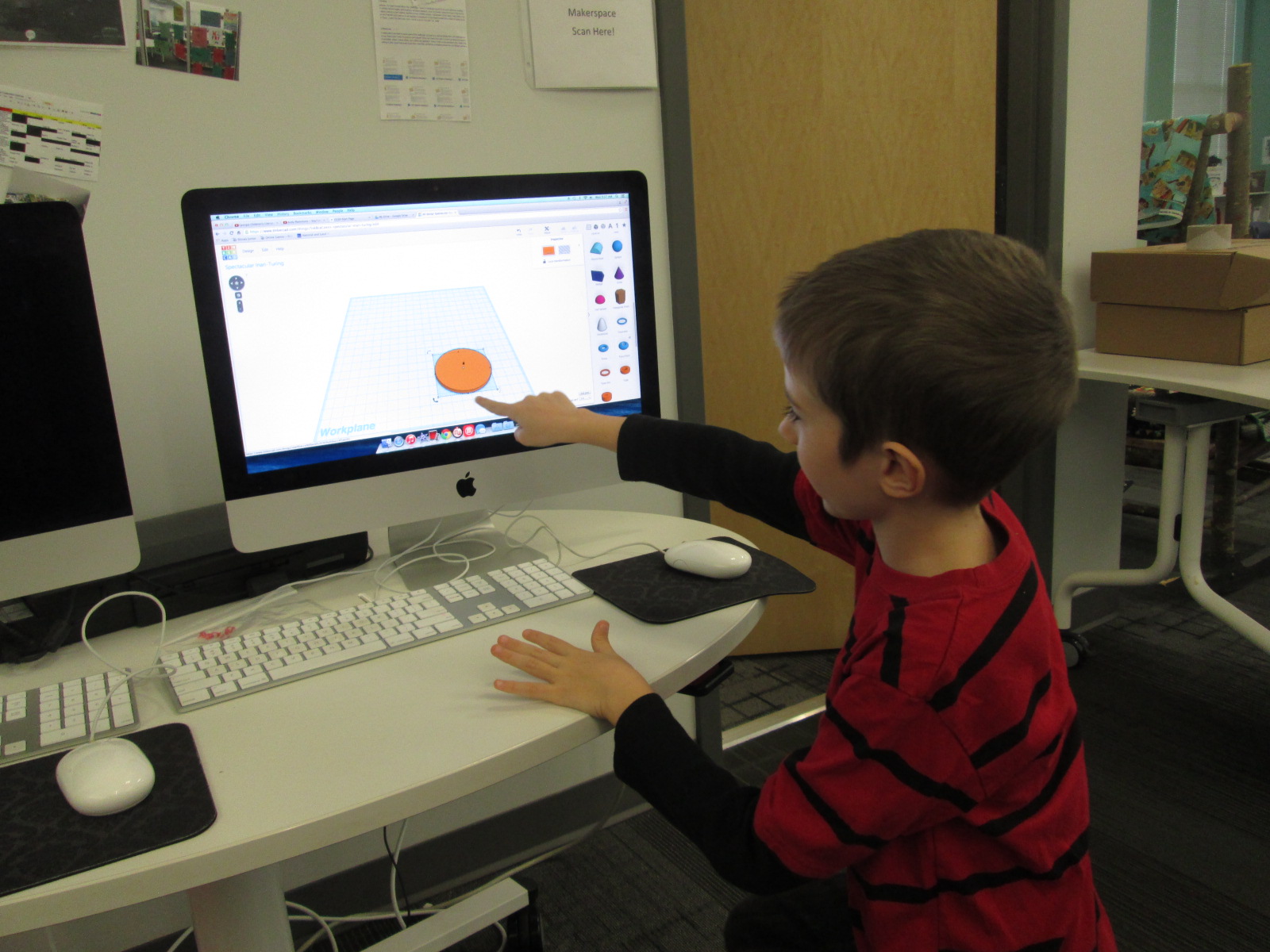
Then, a student voice came through during one our enrichment cluster sessions.  Taylor is a 2nd grader who has tinkered with all sorts of things in our makerspace.  At our last enrichment cluster session, Taylor brought in a pair of spy glasses.  They are glasses that have mirrors build in so that you can see what is behind you. He wanted to learn how he could design something like this by using Tinkercad and our 3D printer.  He had never used Tinkercad before, but he jumped right in and started tinkering.  He had a clear plan in his mind of what he wanted to create and in one session he had an initial design for his glasses.

Ideas and student voice collided and I knew that Taylor was the designer for our Barrow Peace Prize.  By the time this all happened it was just days before our Skype with Flipgrid and the announcement of our award, so I emailed his teacher just to see if it was possible to pull him into the library at some point to work with me on a design.  One of the things I love so much about our school is how much our teachers know each individual student and how much they want them to explore their passions.  His teacher wanted to do everything possible to make this happen.  We scheduled a time…..and he was absent.   We scheduled another time…..and he was absent.  The third time was the charm apparently because on the day before our Skype with Flipgrid, he was here.

I brought him into the library and told him about the idea.  He was beyond excited to get to work.  I showed him one of the designs that I had tinkered with.

One of my designs as I was tinkering with the idea of a peace prize

Being the kind student that he is, he said, “Well….I do like how you included the word peace, but I was thinking it should be more like a medal”.

I handed over the mouse and he got right to work.  I really sat back and let Taylor drive the work, but if I saw a tip that would help him I jumped in and shared.  For example, he didn’t know about grouping objects in Tinkercad so that they always stay together as you move them.

Within 30 minutes, he had his design ready to go and we put it into Makerware to prepare it for 3D printing.


Taylor’s Tinkercad Design

Taylor picked out his filament to look like an actual medal, and he pressed the glowing M to get it started.  While he was gone, this happened.

We are very used to failure in our makerspace.  I’m not really sure what happened, but I think the filament got tangled on the spool and caused some stress on the printer.  We decided to make some very minor tweaks and also to print it smaller than we were trying to print.

Taylor came in when the other print was nearing its finish and we talked about the first print failure.  He picked up the failure and started showing me all of the things that went right in the print.  It was an amazing examination of work.  Seeing a student not reach a point of frustration or meltdown, but instead, look for what was right and what needed to change was simply miraculous.

We did keep a close eye on this 2nd print, and before we knew it, we had a medal.

Even our friends at Flipgrid think this student voice is awesome.

Like many people, we are not having the best luck with weather right now, so we hope we are able to connect with Flipgrid very soon and announce the winner of the Barrow Peace Prize.  For now, we will celebrate that one more student’s voice was empowered through the makerspace in our library.

Teachers in the Makerspace: An Exploration Experiment

teacher makerspace (2)

Each time I see students using our makerspace tools I see possibilities.  I see the problem solving that goes into each attempt and each failure.  I see the curiosity and energy that students bring with them.  I begin to make connections to the more structured curriculum that students use in their classrooms.  So far, I have been the main person to offer ideas to our teachers on how our makerspace supports the Common Core and the Georgia Performance Standards.  However, I don’t want to be the only one.  Since every lesson that happens in the library is a collaboration between me, the classroom teachers, and other support teachers, I want their wheels to be turning about our makerspace as well.

teacher makerspace (1)

The problem with this has been time.  Most teachers know we have a makerspace, but they haven’t actually had a moment where they could put their hands on the maker tools and experience tinkering and making for themselves.  I recently sent out a survey to see how many people would be interested in holding a teacher makerspace exploration

FireShot Capture - Staff Makerspace Exploration_ - https___docs.google.com_a_clarke.k12

I got an overwhelming response from our teachers that this is an area that they want to explore more.

FireShot Capture - Staff Makerspace Exploration - Google F_ - https___docs.google.com_a_clarke.k12

I met with my principal to talk about some possibilities for days to offer an exploration.  Luckily, we had a district professional learning day that offered some flexibility for school-based professional learning.  After all of us attended district meetings during the first half of the day, we returned to our schools for independent studies and choice offerings.  This was the perfect time for me to offer our first makerspace exploration because it gave us more time and it was on a day where teachers weren’t exhausted from teaching all day.  I offered an open makerspace on Feb 16th from 1:30-3:30PM.  Teachers from our school were encouraged to sign up and teachers from other schools were invited too.  We had 12 teachers from our school sign up, 1 teacher from JJ Harris, and a few drop-ins.

teacher makerspace (4)

I setup multiple areas of the library for exploration.  First, I pulled all of our maker books from the library and professional collection.

Then, I setup area with

  • 5 MaKey Makey kits connected to computers.  Playdoh was available
  • A box of duct tape and books on making from duct tape
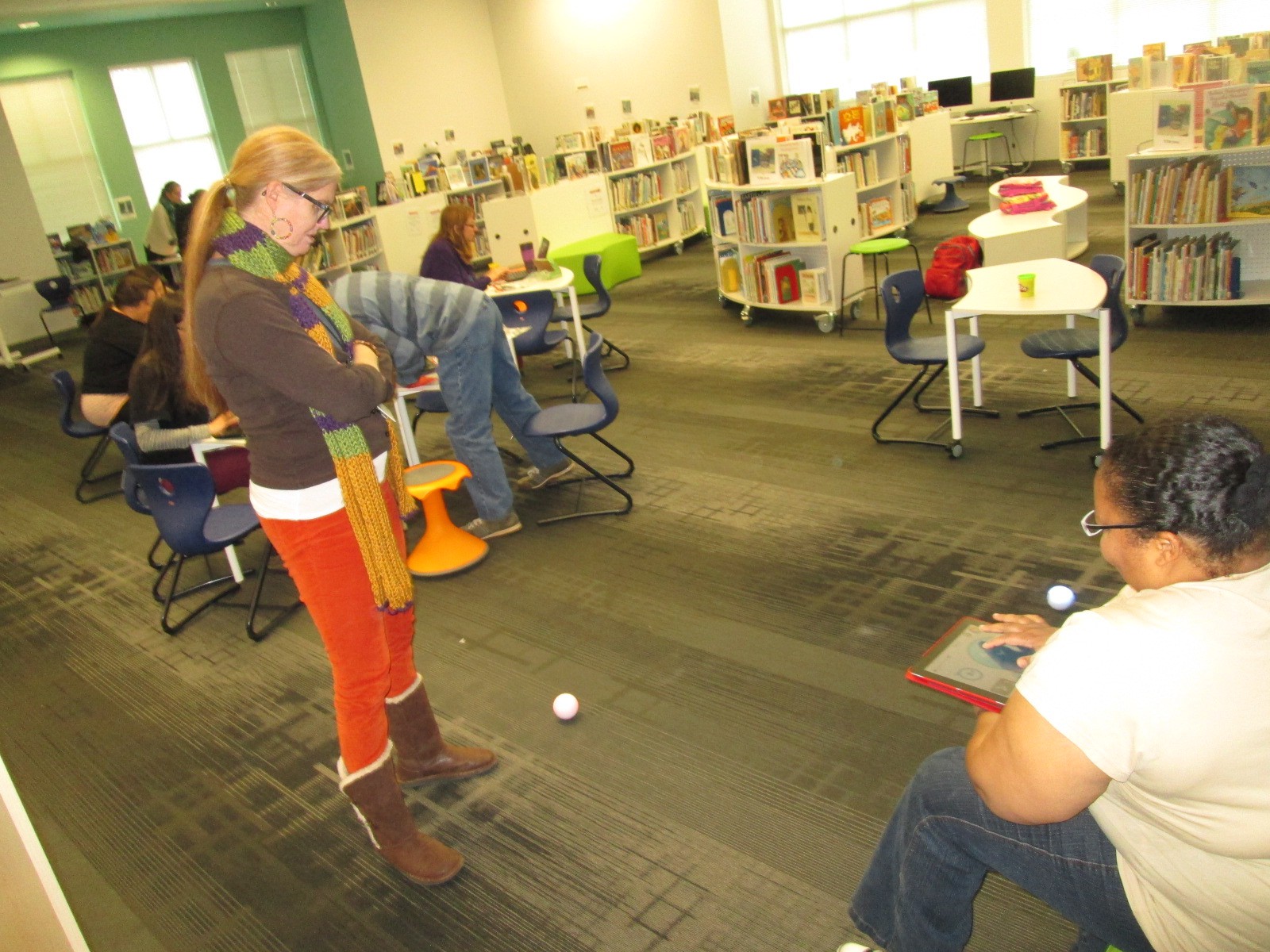
  • Two spheros with ramps and iPads
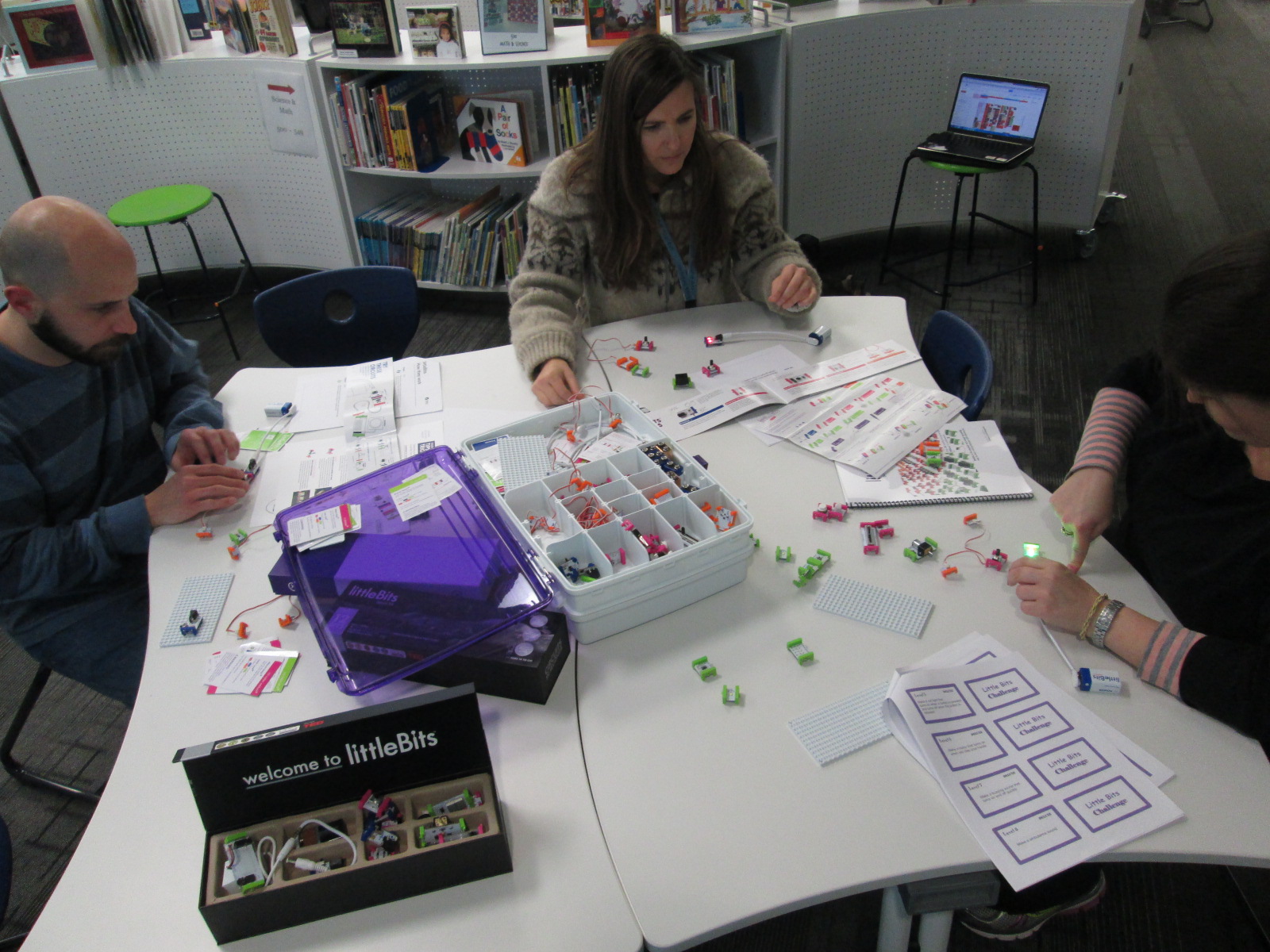
  • Our workshop kit of littleBits
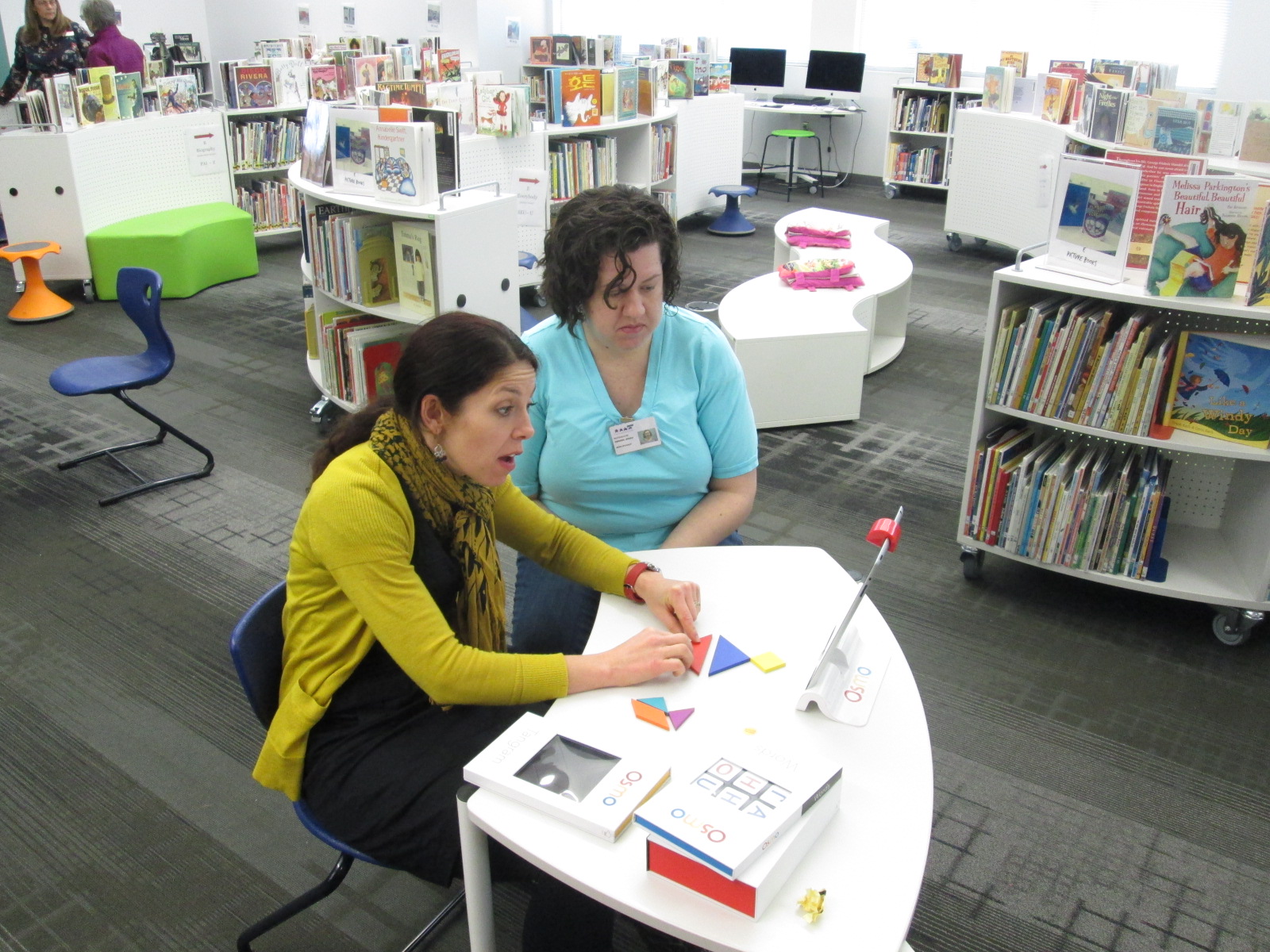
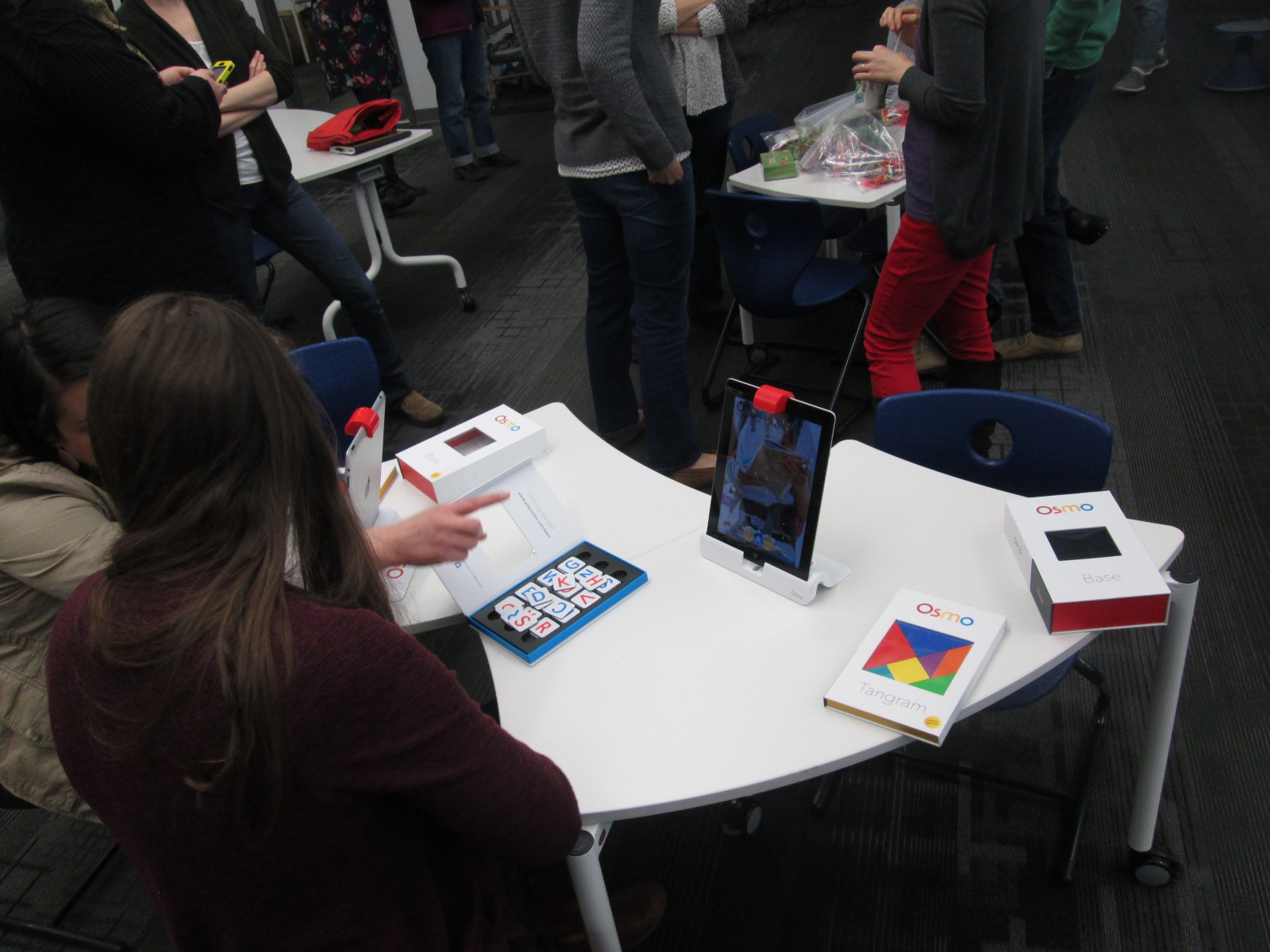
  • Our 3 Osmo kits
  • And our makerspace was open where our 3D printer is kept

I invited Kenneth Linsley from GYSTC to bring his squishy circuits, Spheros, and expertise.  I also invited Gretchen Thomas and her Maker Dawgs.  Two Maker Dawgs were able to come and spent much of their time at our Sphero and MaKey MaKey areas.

teacher makerspace (9)

We all started together at tables, but I wanted to keep my introduction extremely short.  I opened by thanking teachers for signing up to explore.  I invited them to give themselves permission to tinker, dream, create, fail, back up, and try again.  I also invited them to think about their curriculum as they tinkered.  I offered them a Padlet space to capture any brainstorming that they had during the session.

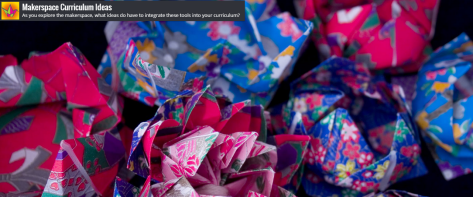
FireShot Capture - Makerspace Curriculum Ideas - http___padlet.com_plemmonsa_makerspace

I also showed them a Symbaloo with some instructional videos to refer to.  I know that some people prefer to look at how something works before they explore and some people prefer to just jump in.

FireShot Capture - Barrow Makerspace - Symbaloo - http___www.symbaloo.com_mix_barrowmakerspace

I finished by telling them to use this time to get their hands on as many things as possible and just give it a go.

teacher makerspace (5)

Teachers jumped right in.  I loved watching them make their first choices.  They really split themselves between every area and a few lingered at the tables to watch some videos.  I felt really good about the differentiation that was offered.

I walked around and offered a few tips when needed, but I was very careful not to take over or do the making for each teacher.  Ms. Olin and I had a great conversation about circuits in 5th grade and how littleBits and MaKey MaKey could be integrated into 5th grade science.  Ms. Hocking was busy brainstorming how the Sphero could be used in her math and writing time.  Ms. Stuckey was eager to get her 1st graders using the makerspace for their unit on inventors.  Brainstorming was definitely happening.

teacher makerspace (10)

This is exactly what I wanted to happen.  My hope was that as teachers used the tools, they would start to think about their students using them.  They would be less intimidated by the space and more open to trying the makerspace within their curriculum.  I don’t think a single person is opposed to using the makerspace.  It’s just hard to visualize how something fits into your curriculum if you’ve never used it yourself.

Our Padlet really wasn’t a success this time. There was just too much to explore to stop and write on a Padlet.  I don’t think it’s a bad idea, though, so I’m going to send the link back out and invite teachers to contribute to it now that they’ve had time to reflect.

teacher makerspace (6)

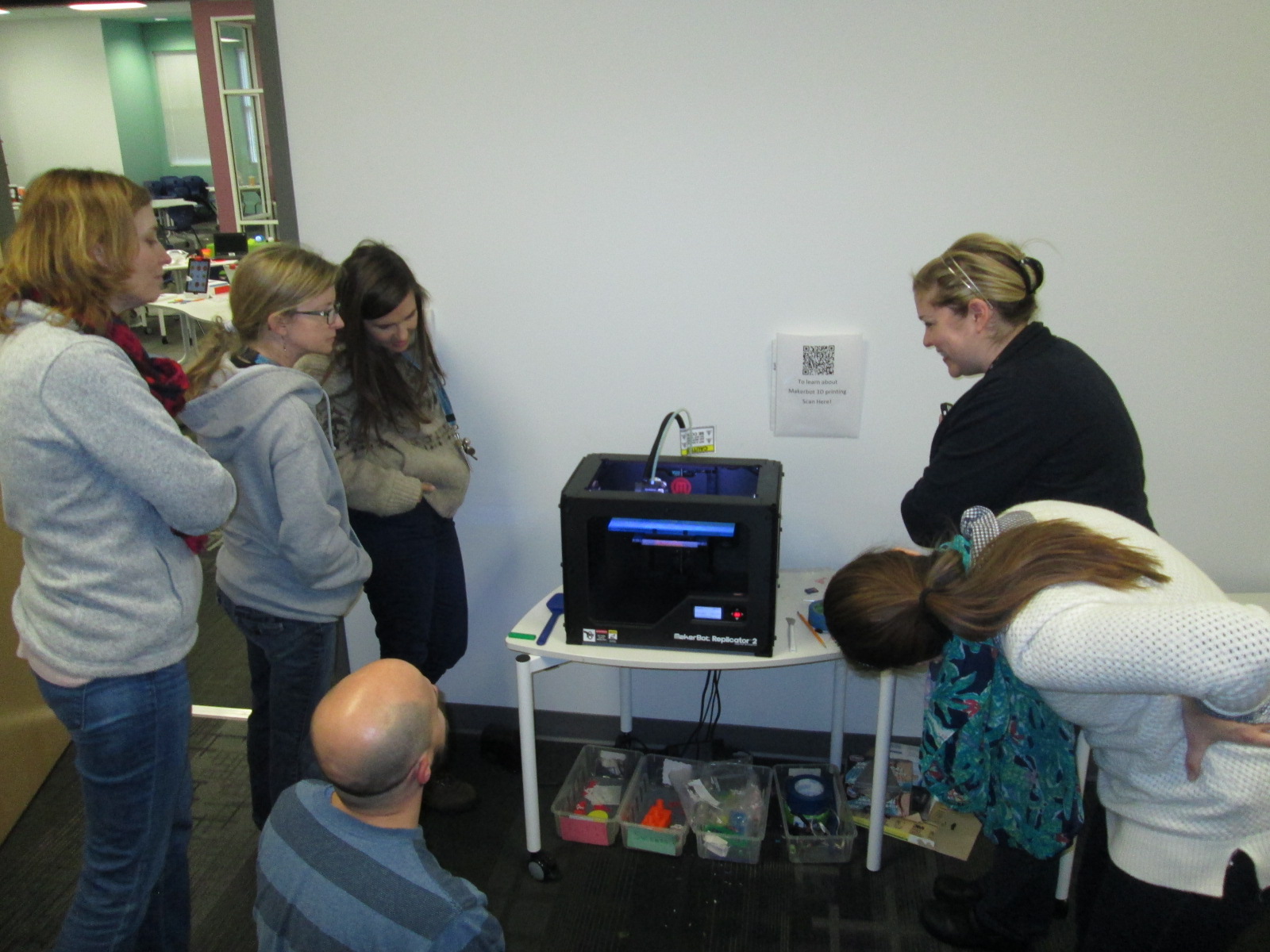
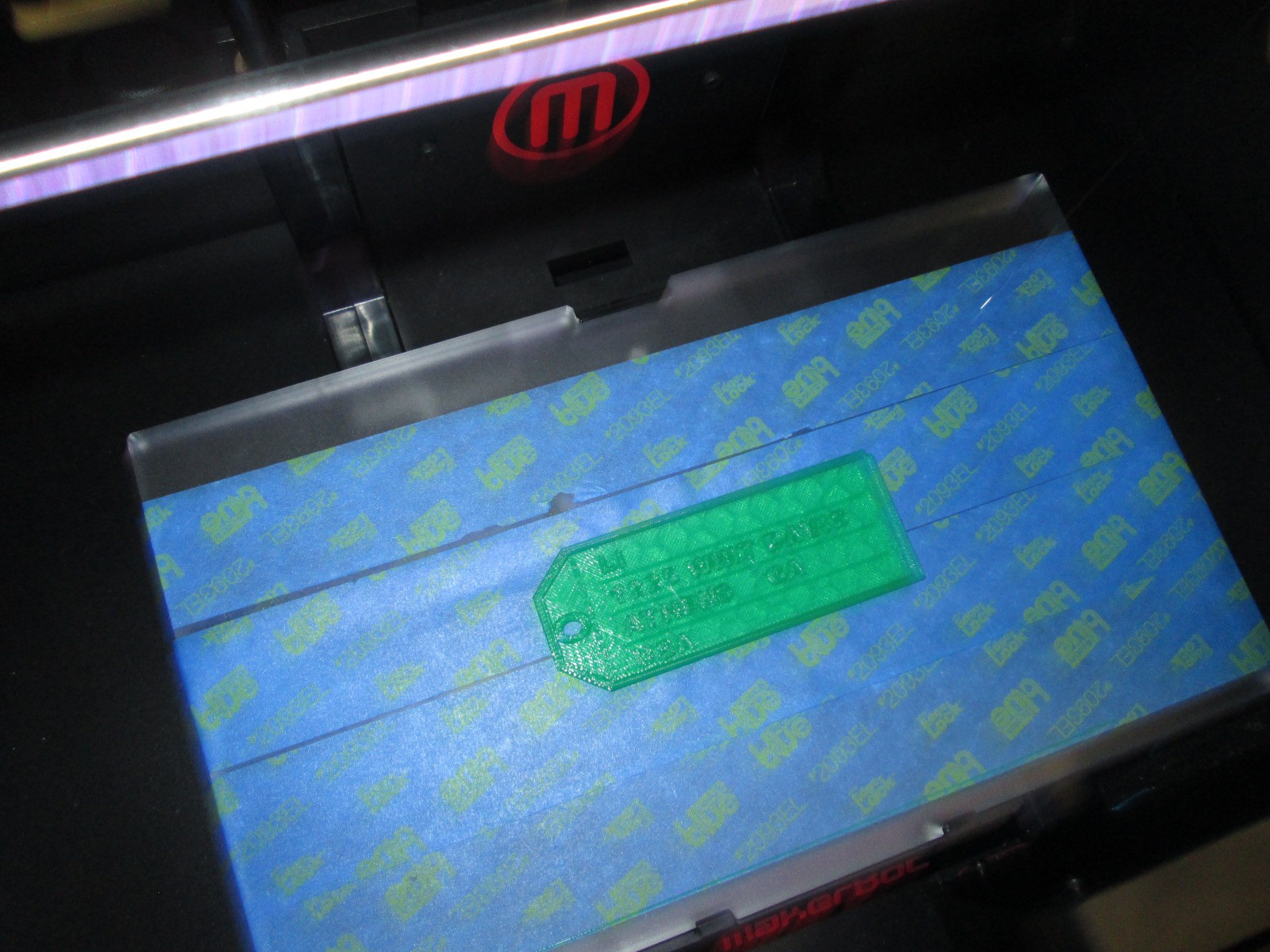
As we entered into the 2nd hour, Ms. Choate, a kindergarten teacher, walked up and said “I think I have something ready to 3D print”.  Sure enough, she had walked through a Tinkercad tutorial and figured out how to make a copy of the lesson file.  She was almost ready to print.  I worked with her to put her file into Makerware and onto the SD card for 3D printing.  We announced to the group that we were about to print and every person stopped to come and celebrate with Ms. Choate.

teacher makerspace (11)

I love watching people the first time they see something print.  It still amazes me to watch it, but when you see it for the first time, it’s just mind-blowing.  I answered lots of questions about how the printer works and showed some other tools that could be used for 3D design.  Ms. Choate stayed to watch her entire print, but in the meantime, she helped Ms. Li, another Kindergarten teacher, get her own file ready to print.  I loved seeing a teacher already passing on her maker expertise to another teacher.

teacher makerspace (13)

teacher makerspace (14)

There are several other teachers who showed interest in exploring the makerspace who were unable to come, so I want to replicate this experience again.  It would be wonderful to have some of these same teachers return too and build upon what they learned as well as pass on their expertise to new teachers.
teacher makerspace (7)

teacher makerspace (12)

This experience also makes me want to do this with our Barrow families too.  There’s a lot of potential, and once again, I’m just scratching the surface.  We have a lot of work to do in the coming years, and it’s going to be exciting.

teacher makerspace (3)

I’m also excited to share that a new school makerspace book is available.  It’s called Worlds of Making: Best Practices for Establishing a Makerspace for Your School.  It’s by Laura Fleming but has contributions by Shannon Miller, Diana Rendina,and me!