Winter Around the World and in Athens, GA: Original Songs and Personal Narratives

song recording (3)

For the past few weeks, 2 classes have been involved in exploring winter right here in Athens, Georgia.  Even though we might associate cold and snow with winter, it isn’t always like that where we live.  Ms. Kelly’s Kindergarten class and Ms. Ramseyer’s 2nd grade class both participated.  You can read about the beginnings of their projects here.  Our work is all coming together with classrooms from around the world on a collaborative Google slide presentation.

Ms. Kelly’s class has been busy in their classroom dividing into groups and building a song about winter.  As a class, they worked on the base beat using beatlab.  Then different groups worked on parts of the song.  Singers created the words and sang them. Clappers used their hands to add rhythm.  Ukuleles strummed chords for another layer.  Instruments such as coffee can drums added even another layer of rhythm.

song recording (4)

Ms. Kelly wrote the words up onto a big chart paper with plenty of visuals for students to follow.  She saved their class beat in beatlab and pulled it up on the library projector.  I used Screencastomatic to record the beat along with our webcam recording the student performers.  Ms. Kelly used dry erase markers to make notes on the beatlab beat for specific groups of students.  She also used a cowbell and her voice to help students know when to come in.

We gave ourselves plenty of time to record multiple times, but we just loved our first take!

Even though we were in love with that version, we decided to try one more time with just an iPad so that we could get some closeup shots of students performing.  We love this version too, but we are including the 1st one in our global winter project with classrooms around the world.

We had some fun shout outs while we were working on our song, including some retweets from Kishi Bashi who was one of our inspirations for our song.

https://twitter.com/CantataLearning/status/667369239230070785

https://twitter.com/MrsPstorytime/status/667393385318105088

Ms. Ramseyer’s 2nd grade class split into groups of 4.  Two students were author and two were illustrators.  After starting their work in the library, they continued to write and draw in class to tell about personal experience with winter in Athens.  They featured things like food, clothing, school, and events in winter.

Each group came to the library with their finished work.  We spread their pages out on tables and took digital pictures of each page.  We then took these and added them to the collaborative Google presentation.

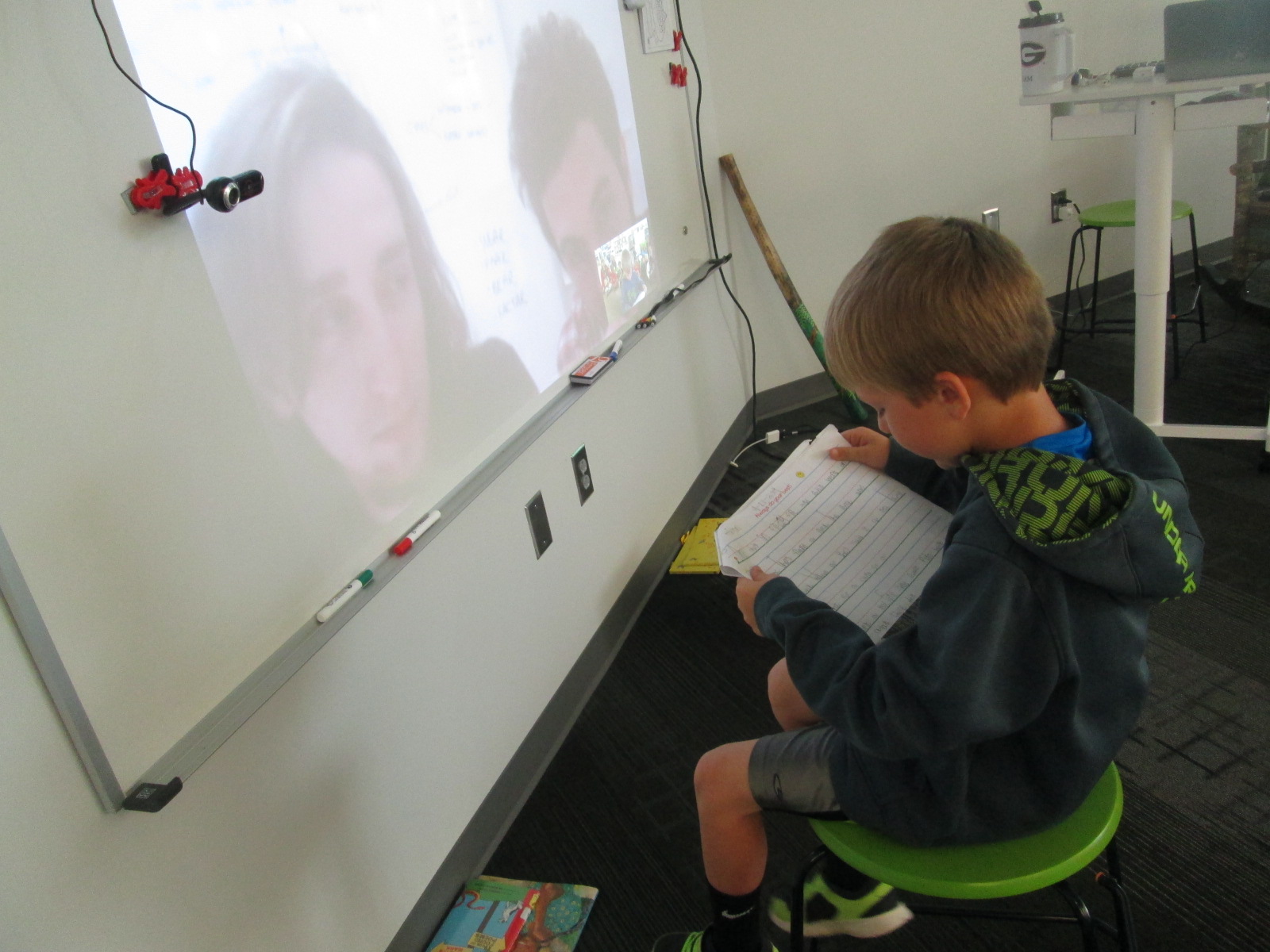
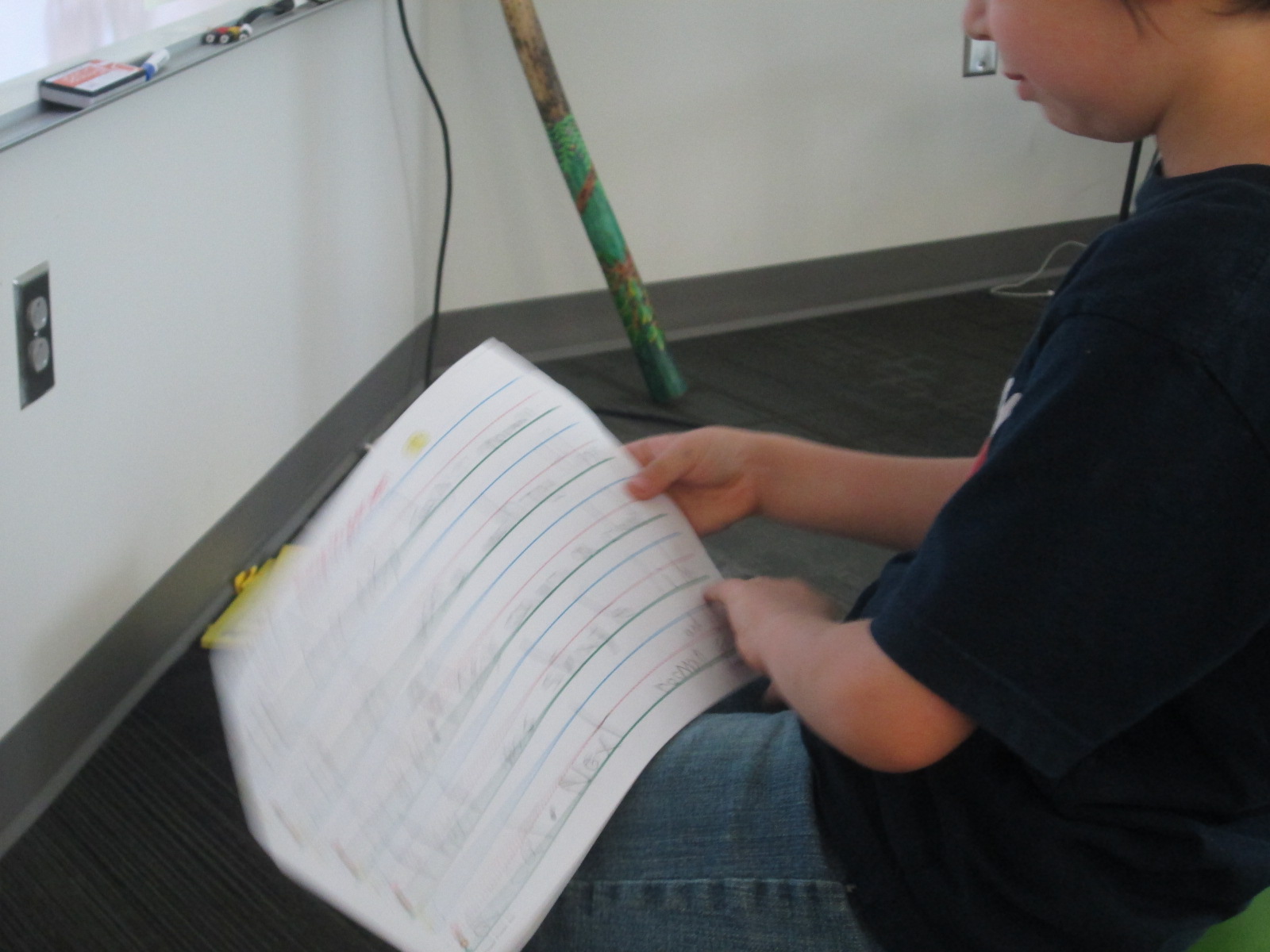
In Youtube, we pulled up the feature where you can record straight into Youtube with your webcam.  We placed each page in front of the webcam and students read their winter personal narratives and facts.  These videos were also embedded on the Google slides.

We look forward to seeing how the rest of the slides turn out as we learn about winter around the world!


Little Elliot Big Family: A Visit with Mike Curato

Mike Curato (20)

We have been excited since the very beginning of this year about author/illustrator Mike Curato visiting our school.  Thanks to Henry Holt, a division of Macmillan, and Avid Bookshop, our local independent bookshop, Mike visited all of our Prek-2nd grade classes.  We all read Little Elliot, Big City during library orientation this year, so we were super excited to meet the person who created it.

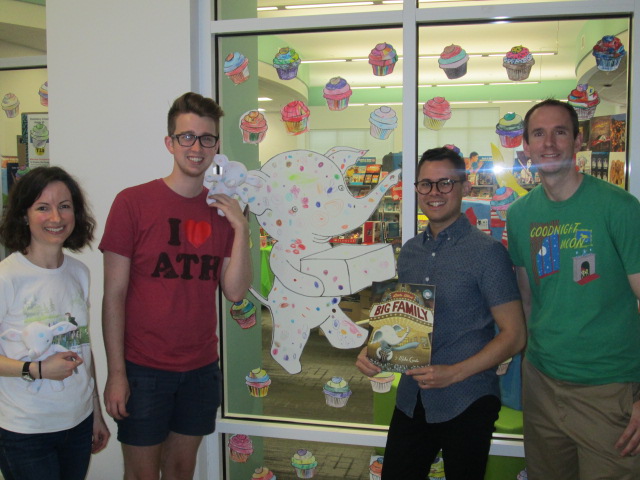
On field day, students created a massive window display of Little Elliot and cupcakes.  They worked for 30 minutes designing their own special cupcake.  They also added dots to a collaborate Little Elliot.  Many volunteers worked to get all of the cupcakes and elephants onto our windows to celebrate the author visit.

The display has been so much fun to look at and watch students searching for their dots and cupcakes.

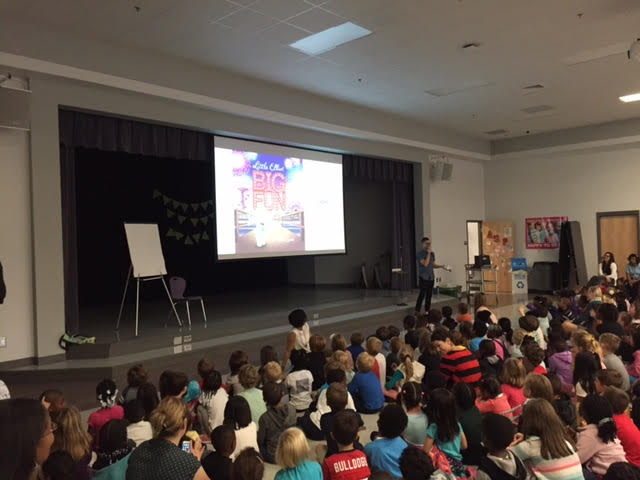
It was a busy time at our school during the visit because it is also our fall book fair.  Instead of having our visit in the library, we moved everything to the cafeteria stage.

Students enjoyed a reading of Mike Curato’s new book Little Elliot, Big Family.

Mike had the book’s pages displayed on the large screen so that students could easily see what he was reading from the book.  They were mesmerized by the story and were such careful listeners.

After his story, Mike shared some slides and stories about how he works as an author and illustrator.  Students saw sketches beside finished artwork as well as a time lapse of a drawing being created.  He also showed students pictures of how Little Elliot has changed through the years.  He has been drawing him for several years, and he has gone through some changes along the way.  We also saw sketches of some of Mike’s early artwork, which was a wonderful connection for our young learners to see how work they are doing right now could inspire a future career or hobby.

Students even got to see the cover of next year’s Elliot book Little Elliot, Big Fun.

big fun

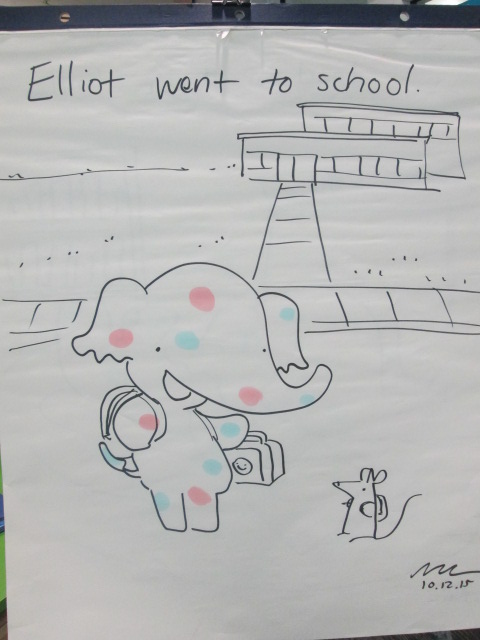
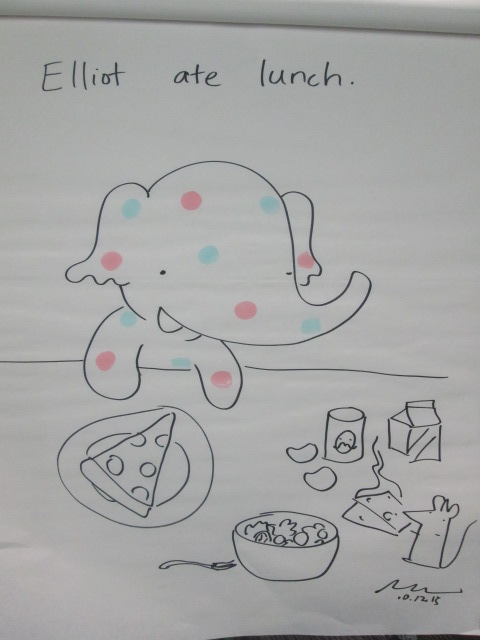
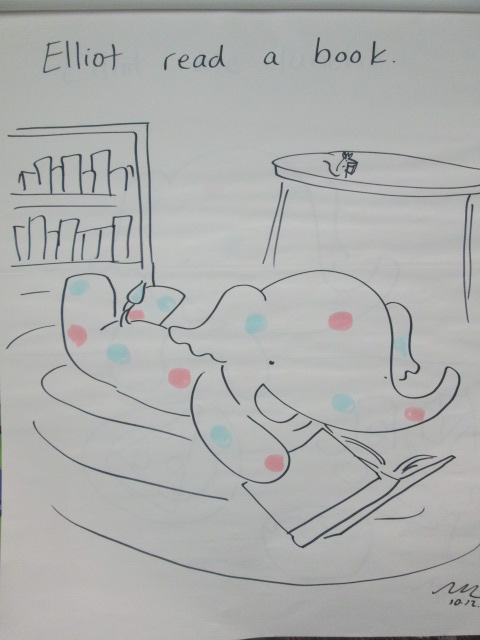
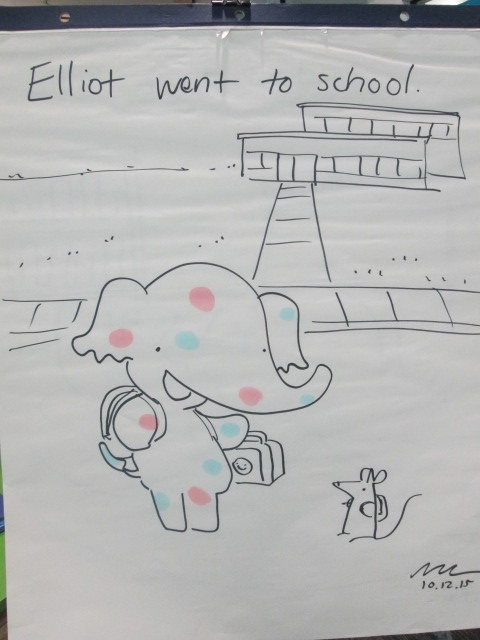
Next, Mike worked with the entire room to create 3 pages of a new story.  He wrote a sentence to start the story: “Elliot went to school”.  Then, he drew Elliot on the page and let the students take it from there.  They suggested things to add to the picture and Mike added them in.  For the next 2 pages, Mike took suggestions from the audience about what Elliot should do.  Students decided he would read a book and go to lunch.  Once again, Mike added details to the drawing that were suggestions straight from the audience.  The best part was that we got to keep the 3 drawings to enjoy in our library!

Mike Curato (47) Mike Curato (46) Mike Curato (45)

Finally, students got to ask questions.  Mike jumped right out into the audience with the students to take their questions and give thoughtful answers.  The kids were so attentive during the whole process.

Before Mike left, he took time to sign all of the books purchased by students.  Our incredible PTA bought a copy of each book for every PreK-2nd grade classroom, so he signed those as well.

He also took time to look at the big window display and marvel at the students’ creativity.  If you ever get the chance to have Mike Curato at your school, don’t hesitate.  He was wonderful and the kids and teachers have talked about it all day.  Be sure to check out both of his Elliot books, add them to your home and school collections, and enjoy the many positive messages that your sure to take after reading the books with kids.

Mike Curato (19)

Thank you Mike Curato and Avid Bookshop for a wonderful day!  We can’t wait to reconnect once the Polka Dot Express arrives at our school soon!

A Year-Long Kindergarten Interdisciplinary Space Project

hocking makerspace exploration (6)

I have to take a moment to brag on another teacher and group of students in our school.  Kelly Hocking is an amazing Kindergarten teacher, and she has a talented group of Kindergarten students who are some of the biggest researchers and creators in our school.  I love how each year she finds something that her class takes an interest in and somehow weaves into every subject area and standard that they study in Kindergarten.  One year it was art.  Another year it was a study of maps and stretching the imagination.  This year it was space.

Kelly never knows at what point in the year something will pop up as an interest in her class, but this year it happened when they were doing a GoNoodle.  It happened to feature space, and it took the class into a series of questions and wonderings about space.

They started reading lots of books about space as well as studying the science standards about the day and night sky.

The more they read, the more they started to notice about space popping up in so many areas of their curriculum and life.

They launched into research mode and asked lots of questions.  In the library and classroom they used print and digital resources to learn about the planets and collect facts about each one.

In February, the class celebrated Fat Tuesday by dressing as planets and parading around the school.  Each costume was space-inspired and they handed out coins and beads to lots of classes.

Research continued in the classroom and the media center.  Students used all of their facts to write a series of notes.  In groups, the students put those notes in an order that made sense and prepared to make their own ebooks about space using the Storykit app.

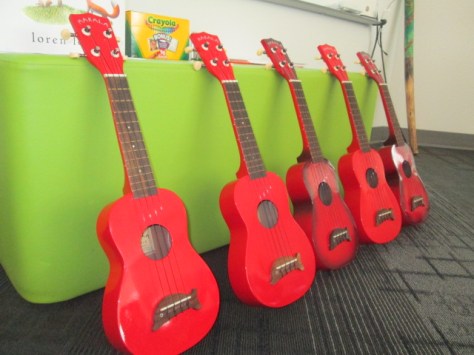
At this point, we were approaching poetry month, so I suggested that the students think about space poetry.  I connected the class with several poetry books about space, and they started crafting some poems in class.  Ms. Kelly also has ukuleles in her classrooms, so the poems eventually were turned into songs with music composed by the students.

At our annual Poem In Your Pocket day, the groups of students performed their poetry songs for a live audience.  We even had poet, Laura Purdie Salas, listen in to the poetry since students were inspired by her space poems and songs.

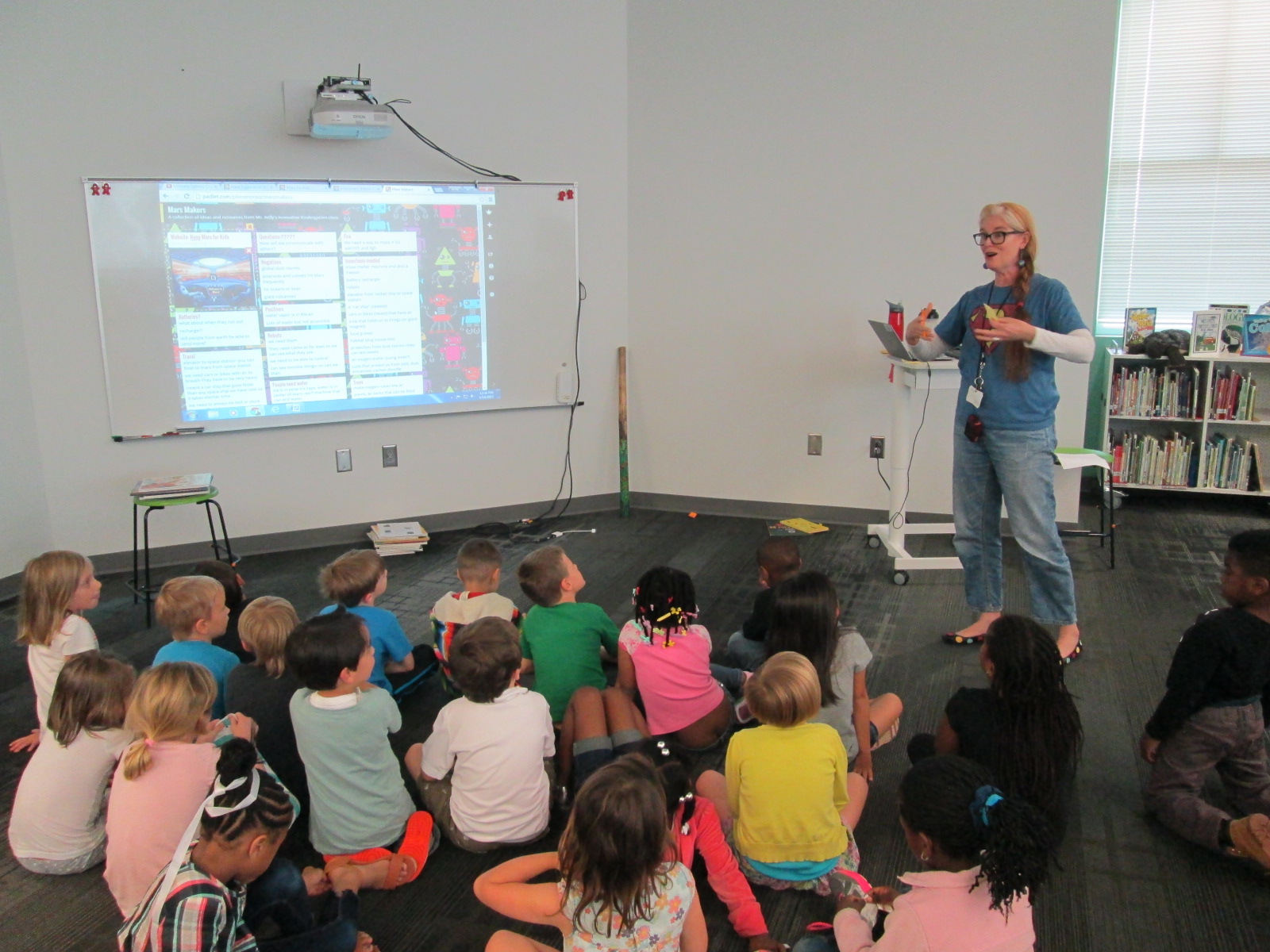
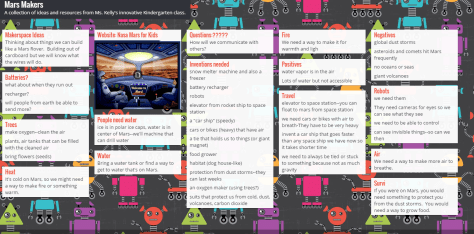
At this point in the year, lots of attention turned to Mars and space exploration.  Students really didn’t want to travel to Mars themselves, but they did want to think about helping other people get there some day.  We created a Padlet to collect all of our research in the library and the classroom.

Eventually, the students wanted to start making some inventions to help Mars explorers, so we did a lot of tinkering in our Makerspace.  In class, students constructed elaborate prototypes of their inventions and did informational writing to accompany their creations.

If we had more time in our year, I’m sure Ms. Kelly and her students would have come up with even more miraculous things, but it truly was an amazing year of exploration and I’m glad that our library was a part of it.

hocking makerspace exploration (11)

You can read more about the library parts of this project in these posts:

Why Do We Explore Space: A Virtual Field Trip Opportunity

Can a Foodini 3D Printer Go to Space?

Kindergarten Mission to Mars: A Makerspace Exploration

Kindergarten Researchers in Action

Also, you can view Ms. Kelly’s full deck of slides which includes lyrics to a cumulative song that explores all of the planets and the facts the students learned.  They performed this song at our end of the year assembly.

View the full slidedeck here.

Kindergarten Mission to Mars: A Makerspace Tinkering Lesson

hocking makerspace exploration (15)

Ms. Kelly’s Kindergarten class has turned a curiosity into a year-long project.  They became interested in space, and it has turned into a research project about planets, creating planet ebooks, writing original songs about the planets using ukuleles, and having a Fat Tuesday parade dressed as the planets.

Now, these students are on a mission to figure out how to support human travel to Mars.  They don’t actually want to go to Mars themselves, but they want to think about what might need to be invented in order to support human travel to Mars in the future.  Wow!  Some might look at a Kindergarten class and think this is silly.  How could students as young as Kindergarten come up with ideas for traveling to Mars?  I think Ms. Kelly’s class proves that even our youngest voices should not only be listened to but empowered as well.

Mars Makers

These students have spent extensive time researching Mars.  They know about the land, the weather, the atmosphere, and ways that Mars has already been explored.  They have brainstormed things that they might need to think about when traveling to Mars such as water, food, oxygen, and how to survive the dust storms.

They recently came to the library to read the book  You Are the First Kid on Mars by Patrick O’Brien.

She and I brainstorm a lot over email.  When working with her, nothing is impossible and our biggest limit is time.  She wanted a way to capture all of her students’ brainstorming, so I suggested a Padlet since they could post ideas, websites, pictures, and files.  I set one up for her and they got to work adding to it.

Within their brainstorming, they talked about creating robots that could help them explore Mars as well as several other technology-heavy ideas.  This brainstorm naturally brought us to our library makerspace.  We wanted students to have a time to explore some facts about robots, technology, electricity, circuitry, energy, and space exploration.  Ms. Kelly books an hour of time for student to explore, and I created some experiences for them to move through.

Experience 1:

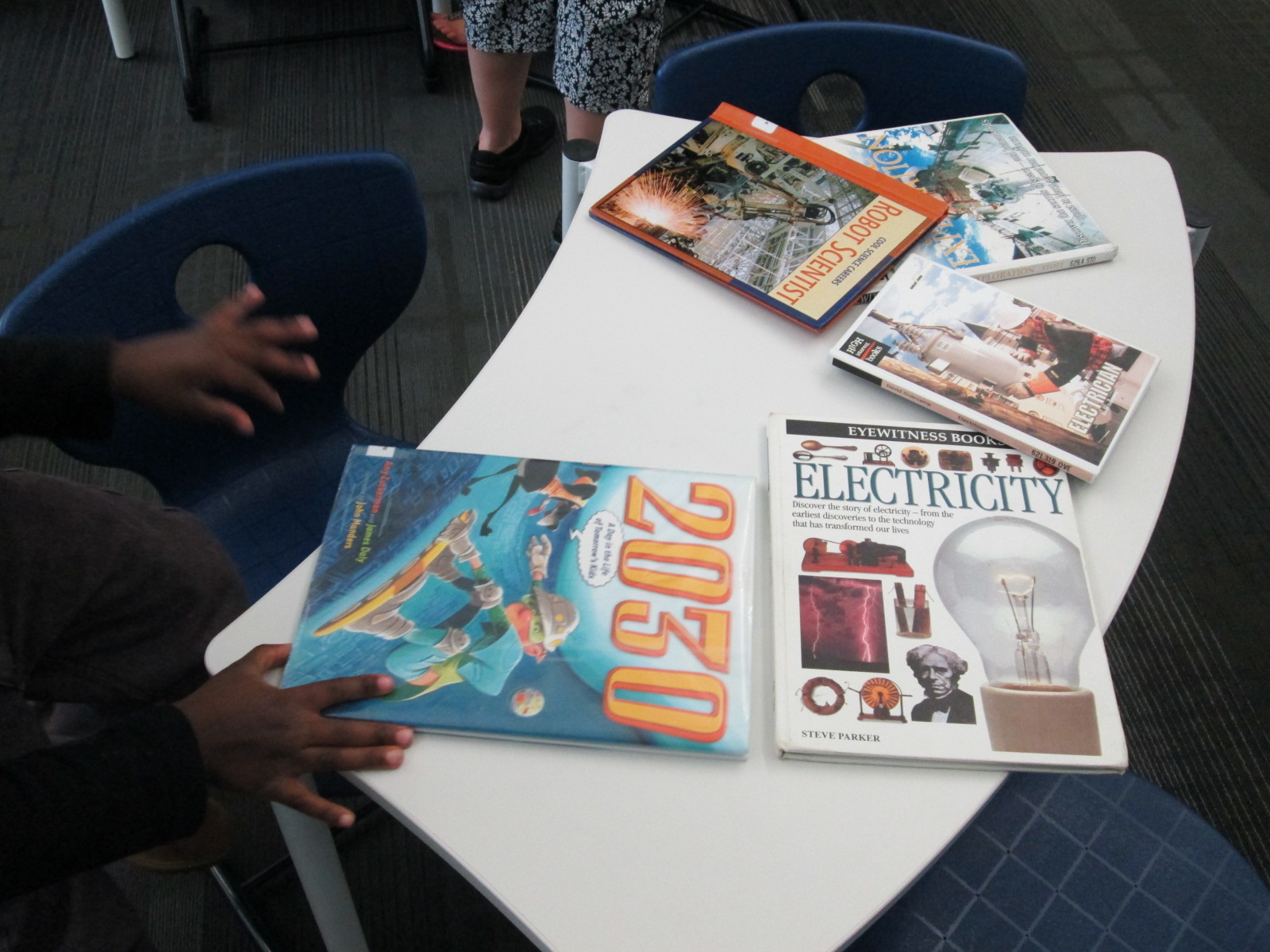
I pulled as many books as I could find on all of our major maker concepts from 3d printing to robotics to circuitry.  I also pulled books about space.  This experience was a time for them to look at lots of pictures, read captions, and skim text with one another and an adult to get ideas that they hadn’t even thought of in their brainstorm.

Experience 2:

We have several robotics options in our makerspace.  Since robotics was part of their brainstorm, I wanted them to tinker with a robot that was manageable by a Kindergarten student.  I chose Sphero.  Since Sphero alone couldn’t do some of the things they were thinking of robots doing, I showed them a Youtube video of how Sphero can be combined with other things like a chariot to pull a camera or add an attachment.

Then, students used the Drive app to practice driving Sphero and brainstorming how this might help them explore Mars.

Experience 3:

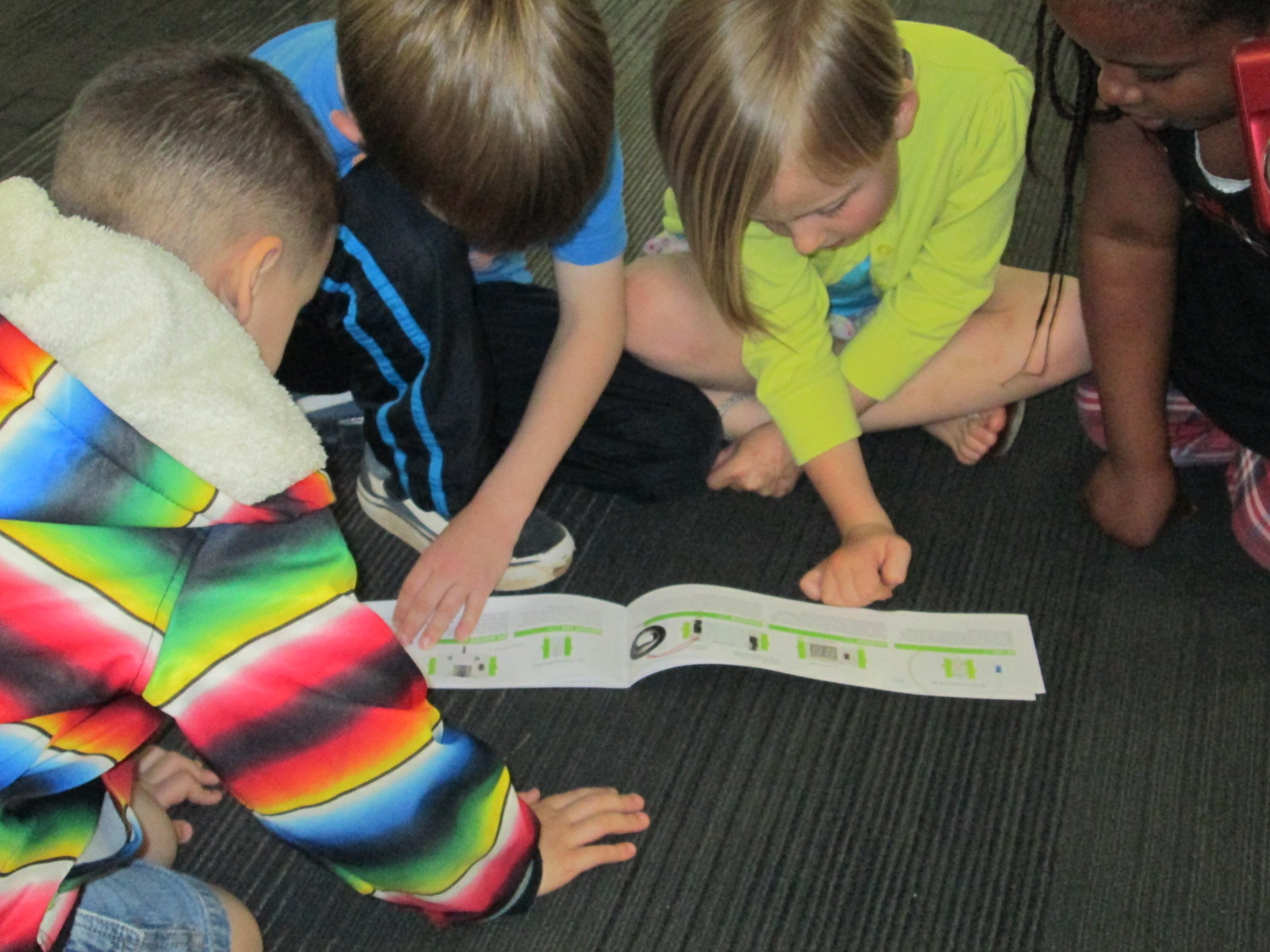
Students have talked a lot about wiring and circuits during their brainstorming.  They really want to wire something that could actually work. I have 2 littleBits space kits which have instructions for creating things like Mars Rovers, Grapplers, and Data Collection Tools.  The age range is high for these kits, but age range never stops us from trying something.  We just look at what barriers are in place and then figure out how to build a bridge.  For this experience, I started students with the instruction booklets.  They got into 2 smaller groups and looked at the diagrams, instructions, and functions.  They started to think about their brainstorm and how these littleBits inventions might work with their ideas.  Then, they moved to a table of littleBits.  In pairs, they used a battery, power cord, and blue power switch to connect to one input (pink) and one output (green).  The idea was just to start tinkering a bit with littleBits to see how they work.  They weren’t necessarily making a space invention yet.

Here’s a quick look at what it all looked and sounded like:

Next, our students will go back into their classroom and continue working on their padlet using the ideas from the makerspace exploration and the books.  They also checked out some of the books to take back.  Then, students will begin constructing prototypes of tools that they might actually invent for space.


Kindergarten Authors: Empowering Voice Through Informational Ebooks

Planet Research (4)Ms. Kelly Hocking’s Kindergarten class has done it again.  They have once again ventured out to try something that no other class has tried and inspired other classes and projects with their work.  In small groups, they each chose a planet to research.  We used PebbleGo, TrueFlix, and books to search for facts in the library and in class.   Then, in the library and in class, students worked on sequencing their facts.

Planet Research (11) Planet Research (9)

Over the past week, Ms. Kelly checked out iPads each day for students to use to publish their work using Storykit.  I love how she encouraged them to take pictures of objects in the school and then use the drawing feature in Storykit to enhance those pictures.

Take a look at their finished products below.  If you click on each picture, it will take you to the student book.  If you have comments for our students, please leave them here on the blog and I will be sure to pass them along to our authors.  If you would like to learn more about Storykit, I’m sure these Kindergarten experts would be willing to Skype or Google Hangout with your students to share their expertise.

Mercury

Mercury by Dominik, James, and Jakaris


Uranus

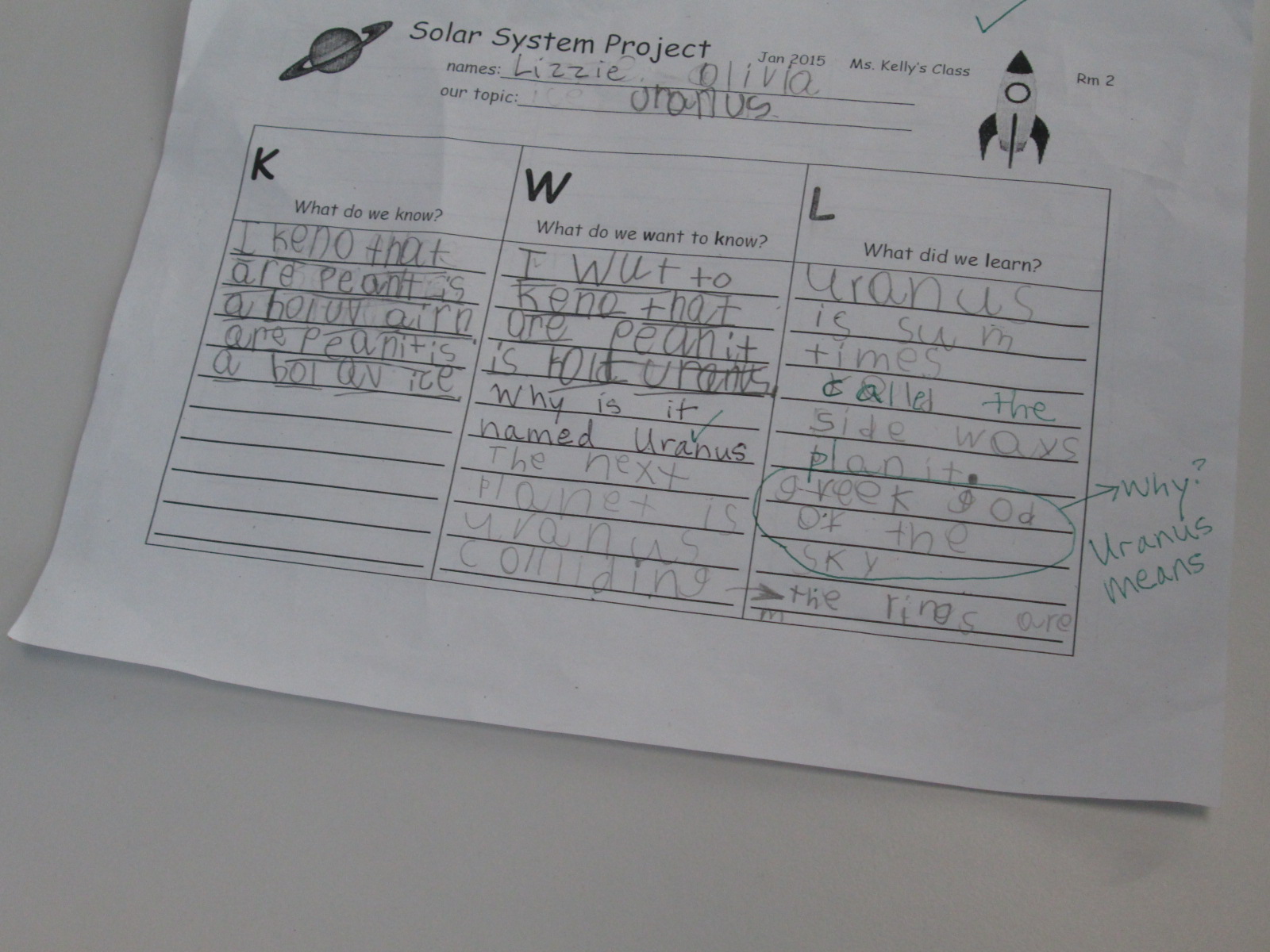
Uranus by Olivia and Lizzie


Jupiter

Jupiter by Ben and Tia

Mars

Mars by Macie and Taeden

Venus

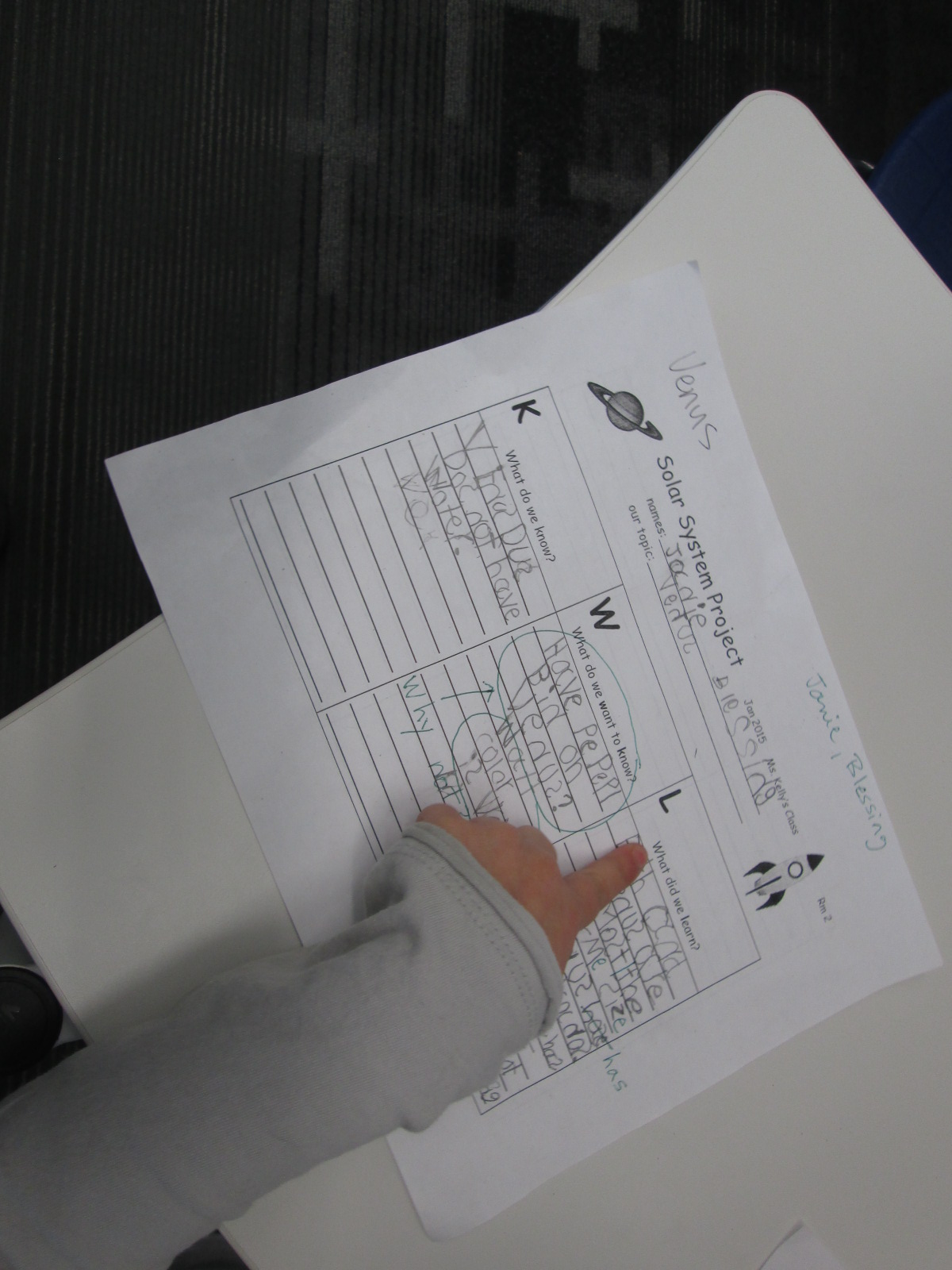
Venus by Blessing and Janie

Saturn

Saturn by Bryah, Yehun, and Charlie


Neptune

Neptune by Eni and Talia


Earth

Earth by Jayden, Miracle, and Wendy


The Sun

The Sun by Scarlett, Casper, and Sammy

Empowering Student Voice Through Individual Projects: A Kindergarten Research Project

mick

My library uses a flexible schedule.  This means that I don’t see classes at a set time every week.  Instead, I collaborate with teachers and schedule lessons and projects as they fit into the curriculum each week.  This flexibility allows me to work with more than just homeroom classes to include classes like art and music, gifted, special education, and extended learning time groups.  It also allows me to work with small groups of students or even individuals.

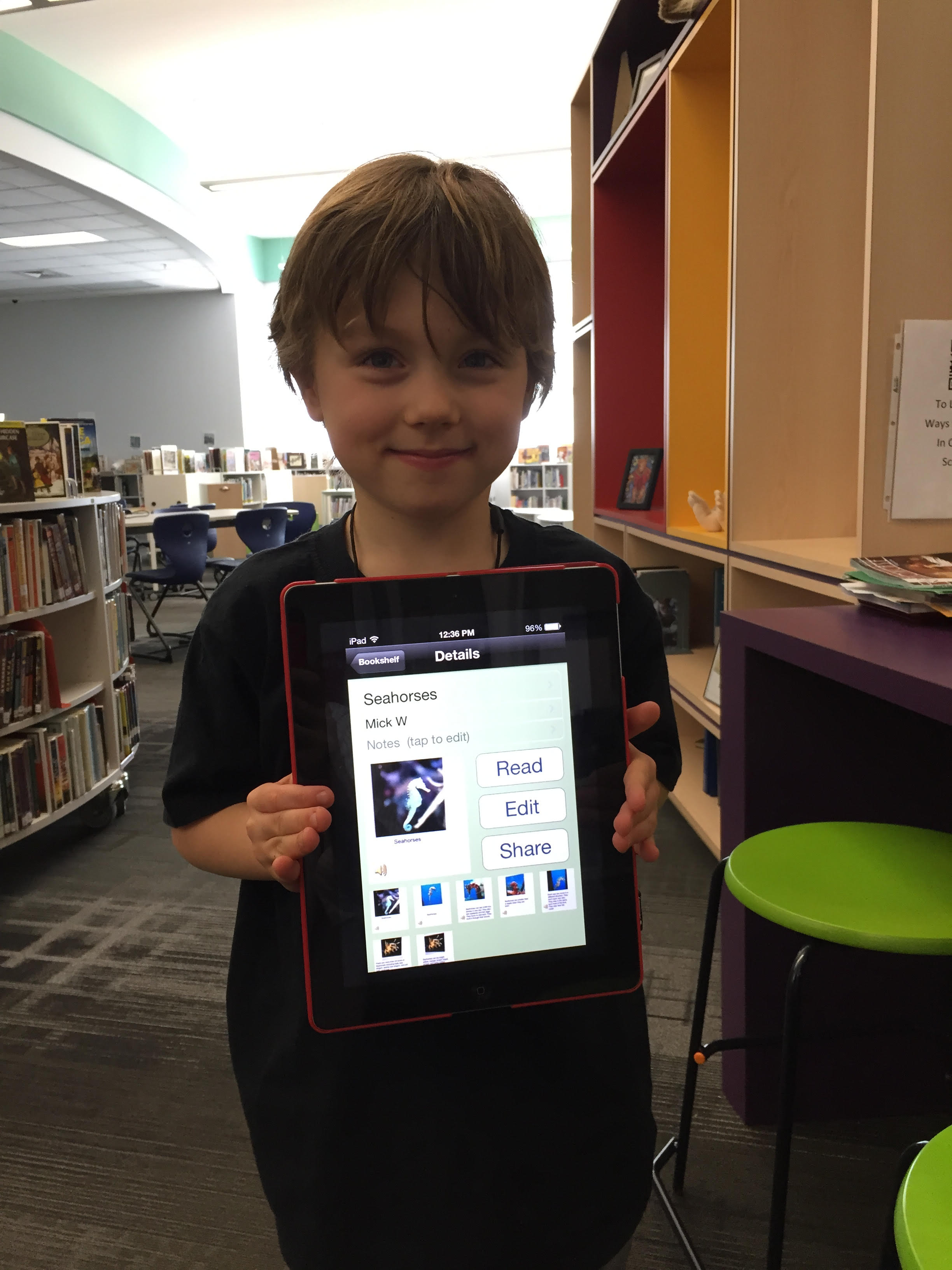
Over the past couple of weeks, I have been working with Mick, a Kindergarten student.  He is an avid reader and is very curious about so many things.  Mick discovers a topic and wants to know all there is to know about it.  Our recent exploration has been around seahorses, which was sparked by a book that he read in his class.

Over several sessions, Mick came to the library for research.  We developed questions together on a Google doc.  He did all of the talking, and I did the typing.

Seahorse doc

Once we had a good list of questions, we started exploring PebbleGo, a Capstone Interactive ebook on seahorses, and Encyclopedia Britannica in our Galileo database.  We listened to the read aloud feature or I read the text aloud if it was too difficult for him to read on his own.  We paused often to see if any facts had answered our questions.  If Mick pulled out a fact, we put it into his own words and I added it to the doc.

After each session, I printed our notes for him to take back to class in case he did more research on his own or at home.  Once Mick felt like he had enough facts, I asked him what he wanted to do with his information.

He really wanted to “make a book using the computer”.  There are several tools we could use to do this, but we decided to use an iPad and the Storykit app.  This app lets you create multiple pages, type text, record audio, draw, take pictures, and import pictures.  I’ve seen other Kindergarten students use it, so I felt like it was the right tool for the job.

Mick’s first steps were to find some creative commons pictures of seahorses.  He used the camera on the iPad to take pictures of the pictures and put one picture on each page.

During another session, we went through Mick’s facts and selected an order for the information.  He read the facts he wanted, and I typed them onto the iPad.  I originally had him typing, but it was taking longer than we had time for.

In our final session, Mick recorded his voice reading each page.

The Storykit app lets you upload the book to the Storykit server and then you get a link to the work to share.

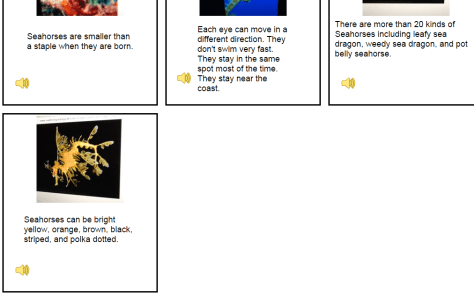
I invite you to take a look and a listen to Mick’s informational story on Seahorses.  I love it when student’s voices are empowered through projects in the library.  If you have comments for Mick, please leave them in the comments.

Mick's Seahorses (1)

Kindergarten Researchers in Action

Planet Research (4)Ms. Kelly Hocking’s Kindergarten class is hard at work again.  They were so excited by what they discovered using the Storykit app, that they decided to continue their work by making their own nonfiction book.  Their last adventure was about creating their own versions of folktales.

You can read and listen to their folktales online:

Ms. Kelly’s class has been very curious about space, so they decided as a class that they would work on creating informational books about the planets and solar system.  Ms. Kelly put the students into groups of 2-3 and each group chose a planet or part of the solar system to research.

Planet Research (11) Planet Research (5)

In the library, I pulled our books about space as well as checked out some books from the public library.  I also setup 2 computer areas.  One area was focused on PebbleGo and the other area focused on TrueFlix.  Even though the content of TrueFlix is written for older students, I felt like the read aloud function would support Kindergarten researchers.

Planet Research (3)

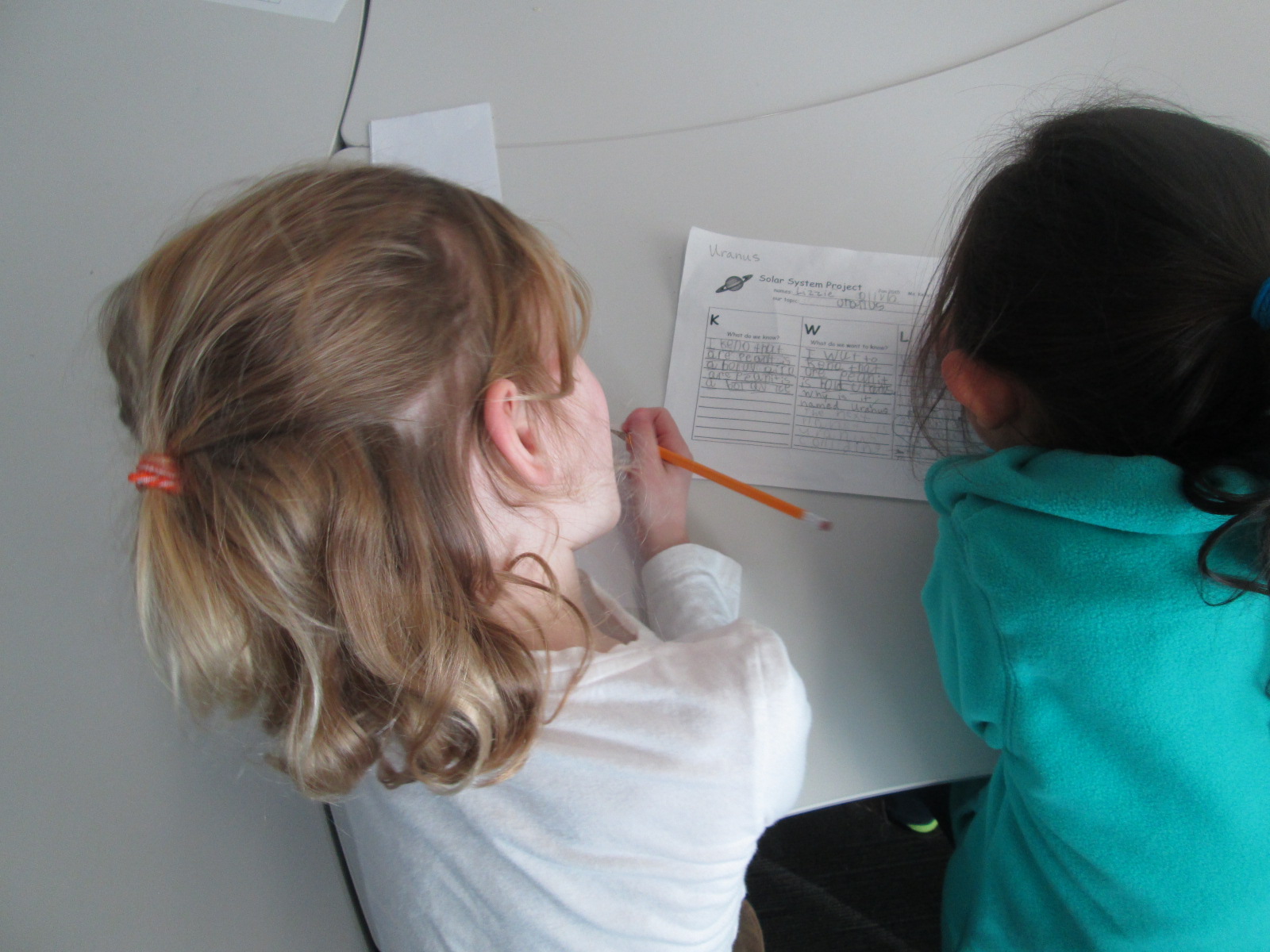
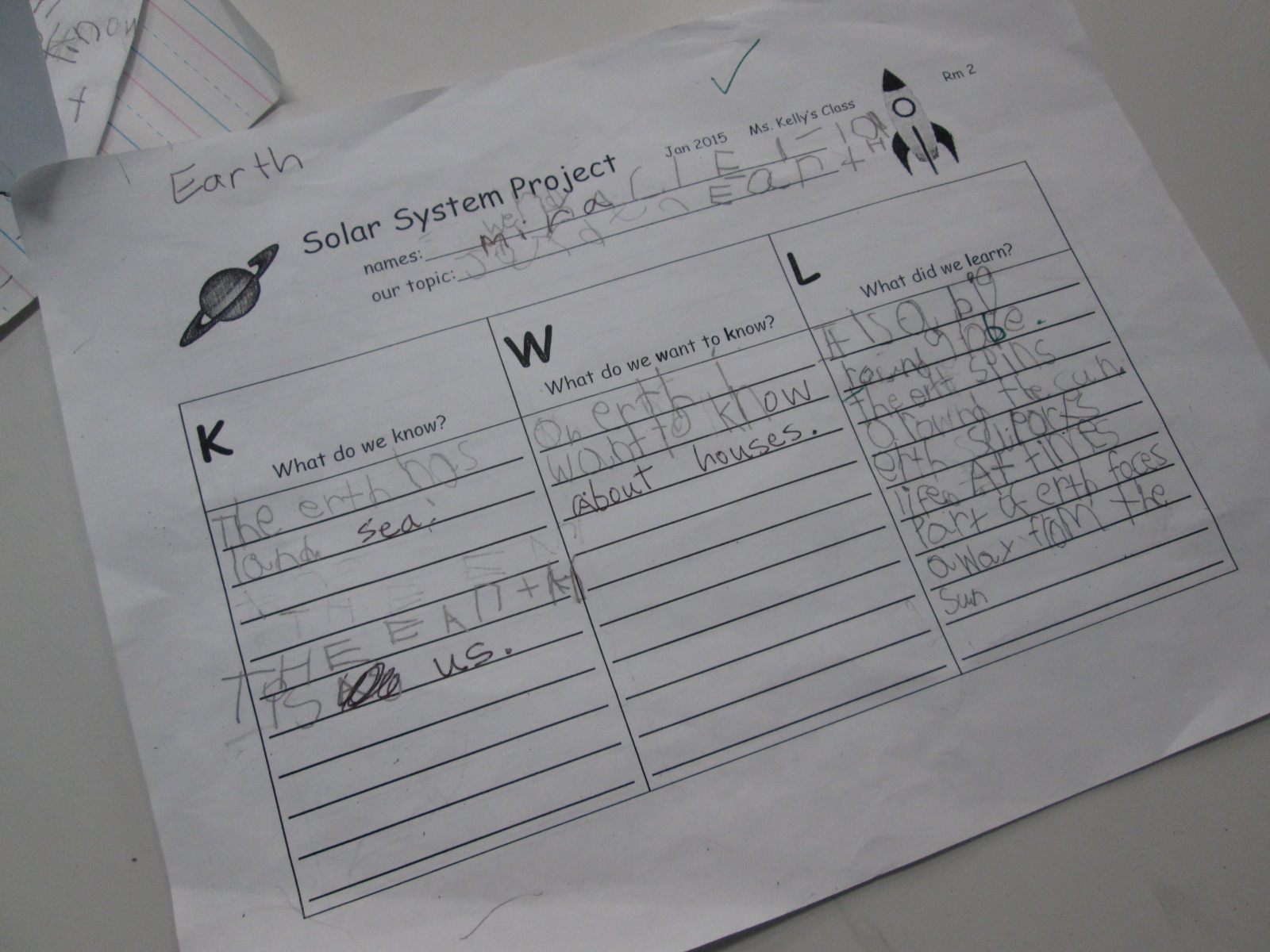
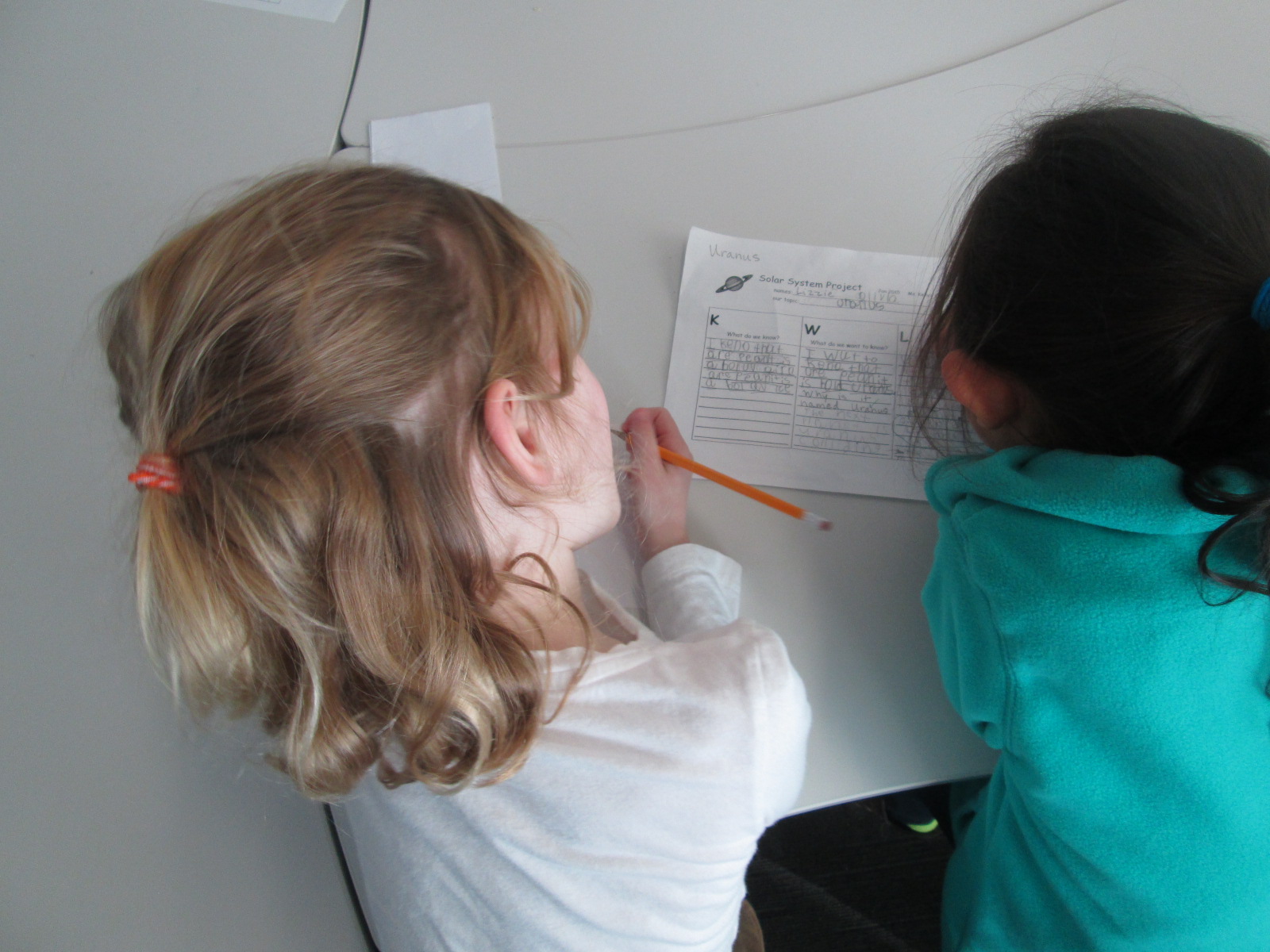
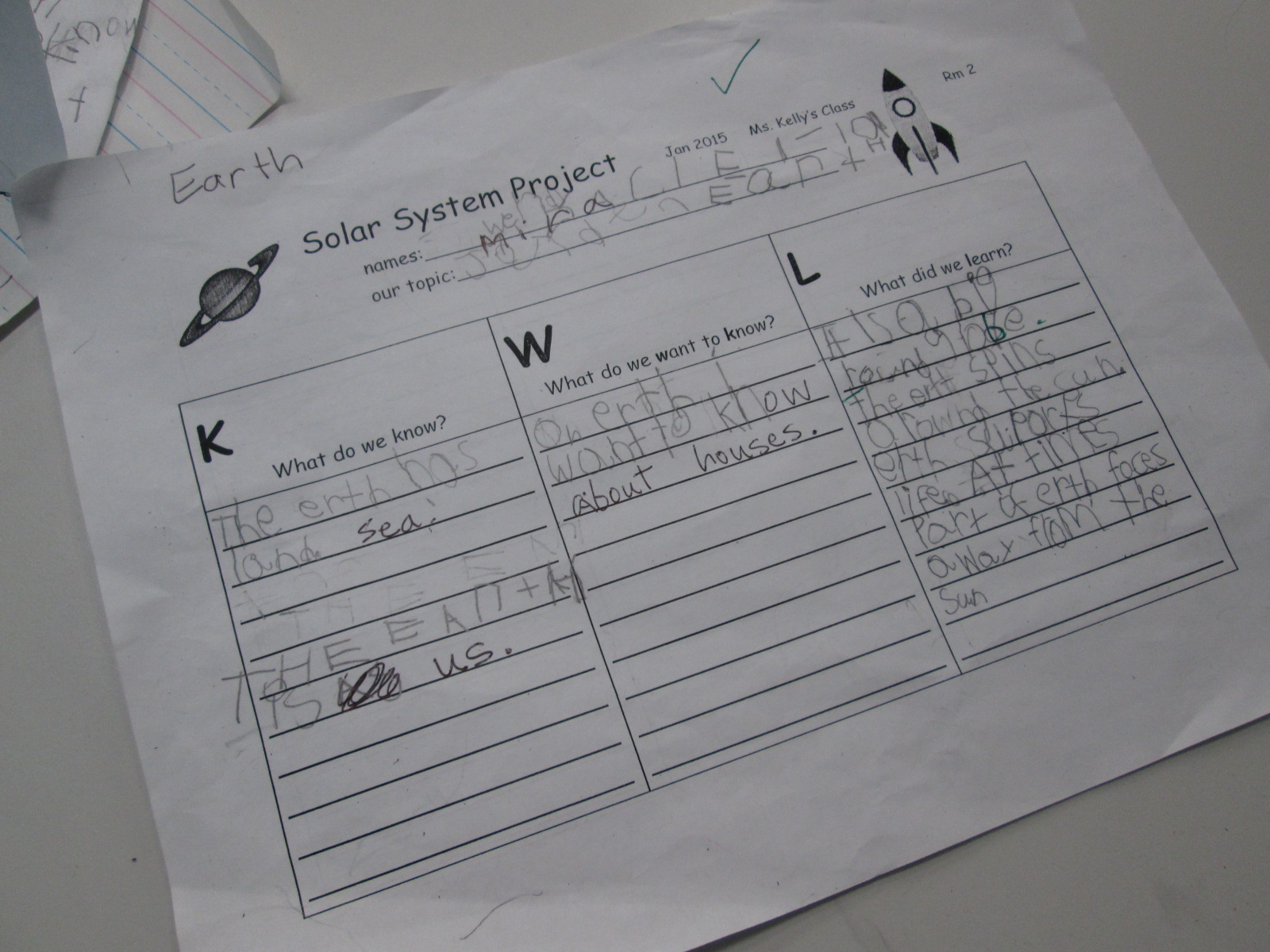
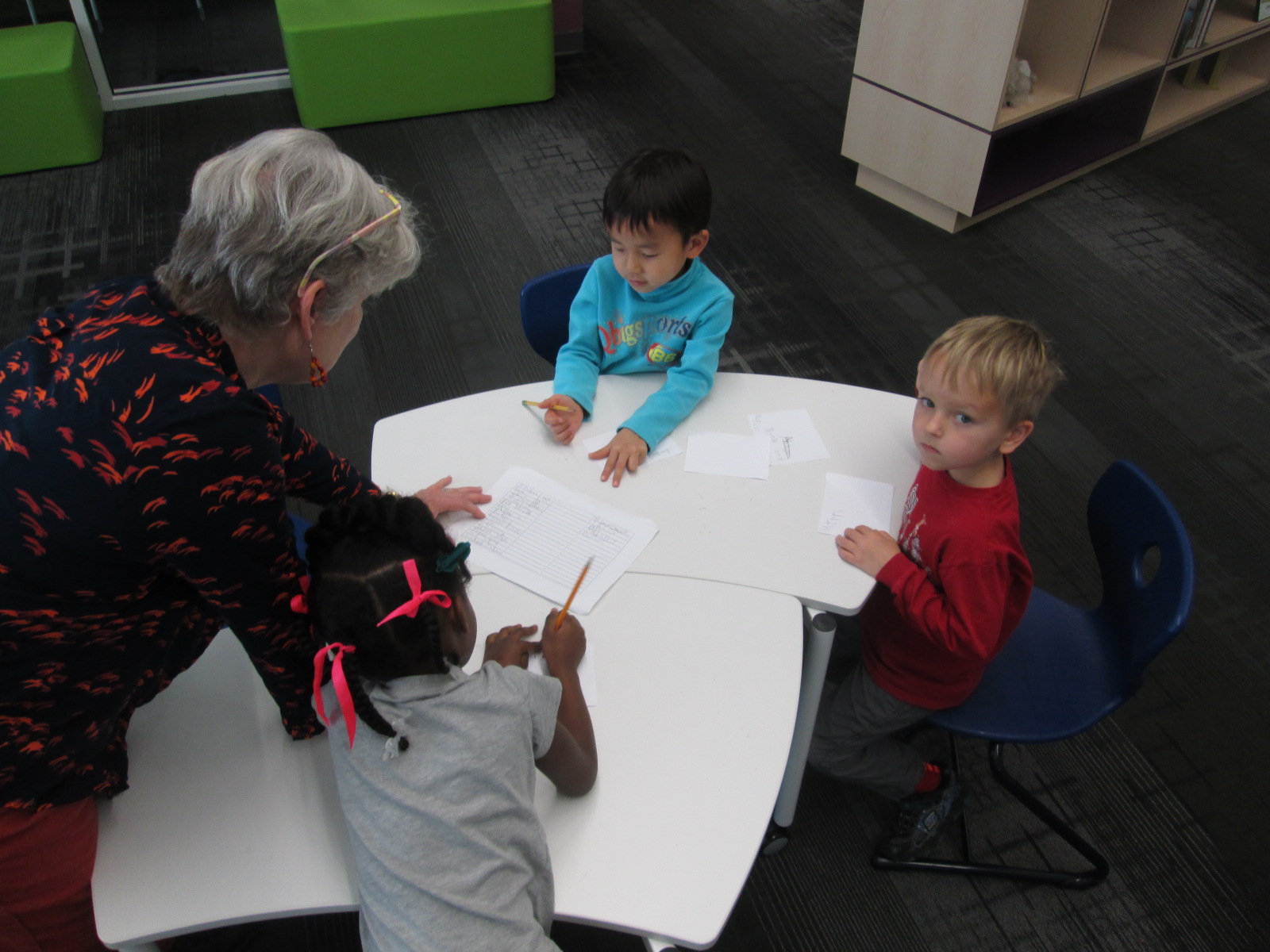
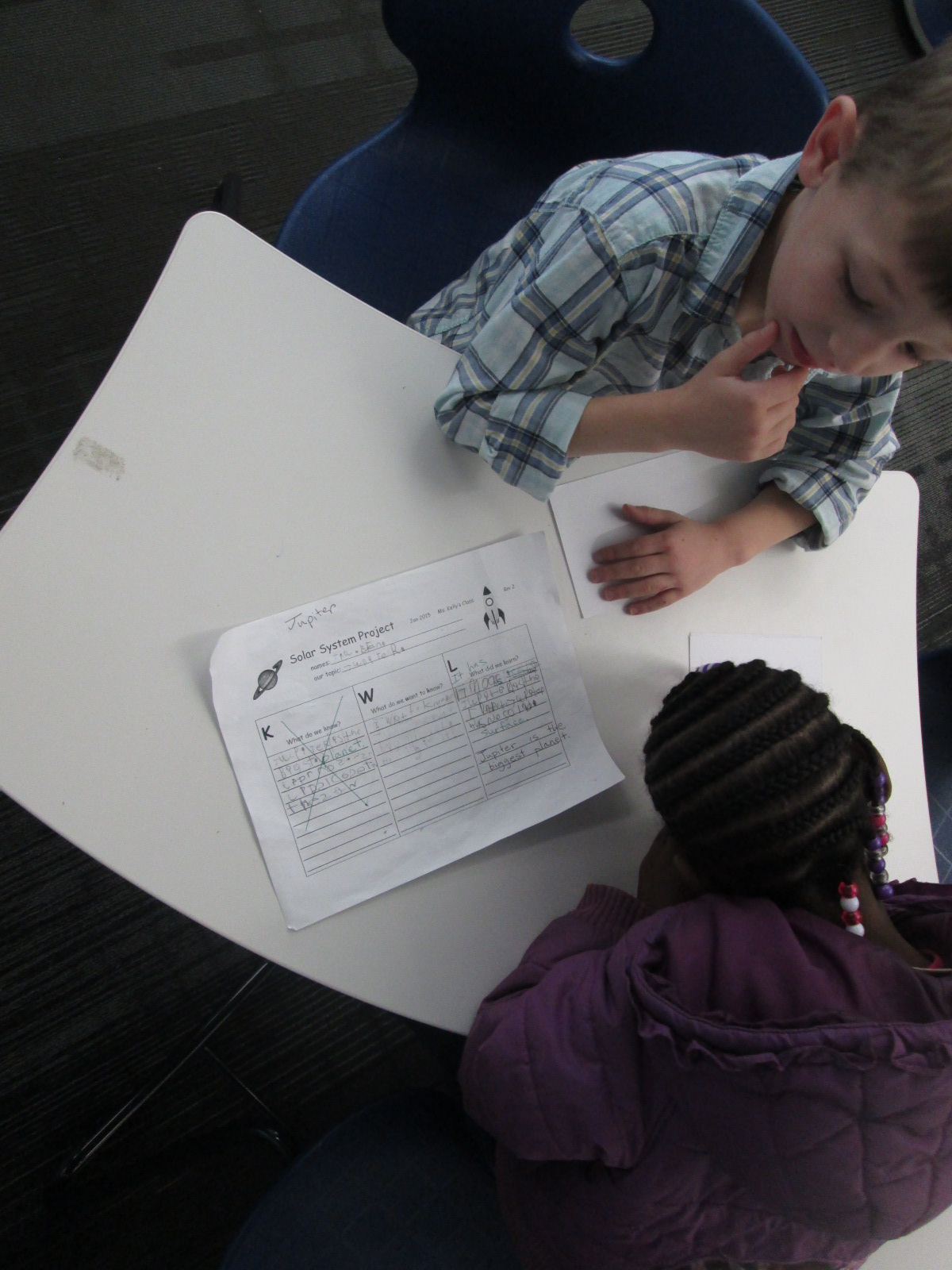
In class, students filled out a KWL chart to bring to the library.  When they came to the library with their questions, Ms. Kelly and I did a quick intro to the 3 areas available to them.  I loved how Ms. Kelly set a realistic goal for students in this big venture.  She said, “I want you to have at least one fact written down before you leave today”.  Of course, most groups wrote more than 1 fact, but every group left the library with a successful experience of meeting their expected goal.  To support students in their research, Ms. Kelly, a parent volunteer, and I rotated among the groups to help students with navigating the information in front of them.  Students continued this research for the next week in class.

Planet Research (8) Planet Research (6) Planet Research (1)

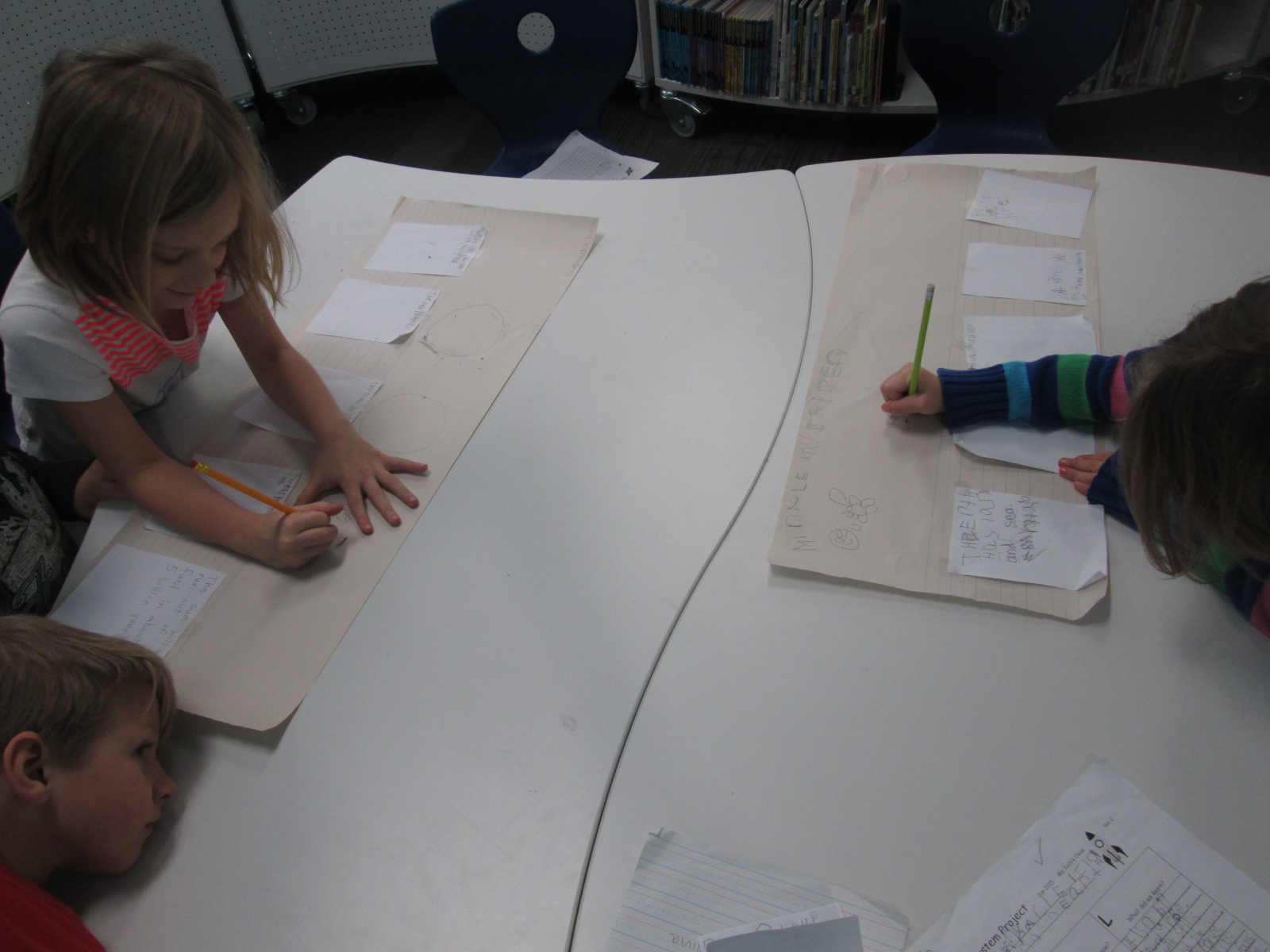
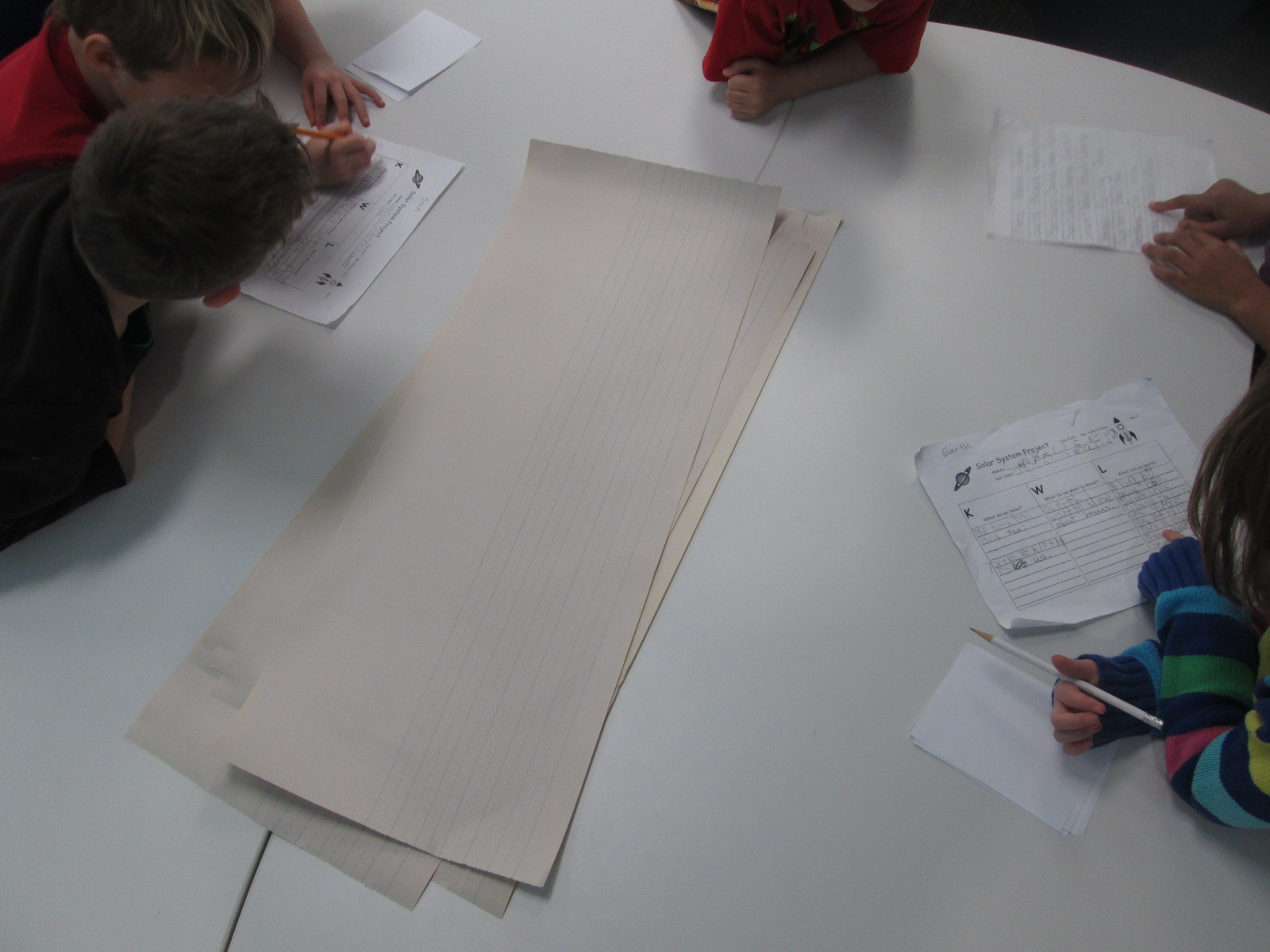
Next, the students came back to the library to work on prep for their book production.  Their KWL charts were filled with facts that they had discovered.  Ms. Kelly even shared that some groups had conflicting information about the order of the planets, so they had done some fact checking as a class before they came.  During this 2nd library session, we started in the floor again to establish our expectations for the day.  Every group had small squares of white paper, a long sheet of lined paper with room for illustrations, and a pencil.

Planet Research (9)

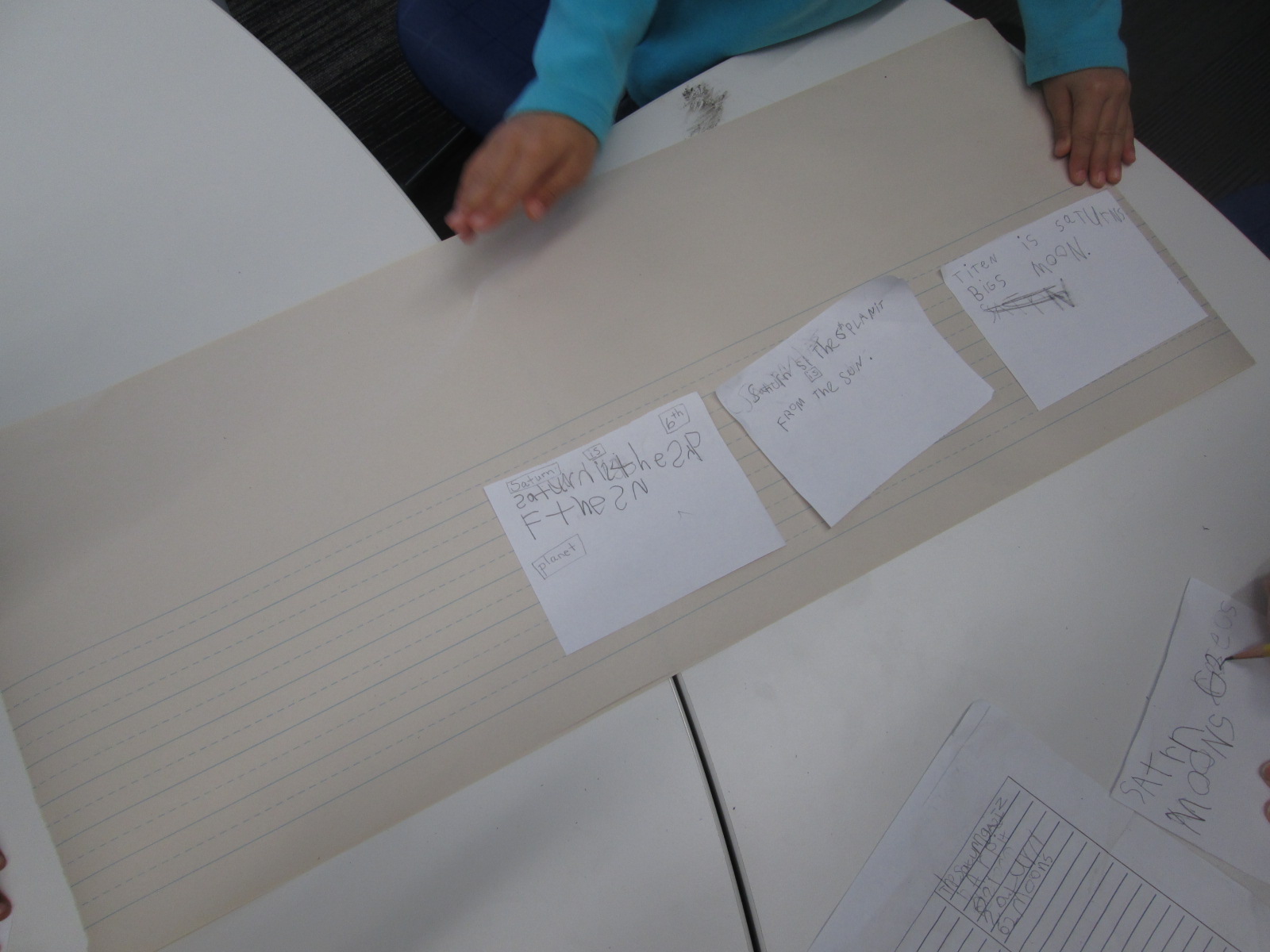
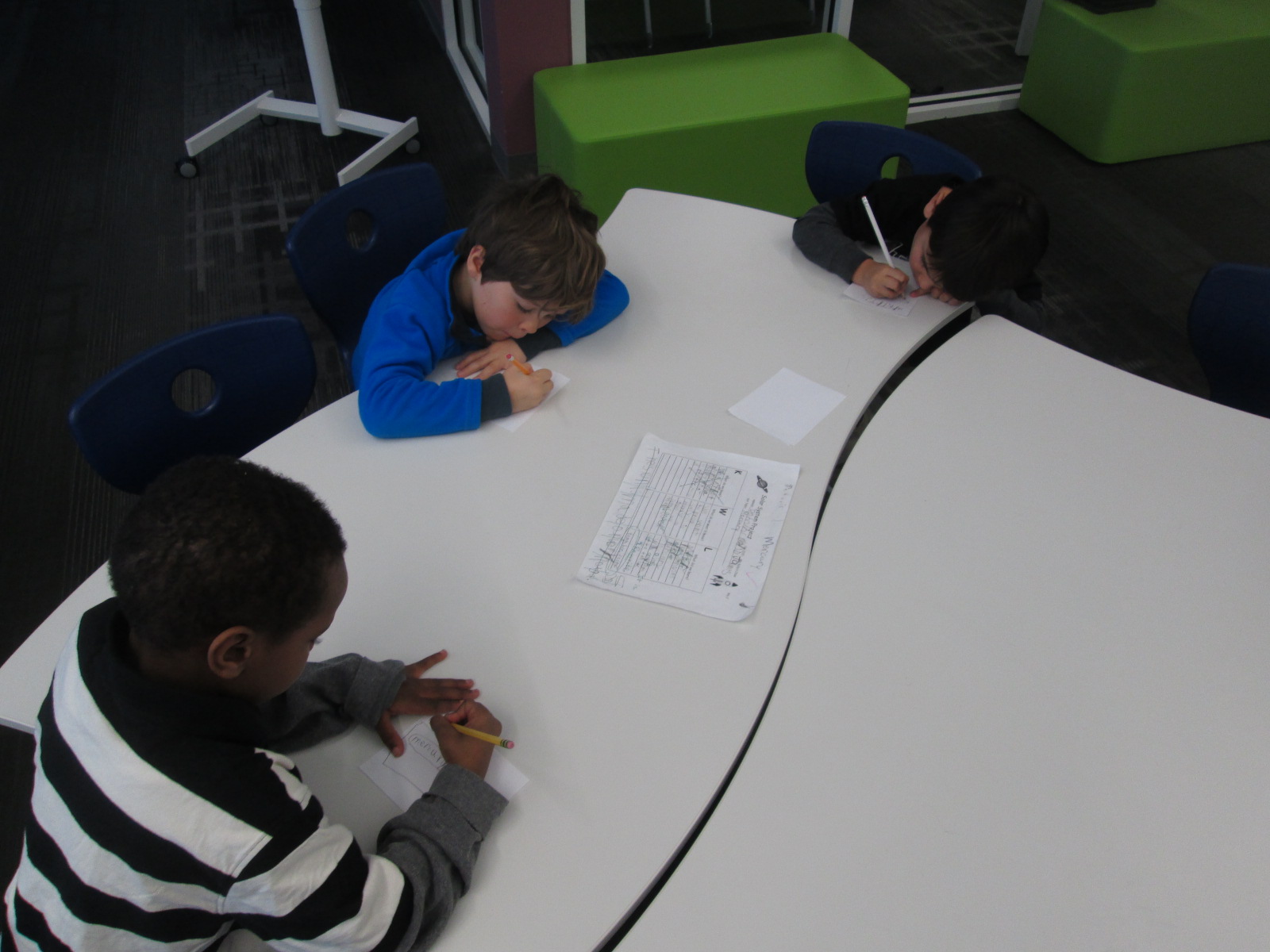
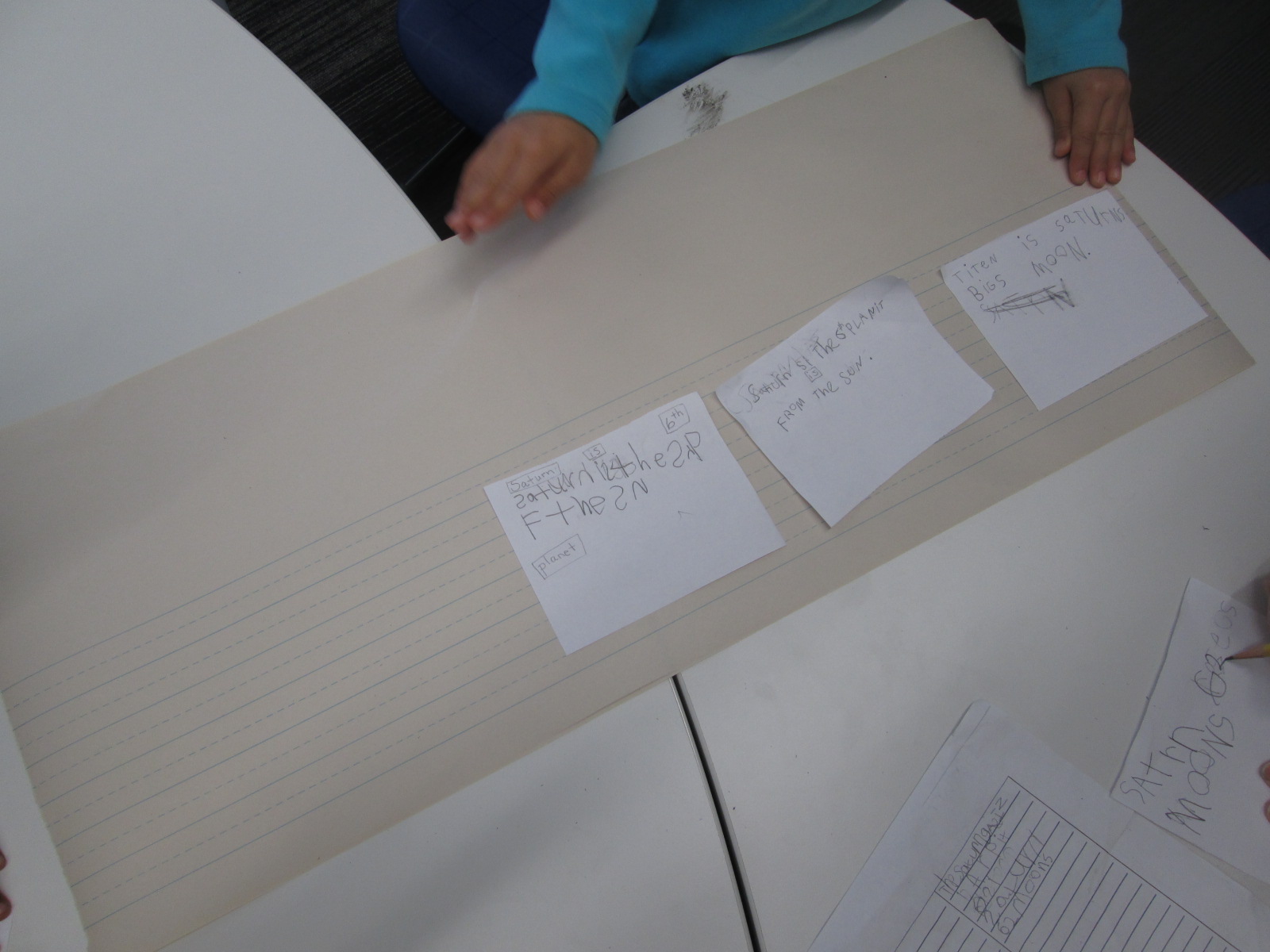
The task was to sort through the KWL chart and identify the facts that would go into the finished book.  One fact was written onto each piece of white paper.  The whole group worked on this part.  Ms. Kelly, the paraprofessional, and I circulated among the groups to assist with reading the KWL charts, correcting spelling, and searching for additional facts if needed.

Once 4-5 facts were identified, students sequenced the facts into an order that made sense.  Again, the adults helped students read aloud the facts that they identified and facilitated sorting the facts into different orders until a final order was chosen.  Then, the adults taped the papers to the larger lined paper.

Planet Research (9) Planet Research (10) Planet Research (2)

If students had time, they thought about what they could use in the school to photograph for each fact on the sheet.  They made notes or drew a picture to remind themselves what they talked about.  Ms. Kelly ad I encouraged students to stretch their brains to think about what they could creatively use to take a picture.  One group had a fact about the crust of their planet.  They decided they would take a picture of a piece of pizza in the cafeteria and draw an arrow to the crust.

Students will continue this process in class throughout this week.  Next week, they are checking out iPads to photograph things around the school as well as type their text into Storykit and publish their own ebooks.  I can’t wait to see how their work turns out.  I will most likely push into their class at some point next week to help, or they may schedule a time to come work with me again in the library as they finish their books.

Projects like this show me that it is completely possible for our youngest students to create amazing work that is based in real facts.  They can explore technology that no other class has attempted.  Some of the key factors in a successful project are plenty of time, realistic expectations, adult and peer support, and lots of encouragement.  I love how Ms. Kelly doesn’t rush a project of this size.  She understands that for quality work to be produced, we must give students the space, the support, and the time to make the work happen.

The Power of Tinkering Before Assigning a Project

Educreations Day 2 (2)One of my library goals this year is to give students, teachers, and families opportunities to dream, tinker, create, and share.  That has meant many things during the course of this year, but one of the things that so many of our teachers are embracing with me is intentionally planning time for students to tinker with a new tool before we ask them to create a project with it.

Educreations Day 2 (6)

During collaborative meetings and virtual planning with teachers, I often ask if we can build in time for students to explore a technology tool with no limits, rules, or assignments.  The only assignment is to push as many buttons as you can and see what you can figure out about that tool.  In addition, there is an expectation that students will pass on their expertise to others as they figure something out through tinkering.

Educreations Day 2 (5)

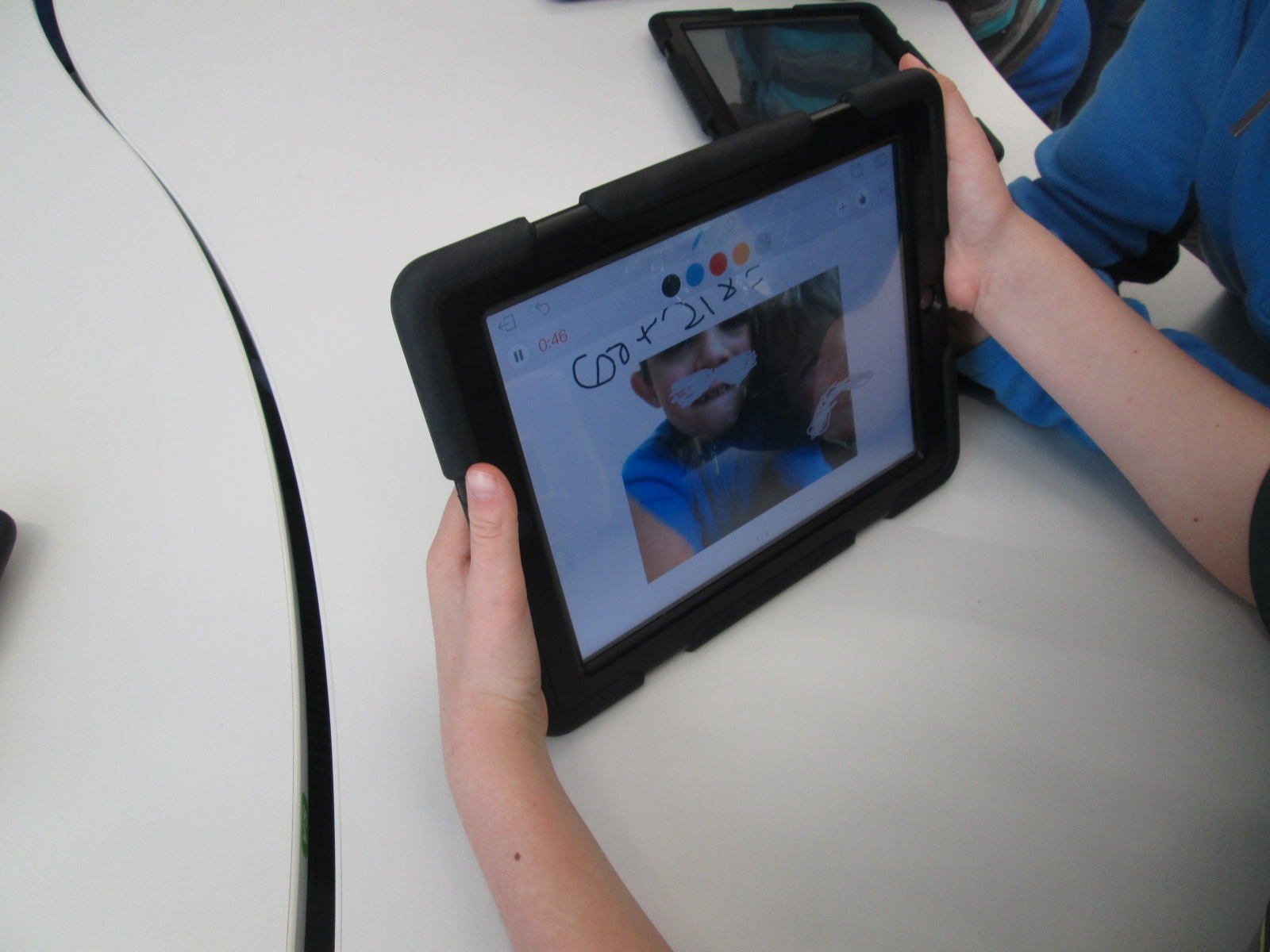
There have been several instances of this type of tinkering happening this year.  Ms. Hocking gave her Kindergarten students time to tinker with storykit.  All of third grade tinkered with Puppet Pals before a folktale project.

This week, first grade is also taking time to tinker with the Puppet Pals app as they prepare for an opinion writing assignment in English Language Arts.

IMG_4796

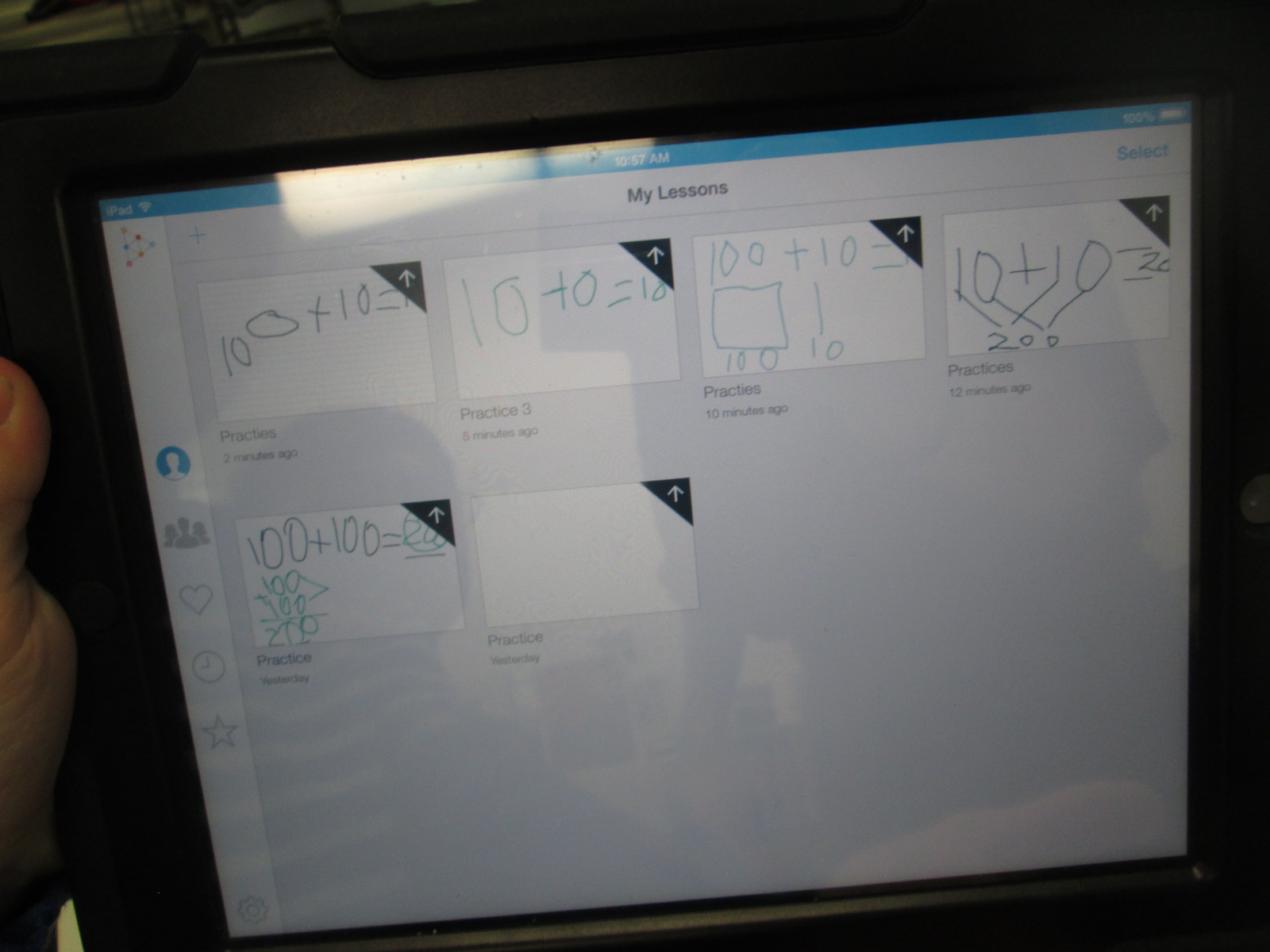
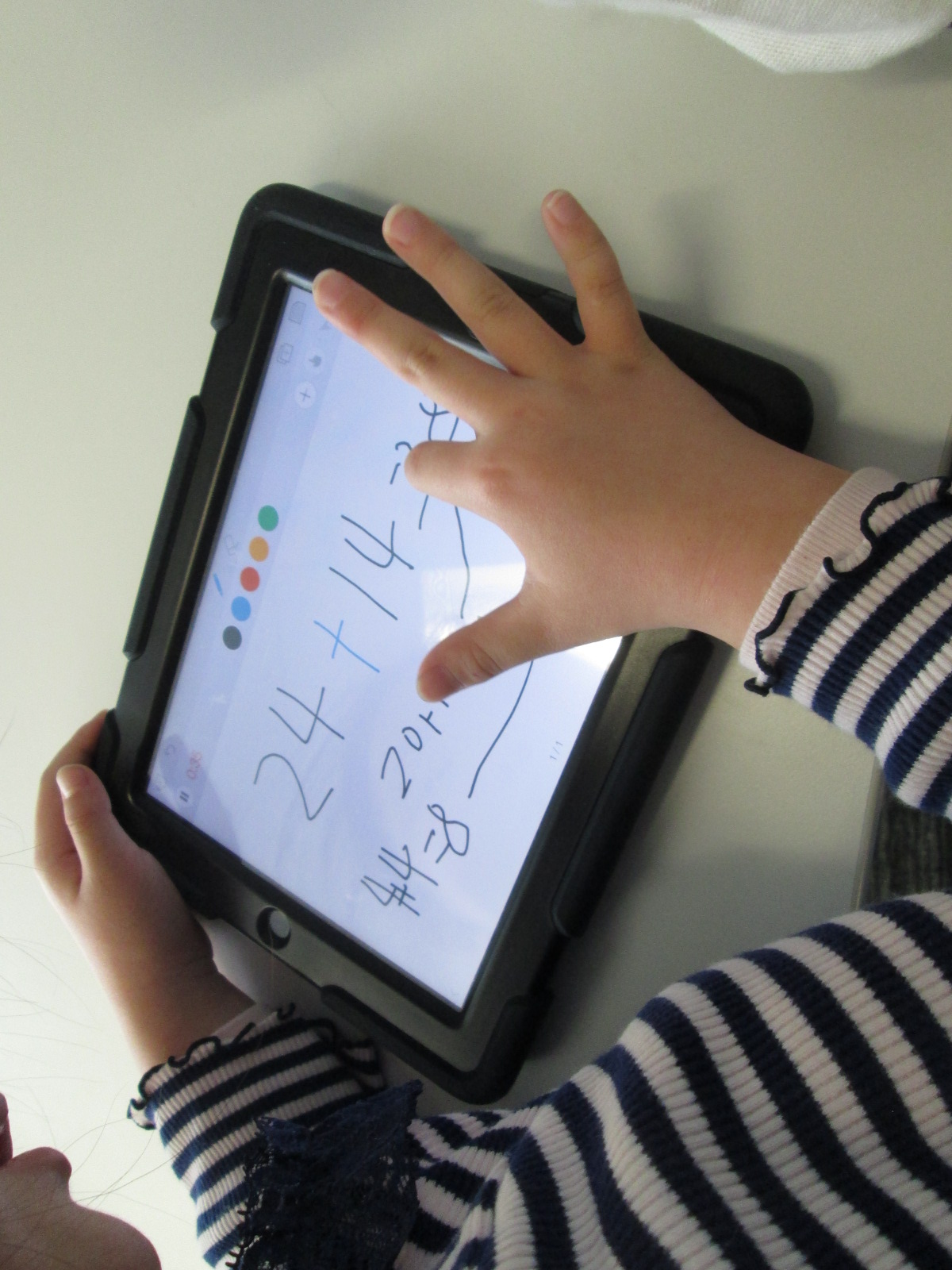
Finally, 2nd grade is about to start creating math screencast tutorials using the Educreations app for iPad.

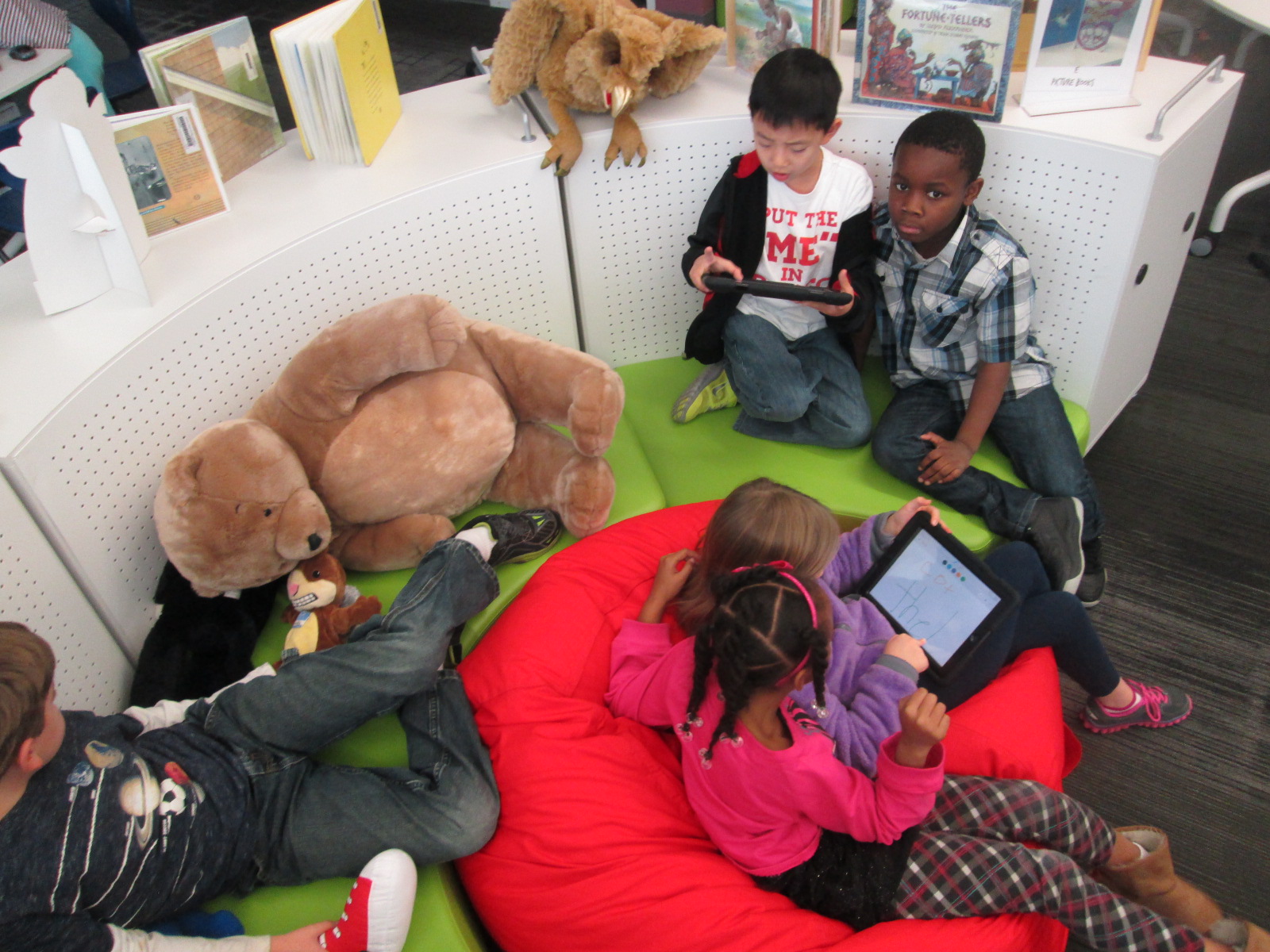
As I’ve facilitated these tinkering sessions, I’ve started to adjust how the sessions run.  We start on the floor to talk about tinkering.  Students share some knowledge about what they already know about tinkering.  Some of the responses I’ve heard are:  a time to explore, a time to be busy, and figuring things out.  I follow this with my own understanding of tinkering.  I establish two big ground rules: 1. Push every button you see in an app and see what it does.  2. Share what you learn.

In most classes, I breeze through the app with very little explanation of what I’m doing just so that students get a quick preview of what they will be looking at and what they might end up with.  In Educreations, I wrote 2+2=____ and then drew out a picture of how I solved that math problem.  I didn’t talk about clicking on colors, the microphone, or really anything.  I just wanted them to get a quick view of the end result.

Then, students had a large chunk of time to explore on the iPads.  For 2nd grade, we did this in pairs, but some classes have been individuals.  My role was to walk around and observe.  A few students were tempted to ask me how to do something, but I responded with a “give it a try”.  Very rarely did I do something for a student.  The only time I intervened was when students needed help getting the app up and running or if the iPad had a technical problem.

As I observed, I would stop and ask students questions like “What did you figure out?” or “Why did you choose to do that in that way?” or “Now that you’ve seen how that works, would you do it a different way next time?”.  These were common questions that I used again and again and they certainly were not ones that I started with.  I was very tempted at first to just jump in and show students something, but I learned to step back and ask questions that allowed students to show what they know.

I saw students naturally leaning over and helping other students, but during my observations, I sometimes saw an opportunity for 2 students to partner and share their learning.  This was another role for me to serve as a connector between students.

The energy level was high, and there was some frustration.  However, I did not see any student give up, get completely off task, or leave without learning something about  how the app worked.

At the closing of each lesson, we gathered back on the floor.  I connected an iPad to the projector and had students come and demo their learning for the rest to see.  We tried to move as quickly as possible to share as many tips as we could.  A big observation for me during this time was how attentive students were.  I’ve never seen students watch a peer presenter with such focus.  Usually, they are having side conversations or tuning out to think about other things.  This time they were watching, listening, and giving connection signals if they had also figured out that part of the app.  If time allowed, I had students turn to one another on the carpet and share even more that they had discovered.  During the closing, I tried to connect what students had discovered with the actual project that we would be implementing next.  For example, a student did a demo of how you can erase while you are recording and I added that this might be a tool you would use while modeling subtraction in a video.

Now that this time of tinkering has happened, our next step is to do the work.  First grade will use Puppet Pals to create opinion puppet shows and 2nd grade will create math tutorials to share.  I’m eager to see how productive students are now that they have had time to get familiar with the app before a curriculum standard expectation was placed on them.  My want to continue to explore the power of tinkering and how it can support the work that we are trying to achieve with students.


Kindergarten Authors, Illustrators, and Storytellers using the StoryKit App

ICDL   International Children s Digital Library

Ms. Hocking is a Kindergarten teacher at our school who is always discovering new tools that she wants to try with her students.  She recently showed me the StoryKit app for iPhone.  This app uses some of the texts from the International Digital Children’s Library .  Readers can read the books as they are, but they can also edit them.

Ms. Hocking’s class has been reading multiple versions of the same folktales and stories this year, so this type of app was a great fit to extend their curiosities and noticings in reading into something that they could create.

storykit (1) storykit (4)

In class, she continued to have students read multiple versions of the same type of story such as The Gingerbread Boy and The Three Little Pigs.  In the library, students came for a whole hour of tinkering with the app.  Students started on the carpet, and I projected an iPad onto the screen.  I showed them the app and we started exploring the tools and menus together.  Then, students used an iPad to explore on their own.

storykit (3)

Through our modeling and tinkering, students discovered:

  • how to take a picture and add it to the story
  • how to draw on illustrations
  • how to delete text
  • how to add their own text
  • how to resize images inserted into the story
  • how to delete pages
  • how to find and add images already on the iPad camera roll

This tinkering was very important because it allowed students to figure out the workings of the app before they had to produce something.  In class, Ms. Hocking had them select one of the stories from the app and work in a collaborative group to brainstorm changes to the story.  These changes were written by Ms. Hocking or Ms. Rockholt, the parapro, onto a notecard.  Students also went in and deleted all of the text from the story in their classroom.

In the library, the groups came back for a work session.  Each adult worked with 2 groups.  Students took turns modifying the images in the story to match their plans for the story.  Then, some students wrote out new text for the story while other groups told their text to the adult in the group.  We tried to put as much control and creation into the hands of the students.

Back in class, Ms. Hocking is looking over their stories and they will continue to work before finalizing and sharing their work.

I loved seeing what Kindergartners could create.  I also loved the tinkering and creativity built into this project.


Kindergarten Narrative Writing Using Chromville Augmented Reality (and a little Skype too)

IMG_2789 IMG_2804Kindergarten is revisiting narrative writing at the close of the year.  This year, they have also worked very hard on the standard

ELACCKW6 Production and distribution of writing: With guidance and support from adults, explore a variety of digital tools to produce and publish writing, including in collaboration with peers.

With this standard as our guide, we have explored tools such as Storybird, Padlet, and Flipgrid to publish our writing.  We’ve also used digital tools such as Pebble Go and the Capstone Interactive Library to gather information for our writing.

The Kindergarten teachers wanted to try one more digital tool, so I met with them to brainstorm.  We tossed around a lot of ideas, but we ended up deciding to try a brand new tool called Chromville.  Chromville is an augmented reality app that was just released this year.  It offers 6 different coloring pages.  Five of the coloring pages have a setting and a character and the sixth coloring page is a “create your own” character with no setting.  First you color your page.  Then, you use the Chromville app to select the matching setting and scan the page.  Once the screen turns green and you wait 3 seconds, the character and setting come to life on the iPad and the character begins to move around and interact with the setting.

IMG_2928 IMG_2933

From my own experience with Kindergarten students, I’ve seen how visual they are, and I thought that seeing their character and setting in an interactive way might give them enough ideas to begin imagining their own stories.  The teachers and I mapped out what we would do in the library and in class.  It looked something like this:

  • In class, choose a setting and color it.
  • In the library, use the iPads and the Chromville app to see the setting come to life and brainstorm what to write about.
  • In class, begin the writing process by describing the character and setting as well as thinking about 3 events and a reaction that might happen in the story.
  • In the library, use the iPads to look at the Chromville character and setting again for more brainstorming and continue the writing process, including revision and publishing.
  • In class and in the library, share the final stories.
  • In the library, do a gallery walk of the all the stories by scanning the Chromville setting and reading the accompanying story

Four of the Kindergarten classes went through this process and it was very exciting to watch.  I saw some of the longest stories by Kindergarten students that I have ever seen.  Chromville was an exciting and motivating tool for them to use and they were full of energy when using it.

IMG_2932 IMG_2921 IMG_2778

We did learn a lot about what to do differently next time.  For example, we will probably opt to use crayons or color pencils next time rather than markers.  We will also avoid black as a color since the lines of the coloring page are black.  These black lines are the instructions for the iPad to read in order to generated the augmented reality scene.  Students also need to be careful not to cross over too many of the lines or color so dark that the black lines can no longer be seen.

IMG_3053 IMG_3052

Along the way, we shared our success (and our failures) with Chromville, and they were eager to learn with us.  We sent them images of pictures that didn’t scan for us and they started taking a look at them to better improve the app.

chromville skype (2)

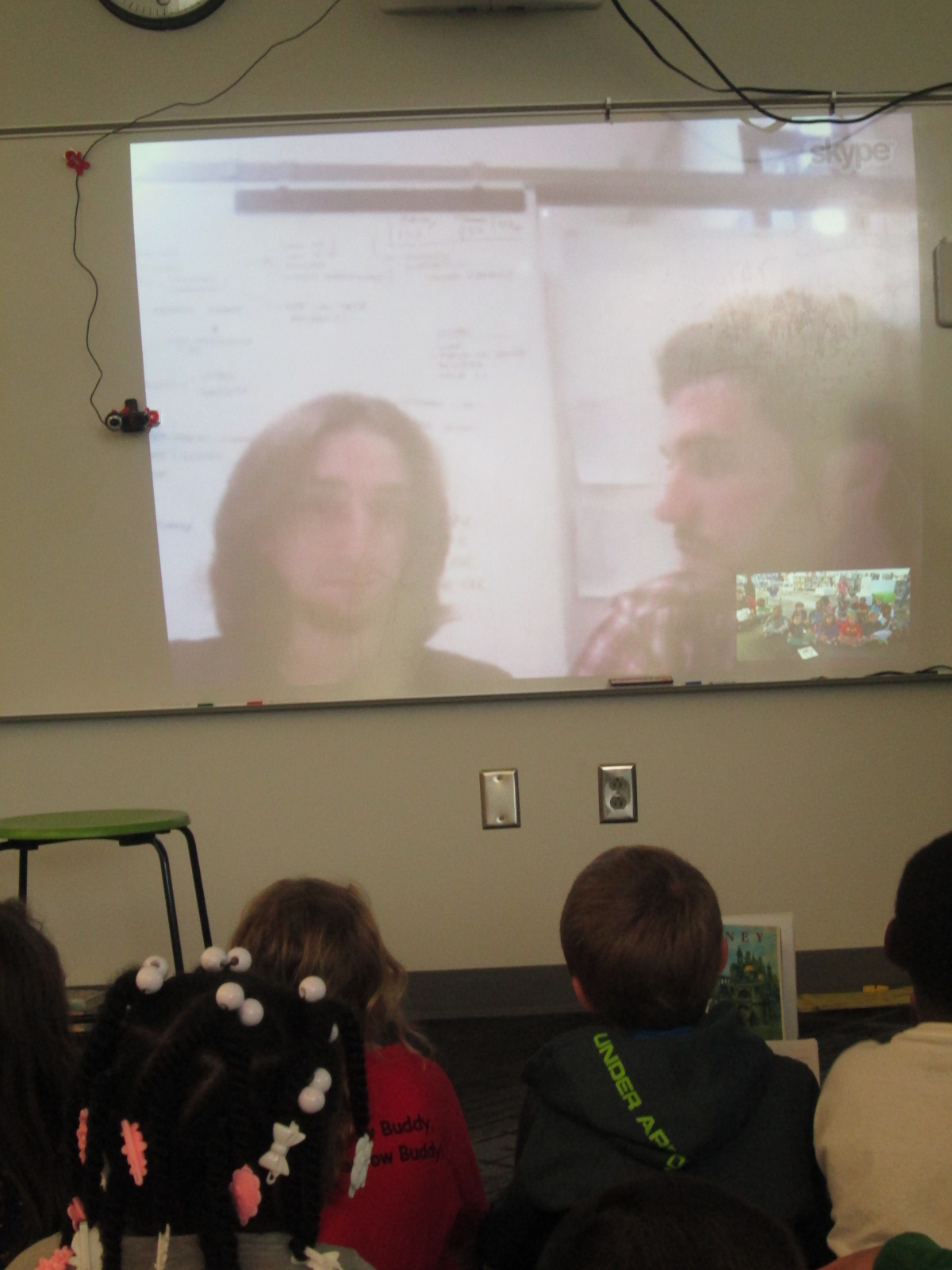
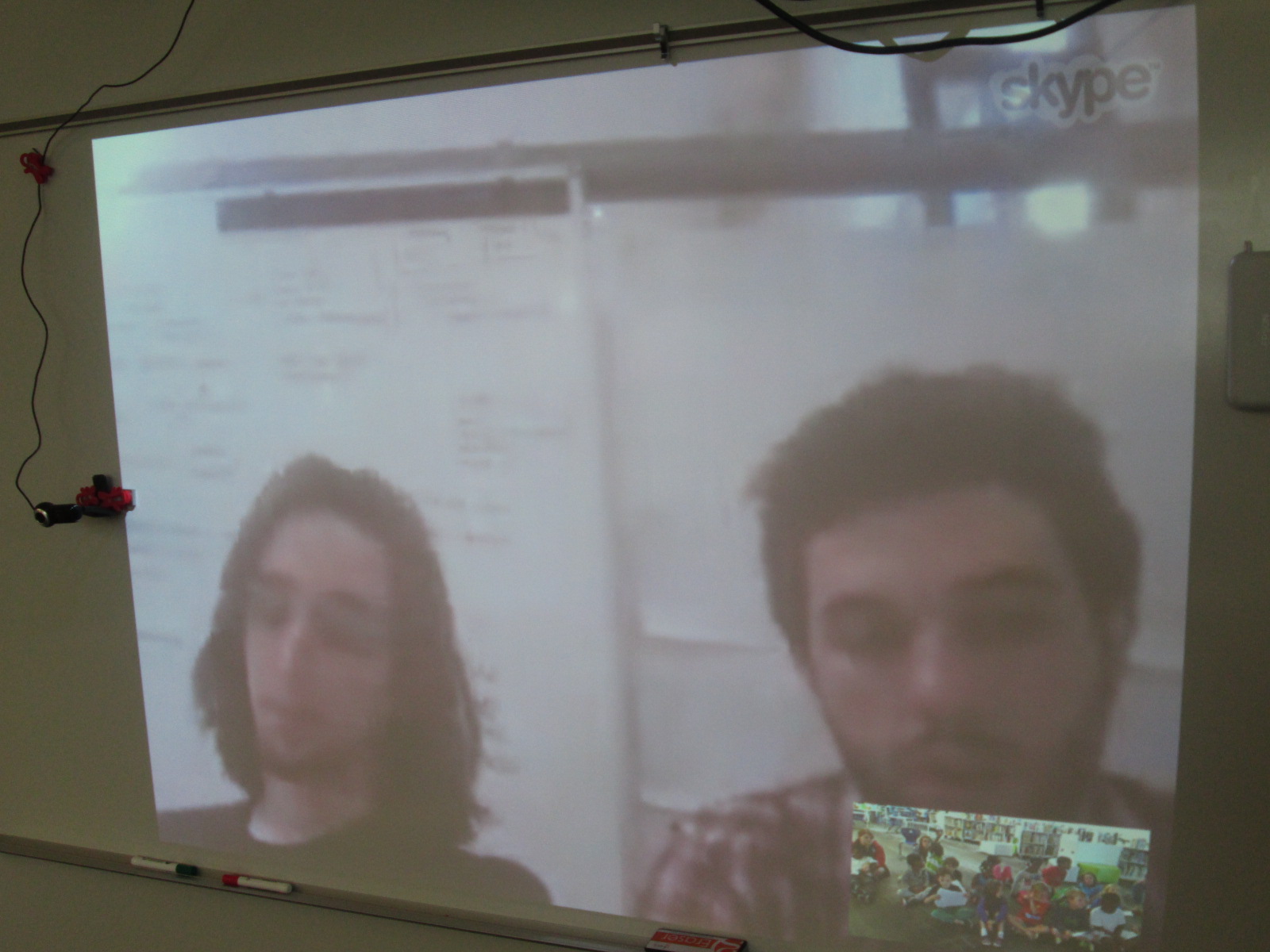
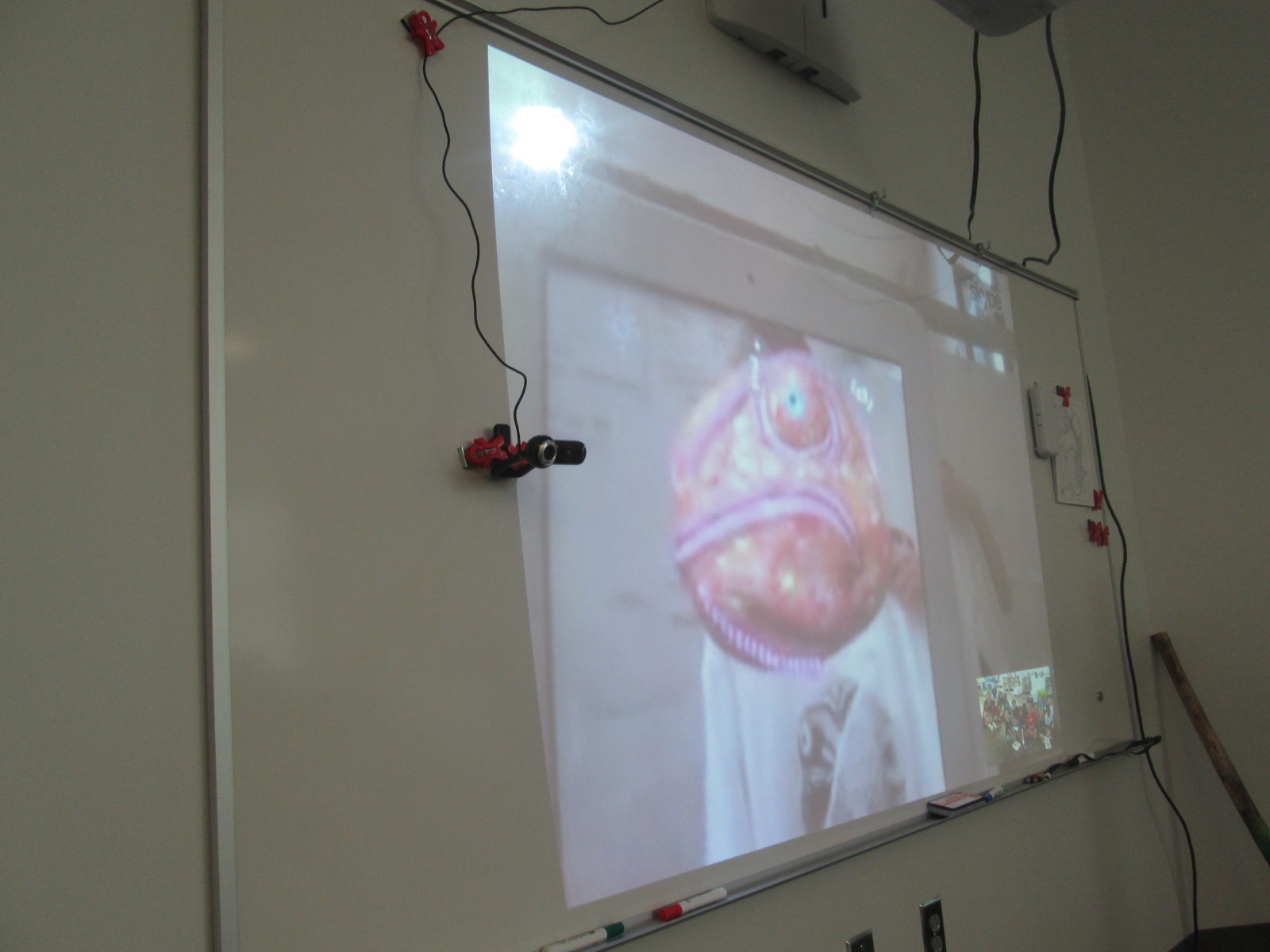
Today, Mrs. Boyle’s class Skyped with them all the way in Spain.  It was so much fun to Skype with someone in another country, but it was even cooler to see the improvements that they are working hard to create for the next update of Chromville.  We even got to see some upcoming Chromville projects as well as other augmented reality projects that the team is working on.  We loved seeing how even a t-shirt could be a part of an augmented reality project.  During the Skype, we also heard them talk about the improvements that they are making to the app.  This was such a great connection to the writing revision that students had just gone through.  It also validated all of the feedback that students have given about the app over the past few weeks.  They heard from the developers that their feedback was making a difference.

chromville skype (4) chromville skype (5)

We selected one student from each of the Chromville settings to share their stories with the Chromville team.  Each student showed his/her coloring page first and then read the story.

chromville skype (10) chromville skype (15) chromville skype (13) chromville skype (12) chromville skype (17)

Chromville currently has a narrative writing contest going on using the Greenland setting but Kindergarten is not eligible to enter.  This was a way to still honor their work and let the good people at Chromville hear how fantastic a Kindergarten story can be too.

chromville skype (19)

This is definitely a project we will try again.  I’m thankful for Kindergarten teachers who took a risk with me to try something totally new.  As usual, things didn’t work perfectly along the way, but that’s usually where some of the best learning happens.  Even though there were some tears, it was a great lesson that things aren’t always perfect and we have to push through failure and learn from it in order to be innovative.